Free tool
Free avatar maker: a profile picture with style
Turn any photo into a pencil sketch, pixel art, pop-art grid, comic, oil painting, duotone or neon avatar, remove the background, add a ring frame and download a crisp PNG for any app.
Quick answer
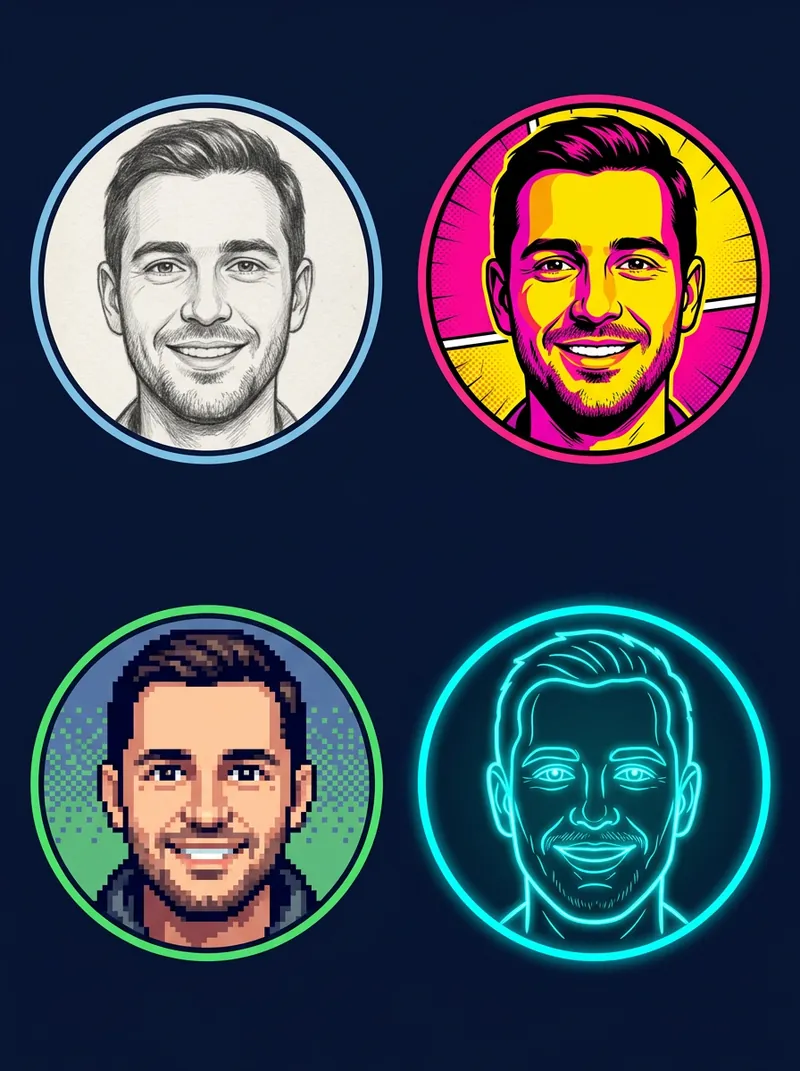
To make a styled profile picture for free, upload a photo to drawcue's avatar maker, choose a style (pencil sketch, pixel art, pop-art 4-grid, comic halftone, oil paint, duotone or neon outline), optionally remove or replace the background, pick a circle or rounded-square shape and a frame, then download a 512 or 1024 px PNG. Everything runs in your browser. For true anime or 3D styles, use a generative AI tool with the avatar prompt generator.
Last updated: · By the drawcue team
Free tool
Make a profile picture in your browser
Upload a photo, pick a style, remove the background if you like, and add a round or square frame. Download a 512 or 1024 px PNG. Nothing is uploaded.
Style
Background
Shape
Frame
Choose a photo to start. The cut-out model (about 10 MB with the engine) loads once and is cached.
Styles are classic image filters computed on your device (pencil sketch by colour-dodge, pixel art by down-sampling, oil paint by a Kuwahara filter, neon by edge detection); background removal uses MediaPipe Selfie Segmentation (Apache-2.0).
AI styles: Want a real anime, 3D or Pixar-style avatar? Those need generative AI: build a prompt with the AI avatar prompt generator and paste it into ChatGPT or Gemini with your photo.
Overview
What the avatar maker does
The tool frames your head automatically using an on-device cut-out model, then applies a classic image filter: a colour-dodge pencil sketch, down-sampled pixel art, a three-tone pop-art grid in four colourways, a comic look with ink outlines and halftone dots, an oil-paint effect, a two-colour duotone or a glowing neon outline.
Background removal lets you put the styled portrait on a solid colour, a gradient or transparency, and the circle or rounded-square crop with an optional ring frame matches how most apps show profile pictures. These are filters, not generative AI: your features stay exactly as they are.
Use photos you're allowed to use. Make avatars of yourself, or of friends who agreed. Real anime, 3D or cartoon redraws need a generative model; the avatar prompt generator writes those prompts for you.
How to
How to make a profile picture
Upload a photo
A clear photo of one face works best. It stays on your device.
Pick a style
Photo, pencil sketch, pixel art, pop-art 4-grid, comic halftone, oil paint, duotone or neon outline.
Choose the background
Keep the photo, or remove it and use a solid colour, gradient or transparency.
Shape and frame
Choose circle or rounded square and a solid, gradient or double ring; adjust zoom and position.
Download
Save a 1024 px or 512 px PNG and upload it to your social profile.
Guide
A practical guide to profile pictures
Start with a good crop
Your face should fill about half of the circle, with a little space above the head. Use zoom and the position sliders until the eyes sit slightly above the centre.
Pick a style that survives small sizes
Avatars are often shown at 40–80 px. Bold styles (pop-art, duotone, neon) stay readable when tiny; detailed styles like pencil sketch and oil paint shine on profile pages where the image is larger.
Contrast with the background
A frame or solid background colour that contrasts with your clothes and hair makes the avatar pop in a feed. Gradient rings stand out in dark mode; a light solid colour suits LinkedIn and work tools.
Be consistent across platforms
Using the same avatar everywhere makes you recognisable. Download one 1024 px PNG and reuse it; each platform scales it down.
When to use generative AI instead
If you want to look like an anime character, a 3D figure or a painting in a specific artistic tradition, filters can't redraw you. Write a prompt with the avatar prompt generator and use a generative tool, then come back here to crop and frame the result.
Privacy and file tips
A profile picture is public, so pick a photo you're comfortable with anyone seeing, and remember that a recognisable face links your accounts together. Download the PNG rather than taking a screenshot: it keeps the transparent corners and full resolution. Some apps crop again in a circle, so keep important details, such as the top of your head, away from the very edge, and preview the result in the app before you announce a new look.
Questions
FAQ
Is this avatar maker free?
Yes, with no sign-up, watermark or limit. It runs in your browser.
Is my photo uploaded?
No. The styles are computed in your browser and the cut-out model (MediaPipe Selfie Segmentation, Apache-2.0) runs locally after a one-time download from drawcue.
Can it make an anime or 3D avatar?
Not with filters. Anime, 3D and Pixar-like avatars need a generative AI model. Use the AI avatar prompt generator to write a prompt and paste it into ChatGPT or Gemini with your photo.
What size should a profile picture be?
Most platforms display avatars in a circle and accept square images; 1024×1024 px is sharp everywhere and 512×512 px is enough for chat apps. The PNG keeps transparent corners outside the circle.
Why does the neon style look busy?
Neon traces edges. Turn on background removal (solid colour or gradient) so only your outline glows, and use a photo with a plain background.
Can I use it for a company or team page?
Yes. Pick one style, shape and frame for everyone so the team grid looks consistent.
drawcue
More AI tricks
 Watermark Maker →
 ID Photo Maker →
 Photo Filters →
 Makeup Try-On →
 Hair Color Changer →
 AI Tattoo Generator →
 AI Live Wallpaper →
 AI Background Changer →
 Signature Generator →
 Free Logo Maker →
 AI Headshot & Avatar Prompt Generator →
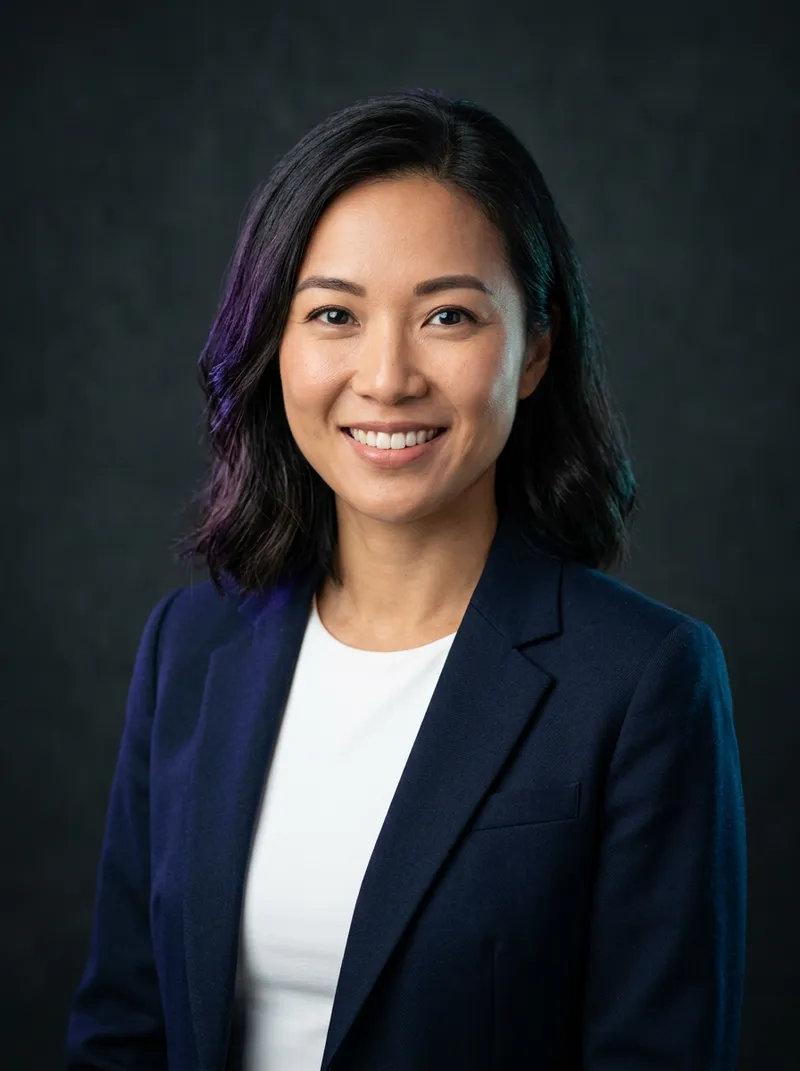 AI Headshot Prompts →
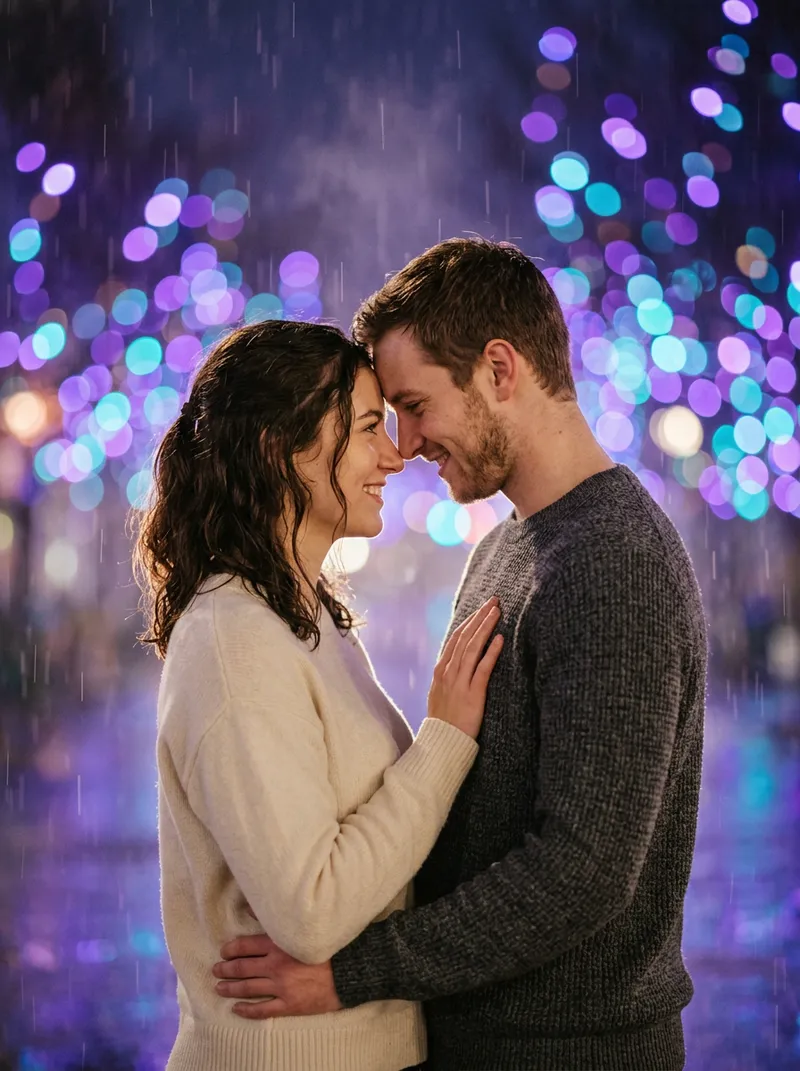 AI Couple Photo Prompts →
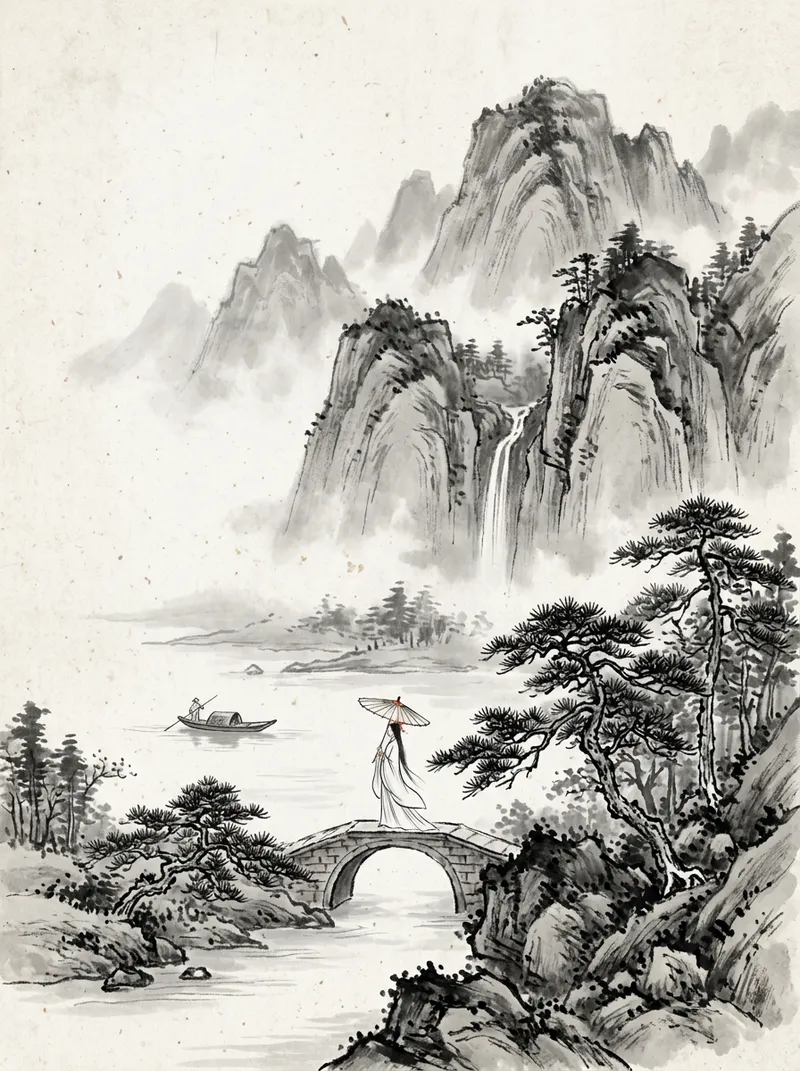 Chinese Ink Painting Prompts →
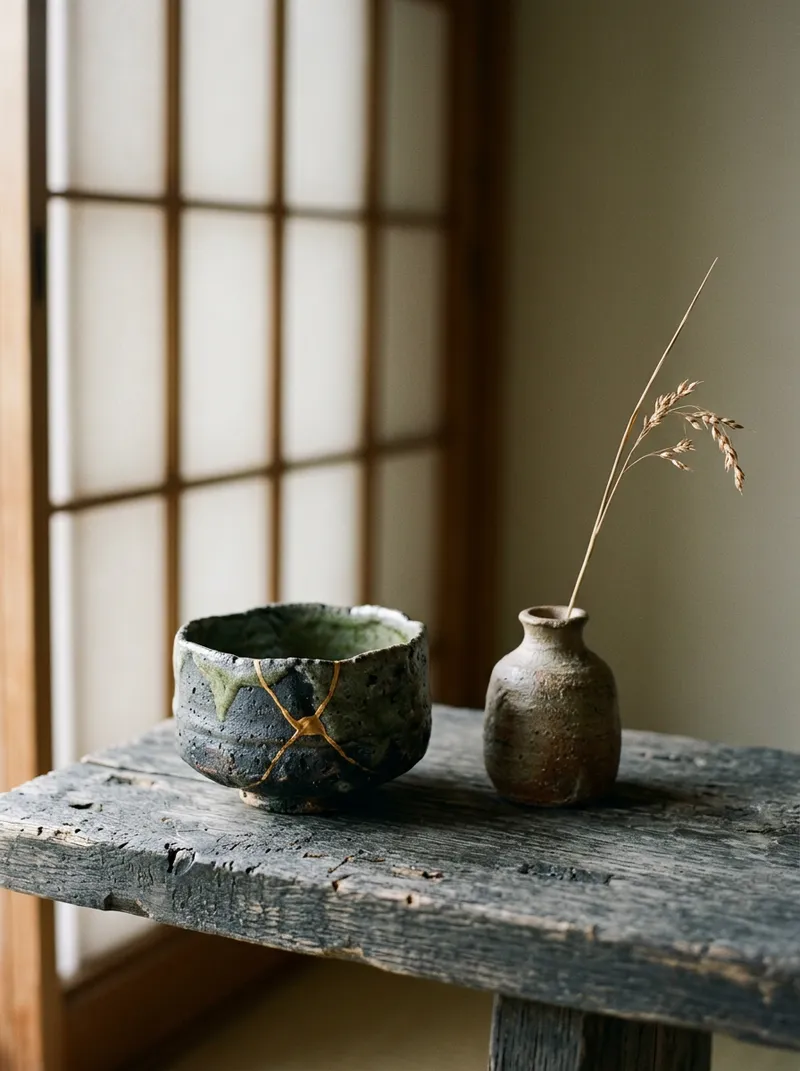 Wabi-Sabi AI Prompts →
 AI Art Toy Prompts →
 AI Pet Portrait Prompts →
 AI Outfit Changer →
 AI Store Design Kit →
 AI Age Progression →
 AI Portrait Photoshoot →
 AI Movie Scene →
 AI Landmark Photo →
 AI Ancient General Photo →
 AI Historical Costume Photo →
 AI Anime Character →
 AI Makeup Looks →
 AI Hairstyles →
 Best Free AI Image Tools →
 AI Famous Scene Video →
 Catrina AI Video →
 AI Baby Generator →
 Free AI Dance Video →
 Hotel Lobby AI Rap Duo →
 Kling 4.0 Prompts →