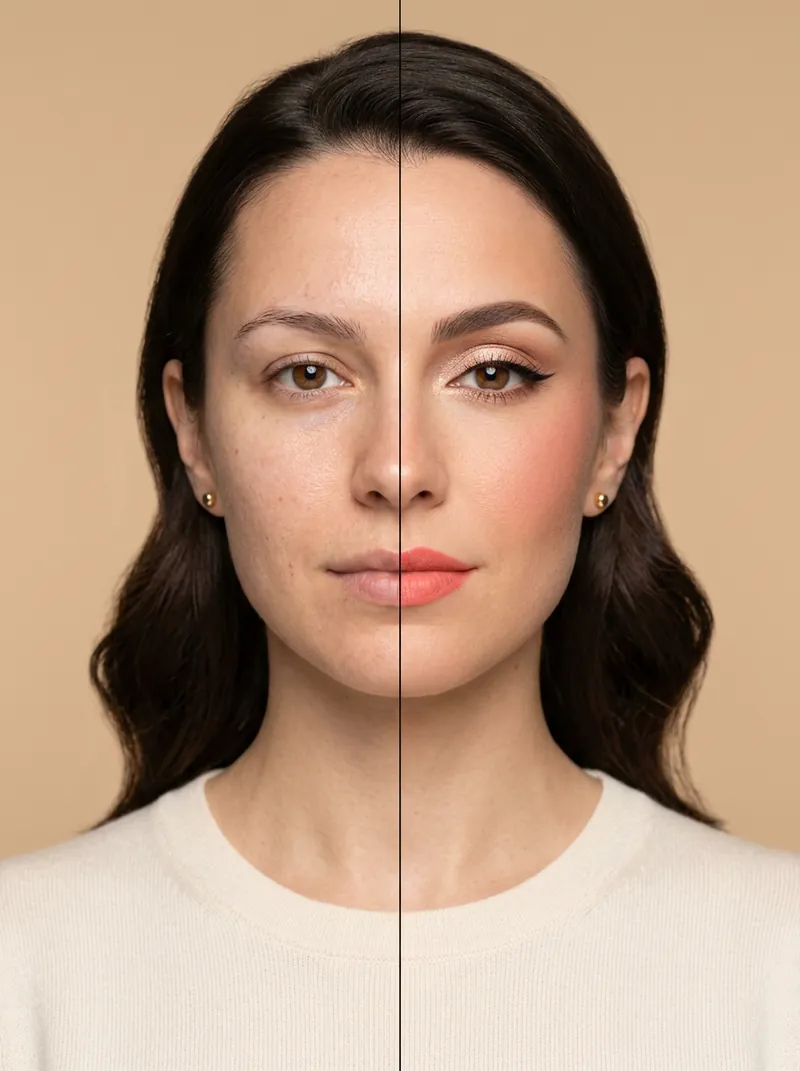
Free tool
Free virtual makeup try-on: test colours on your own face
Upload a selfie and try lipstick, blush, eyeshadow, eyeliner and brow shades in seconds. Pick a preset look or your own colours, compare before and after, and download the result. It all runs on your device.
Quick answer
To try makeup virtually for free, upload a front-facing selfie to drawcue's makeup try-on, pick a preset look such as natural, coral or classic red, then fine-tune lipstick, blush, eyeshadow, eyeliner and brow colours with the pickers and intensity sliders. Drag the before/after slider to compare and download a PNG. The face model runs in your browser, so the photo is never uploaded.
Last updated: · By the drawcue team
Free tool
Try on makeup in your browser
Upload a front-facing photo. The tool maps 478 points on your face on your device and paints lipstick, blush, eyeshadow, liner and brow tint that you can tweak. Nothing is uploaded.
Preset looks
Choose a photo to start. The face model (about 3.7 MB plus the shared engine) loads once and is cached.
Runs on MediaPipe Face Landmarker (Apache-2.0), served from drawcue. Works best on one face looking at the camera; glasses and hair over the eyes can shift the eye makeup. Colours are an approximation: real products look different on skin, so swatch before you buy.
Want a whole new look, hair and lighting included? Use the 12 AI makeup look prompts with ChatGPT or Gemini.
Overview
How the makeup try-on works
An on-device face model (MediaPipe Face Landmarker) finds 478 points on your face: the lip outline and mouth opening, the lash line, the brow shape and the cheekbones. Each product is painted as a soft layer inside those shapes and blended with the skin underneath, so texture and lighting show through instead of looking like a sticker.
It's a colour test, not a beauty filter: it doesn't reshape your face or smooth your skin. Use it to compare a few shades before you shop, or to plan a look, then try the real product on your skin.
Your face, your call. Try looks on your own photo or with a friend's consent. Screen colours vary, and a virtual swatch can't replace a patch test or real-life swatch. Every example image on this page shows a fictional adult model.
How to
How to try on makeup online
Take a clear selfie
Face the camera in daylight, hair away from your eyes, no beauty filter.
Upload it
Drop the photo into the tool above; it stays on your device.
Pick a look
Start from Natural, K-beauty coral, Classic red, Smoky, Berry or Peach.
Fine-tune
Change each colour and its intensity: lipstick, blush, eyeshadow, eyeliner and brows.
Compare and save
Drag the before/after slider, then download the PNG to share or keep.
Guide
A practical guide to virtual makeup tests
Start with an honest photo
Daylight from a window, no beauty filter and a neutral expression give the most realistic preview. Filters already change skin tone, which makes every shade look different from reality.
Pick lip colour by undertone
Warm skin usually suits coral, brick and orange-red; cool skin suits blue-red, berry and rose. Try one shade from each family at 60–70% intensity and see which makes your eyes and teeth look brighter.
Blush placement changes the face
This tool places blush on the apples of the cheeks for a fresh look. Lower the intensity for daytime; deeper shades at low strength read more natural than pale shades at full strength.
Eyes: build in layers
Begin with eyeshadow at 30–40%, then add liner. Smoky looks need the darkest shade close to the lash line; the tool's liner includes a small wing you can strengthen or soften.
From preview to product
Write down the hex colours you liked and compare them with brand swatches in daylight. A preview is a shortlist, not a guarantee: finish, pigment and your skin chemistry all change the result.
Share previews kindly
Makeup previews are fun to share, but keep them honest: say it's a virtual try-on when you post it, especially in product reviews or sponsored content, because viewers may assume the colour is the real product on your skin. Never use the tool to change someone else's photo without asking, and avoid presenting edited faces as unedited where authenticity matters, such as dating profiles or professional headshots.
Questions
FAQ
Is this virtual makeup try-on free?
Yes. No sign-up, no watermark, no limit. It runs in your browser, so there's nothing for us to charge for.
Is my photo uploaded?
No. The face model (MediaPipe Face Landmarker, Apache-2.0) is downloaded from drawcue once and runs on your device. The photo never leaves it.
Can it match a specific lipstick shade?
You can type any hex colour into the colour picker, but screens and lighting change how colours look, and real lipstick has its own finish and opacity. Treat the result as a guide and swatch the product.
Why is the eyeshadow in the wrong place?
Glasses, heavy fringes, closed eyes or a strong head turn make the eye points less accurate. Use a straight-on photo with the eyes clearly visible.
Does it work on men or with beards?
Yes, the face model works on any adult face. Brow tint and lip colour are popular for grooming previews too.
Can it change my hairstyle or the whole look?
No, this tool only paints makeup. For a full restyle with new hair, lighting and outfit, use the AI makeup look prompts with a generative tool.
drawcue
More AI tricks
 Watermark Maker →
 ID Photo Maker →
 Photo Filters →
 Avatar Maker →
 Hair Color Changer →
 AI Tattoo Generator →
 AI Live Wallpaper →
 AI Background Changer →
 Signature Generator →
 Free Logo Maker →
 AI Headshot & Avatar Prompt Generator →
 AI Headshot Prompts →
 AI Couple Photo Prompts →
 Chinese Ink Painting Prompts →
 Wabi-Sabi AI Prompts →
 AI Art Toy Prompts →
 AI Pet Portrait Prompts →
 AI Outfit Changer →
 AI Store Design Kit →
 AI Age Progression →
 AI Portrait Photoshoot →
 AI Movie Scene →
 AI Landmark Photo →
 AI Ancient General Photo →
 AI Historical Costume Photo →
 AI Anime Character →
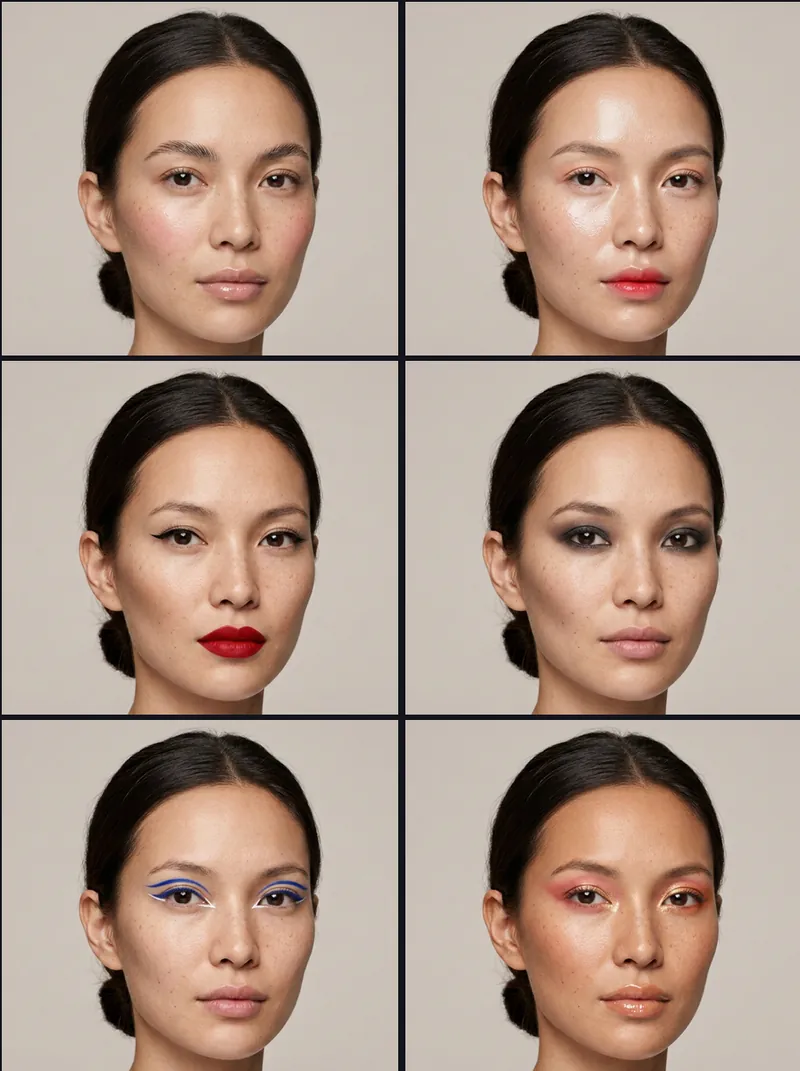 AI Makeup Looks →
 AI Hairstyles →
 Best Free AI Image Tools →
 AI Famous Scene Video →
 Catrina AI Video →
 AI Baby Generator →
 Free AI Dance Video →
 Hotel Lobby AI Rap Duo →
 Kling 4.0 Prompts →