Signature generator: your name in 10 cursive styles
Type a name in English or Chinese and see it drawn live as a cursive signature. Pick ink, slant and flourish, then download a high-resolution PNG with a transparent or white background.
10 stylesTransparent PNGEN + 中文 names
Signature design
Type your name, pick a style
Everything runs in your browser. Your name is never sent to us or stored.
Ink
Background
Chinese characters detected: showing Chinese calligraphy fonts.
All fonts are from Google Fonts under the SIL Open Font License (OFL): free for personal and commercial use, including logos and watermarks.
Not a legal signature. A generated image is fine for email footers, watermarks and logos. For contracts, banks and ID documents, practise writing your signature by hand and sign yourself.
How to
How to make your signature
Type your name
Enter your full name, initials or a nickname. Chinese names switch to Chinese calligraphy fonts automatically.
Compare the styles
Scroll the cards. Shorter names suit big, loopy scripts; long names read better in tighter styles like Sacramento or Dancing Script.
Tune ink and slant
Pick an ink colour, add a little slant for movement and turn on the underline flourish if you want a finished look.
Choose the background
Transparent PNG sits on any document, photo or website. White is best for printing or pasting into Word.
Download or copy
Download the 2× high-resolution PNG, or copy the image and paste it straight into an email signature, Canva or a photo editor.
AI prompts
AI signature logo prompts
Want something more designed than a font? Replace [NAME] with your name and paste into Midjourney, Jimeng, Doubao, Gemini or ChatGPT. AI image models still misspell text sometimes, so generate a few and check every letter.
10 of 10 shown
#01
Minimal black signature logo
A minimalist signature logo of the name "[NAME]", written in one confident flowing stroke of black ink with a natural fountain-pen pressure change, slight forward slant, a single thin underline swash, centered on a plain white background, lots of negative space, vector-clean edges, high resolution.

Negative prompt: misspelled name, extra letters, garbled text, random characters, blurry strokes, jpeg artifacts, watermark, busy background, 3D bevel clutter
The name "[NAME]" as an elegant cursive signature in shiny gold foil, embossed on matte black card stock, soft studio light catching the foil texture, subtle shadow, luxury brand feel, close-up, centered, high detail.

Negative prompt: misspelled name, extra letters, garbled text, random characters, blurry strokes, jpeg artifacts, watermark, busy background, 3D bevel clutter
A glowing neon sign of the handwritten signature "[NAME]" in pink and cyan neon tubes, mounted on a dark brick wall, soft glow and reflections, cinematic night mood, realistic tube bends and mounting clips, centered composition.

Negative prompt: misspelled name, extra letters, garbled text, random characters, blurry strokes, jpeg artifacts, watermark, busy background, 3D bevel clutter
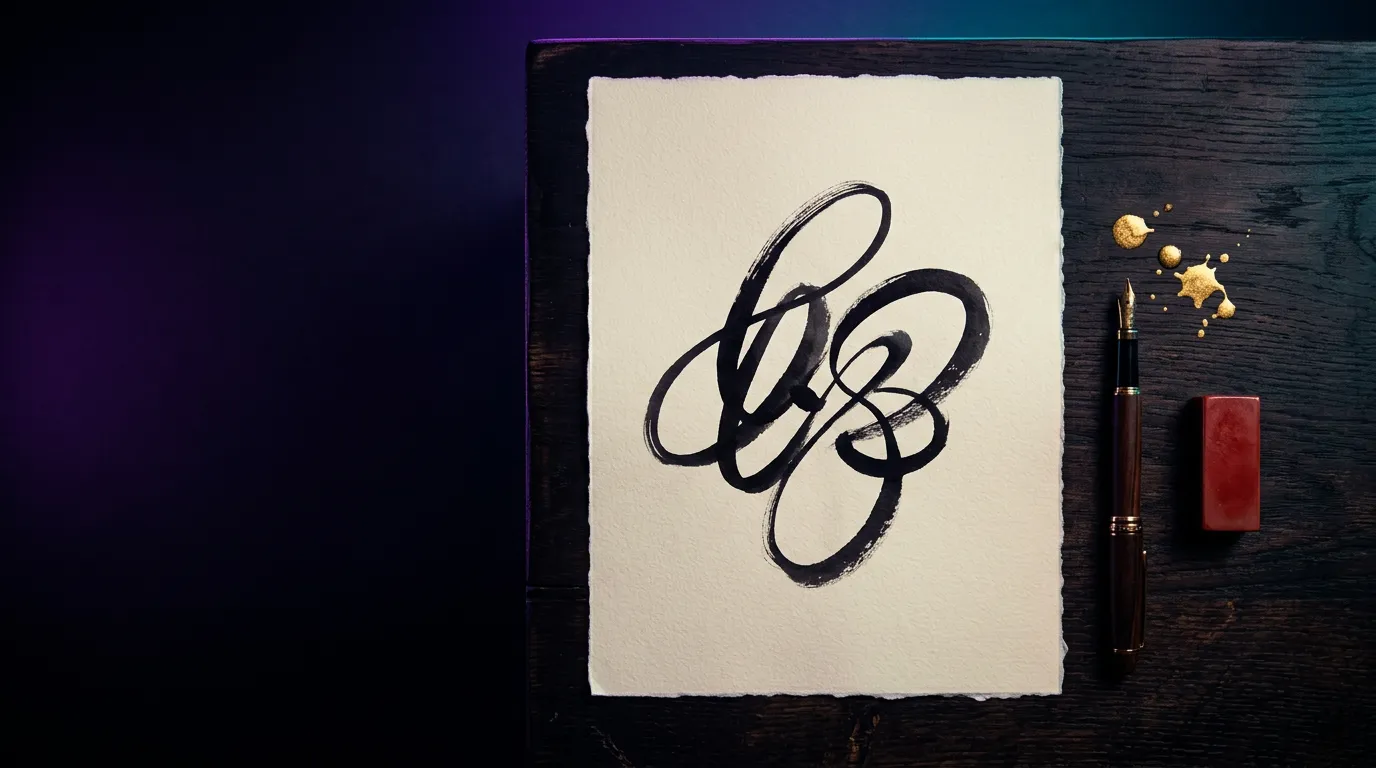
The Chinese name "[NAME]" written in expressive running-cursive brush calligraphy (xingcao) with rich black ink and dry-brush texture on aged xuan rice paper, a small square red cinnabar seal stamp beside it, generous empty space, traditional Chinese scholar aesthetic, high resolution.

Negative prompt: misspelled name, extra letters, garbled text, random characters, blurry strokes, jpeg artifacts, watermark, busy background, 3D bevel clutter
A clean photographer watermark: the handwritten signature "[NAME]" in thin white script with a small camera-aperture flourish after the last letter, on a transparent-looking dark grey checkerboard background, simple and readable at small size, flat design, PNG style.

Negative prompt: misspelled name, extra letters, garbled text, random characters, blurry strokes, jpeg artifacts, watermark, busy background, 3D bevel clutter
A personal brand mark: an interlocking monogram of the initials of "[NAME]" in a thin circle, with the full name below in a refined cursive signature, black on warm off-white paper, balanced layout, timeless and elegant, vector logo style.

Negative prompt: misspelled name, extra letters, garbled text, random characters, blurry strokes, jpeg artifacts, watermark, busy background, 3D bevel clutter
logomonogram
中文版 Chinese version
个人品牌标志:用“[NAME]”的首字母做交织字母组合,外面一圈细圆环,下方是完整名字的精致连笔签名,黑色印在暖白色纸上,排版平衡,经典优雅,矢量 Logo 风格。

反向提示词:名字写错,多余字母或笔画,乱码文字,随机字符,笔画模糊,噪点,水印,杂乱背景,廉价立体倒角
#07
Watercolour signature art
The name "[NAME]" as a hand-lettered brush-script signature in deep indigo ink, with a soft watercolour wash of blush pink and gold behind it, loose splashes, artistic stationery look, white paper texture, top-down view.

Negative prompt: misspelled name, extra letters, garbled text, random characters, blurry strokes, jpeg artifacts, watermark, busy background, 3D bevel clutter
A 3D chrome signature logo of the name "[NAME]", liquid mirror-metal script with smooth rounded strokes, reflecting a soft purple and cyan studio environment, floating over a dark gradient background, product render, sharp focus, centered.

Negative prompt: misspelled name, extra letters, garbled text, random characters, blurry strokes, jpeg artifacts, watermark, busy background, 3D bevel clutter
3Dlogo
中文版 Chinese version
名字“[NAME]”做成 3D 镜面铬金属签名 Logo,液态金属手写体,笔画圆润光滑,反射柔和的紫色和青色影棚环境,悬浮在深色渐变背景上,产品渲染,焦点清晰,居中。

反向提示词:名字写错,多余字母或笔画,乱码文字,随机字符,笔画模糊,噪点,水印,杂乱背景,廉价立体倒角
#09
Email signature header
A wide, simple email signature banner: the handwritten signature "[NAME]" in dark navy ink on the left, a thin vertical line, and plenty of clean white space on the right, professional and calm, flat design, 4:1 aspect ratio, crisp edges.

Negative prompt: misspelled name, extra letters, garbled text, random characters, blurry strokes, jpeg artifacts, watermark, busy background, 3D bevel clutter
A small artist's signature for the corner of a painting: the name "[NAME]" in loose brush script in burnt sienna, paired with a tiny square red seal, painted directly on canvas texture, subtle and unobtrusive, close-up macro photo.

Negative prompt: misspelled name, extra letters, garbled text, random characters, blurry strokes, jpeg artifacts, watermark, busy background, 3D bevel clutter
A great signature is recognisable before it is beautiful. Make sure the first letter of your first name and the first letter of your surname are clear; the rest can relax into a flowing line. If you can't read the name at thumbnail size, it won't work as a watermark or profile mark either. Big loops look good at large size but turn into a blur at 100 pixels wide, so test the PNG small.
Keep it consistent
Pick one style, one ink colour and one slant and use them everywhere: email footer, invoices, portfolio and social posts. Consistency is what turns a signature into a brand. Save the transparent PNG somewhere safe and reuse that exact file rather than generating a new one each time.
Where a signature image works
A signature image is ideal for email signatures, photo and artwork watermarks, the corner of a logo, letterheads, certificates you design yourself, and thank-you cards. Use dark ink on light backgrounds and white or gold ink on photos and dark designs. For a watermark, lower the opacity to 30–60% in your editor so it protects the image without distracting from it.
Going further with AI
If you want a full logo rather than a font, use the prompts above as a starting point, then trace or tidy the best result in a design tool. AI image models still get letters wrong, so always check the spelling.
Legal and bank signatures
A generated image is not your legal signature. Banks, contracts, passports and government forms expect a signature you write by hand, the same way each time. Use the styles here as inspiration: pick the one you like, print it, and practise writing it with a pen until it feels natural. That handwritten version is the one to use on official documents.
Questions
FAQ
Is this signature generator free?
Yes. It is completely free, with no sign-up and no watermark on your PNG. You can use the images for personal and commercial projects.
Can I use the fonts commercially?
Yes. Every font used here is published on Google Fonts under the SIL Open Font License (OFL), which allows personal and commercial use, including logos. You just can't sell the font files themselves.
Does it work with Chinese names?
Yes. When you type Chinese characters, the tool switches to Chinese calligraphy fonts (Liu Jian Mao Cao, Zhi Mang Xing, Ma Shan Zheng and Long Cang), including versions with a red seal stamp.
Can I use the image as my legal signature?
No. Use it for emails, watermarks and logos. For contracts, banks and IDs, practise writing your signature by hand and sign yourself; a typed or generated image is usually not accepted.
How do I get a transparent background?
Choose "Transparent" under Background before you download. The PNG will have no background, so it sits cleanly on documents, photos and websites.
Do you store the names I type?
No. The signatures are drawn in your browser with canvas. Nothing you type is sent to drawcue or saved.