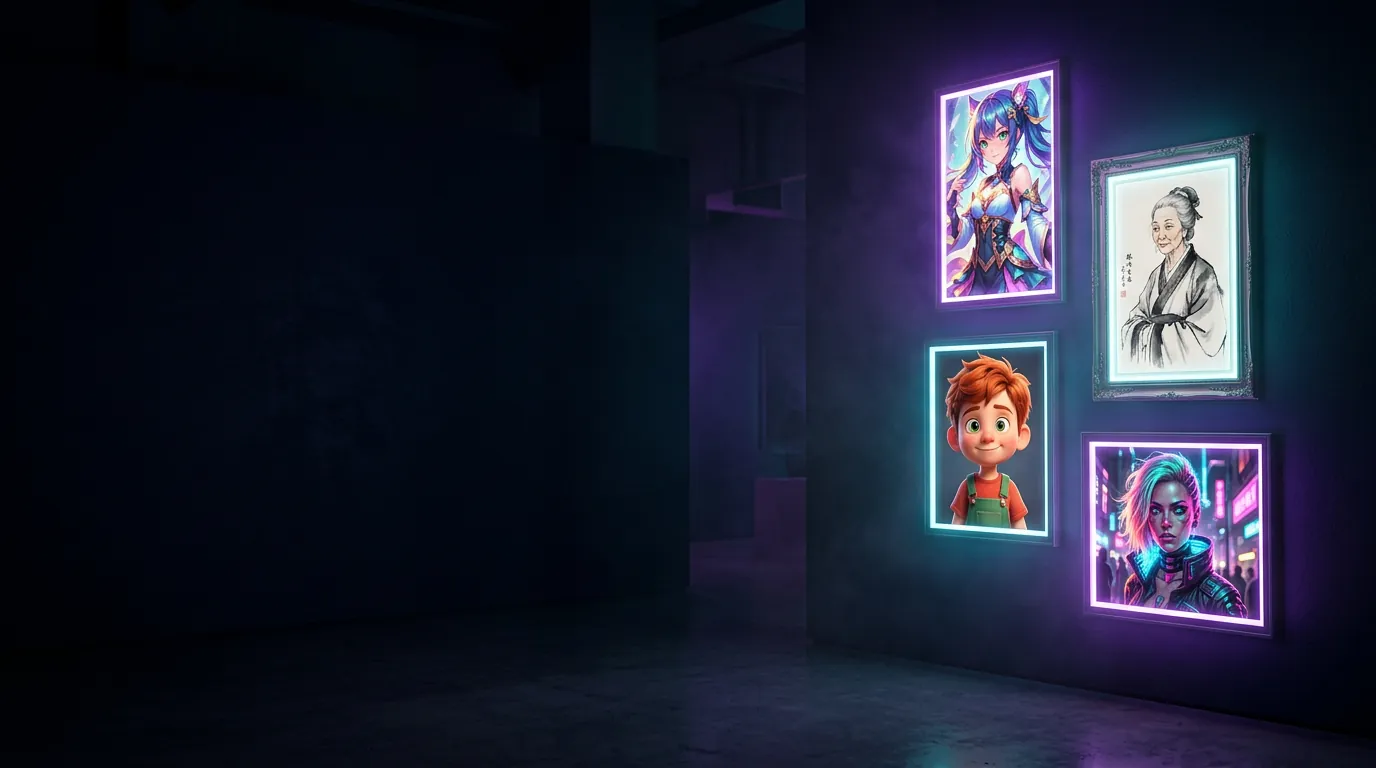
Free AI tools + prompt library
Free AI photo tools and prompts that just work
Change a background, design a logo, or copy a tested prompt for ChatGPT, Gemini, Midjourney, Kling and Runway. No sign-up.
Free tools
Free tools that run in your browser
No sign-up, no watermark, and your photos never leave your device.
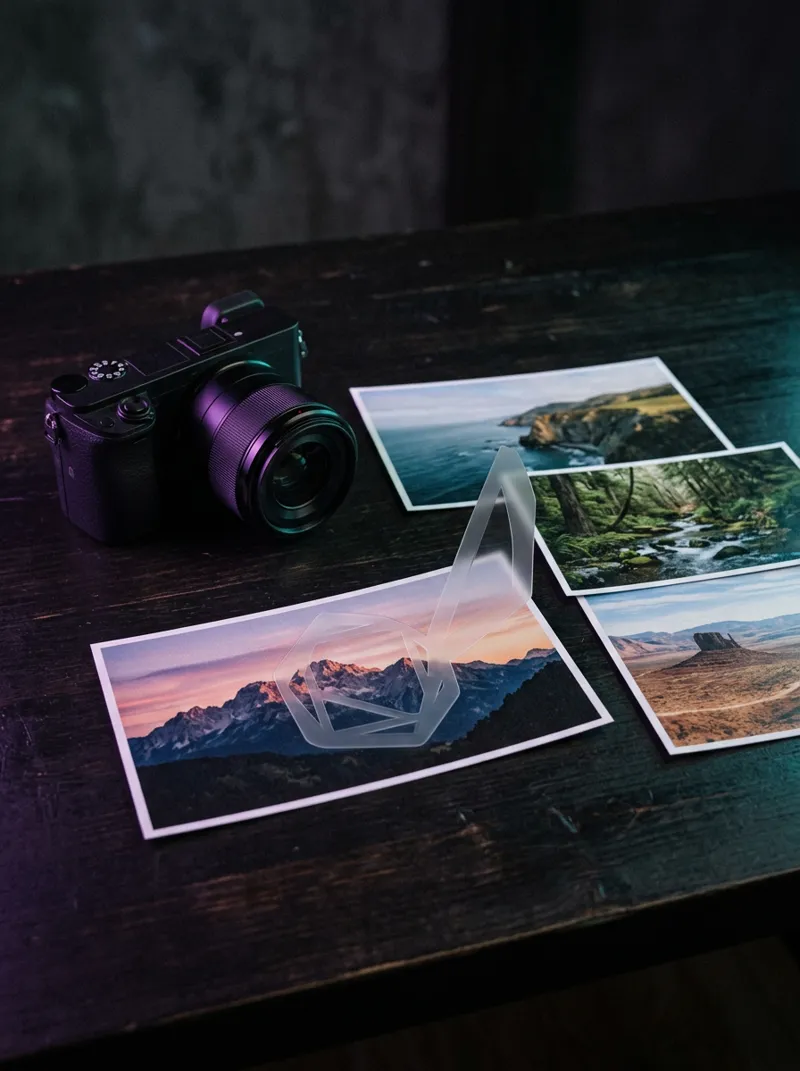
Watermark Maker
Batch-add text or logo watermarks, tiled or in a corner, at full resolution. Nothing uploaded.
Open →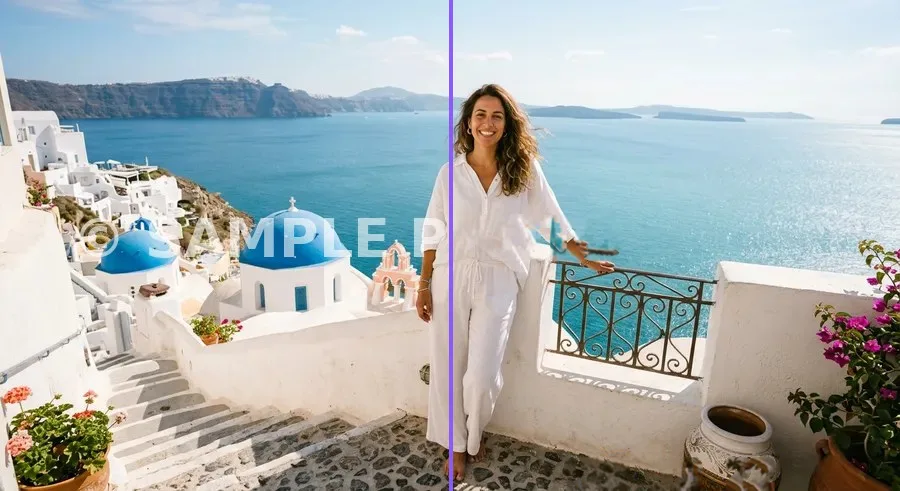
Watermark Remover
Paint over a watermark, date stamp or small object and remove it in your browser. No upload, no sign-up.
Open →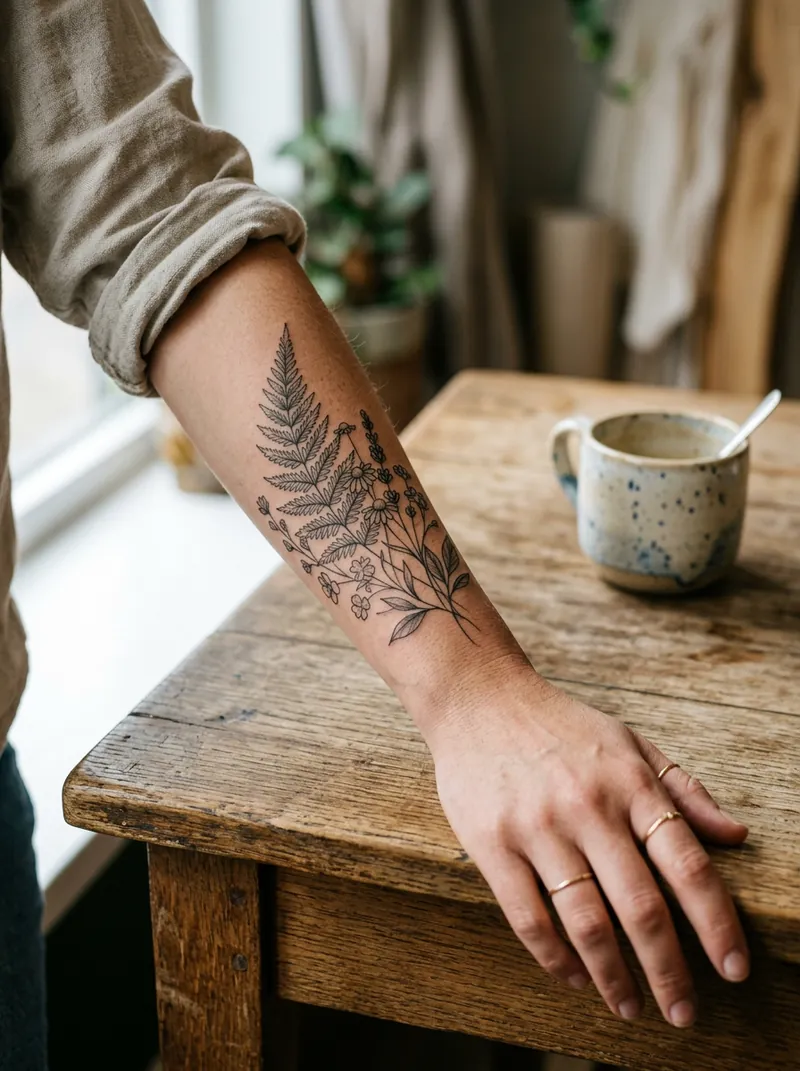
AI Tattoo Generator
Generate a tattoo design with AI, then try it on your photo: drag, resize, rotate, download. Nothing uploaded.
Open →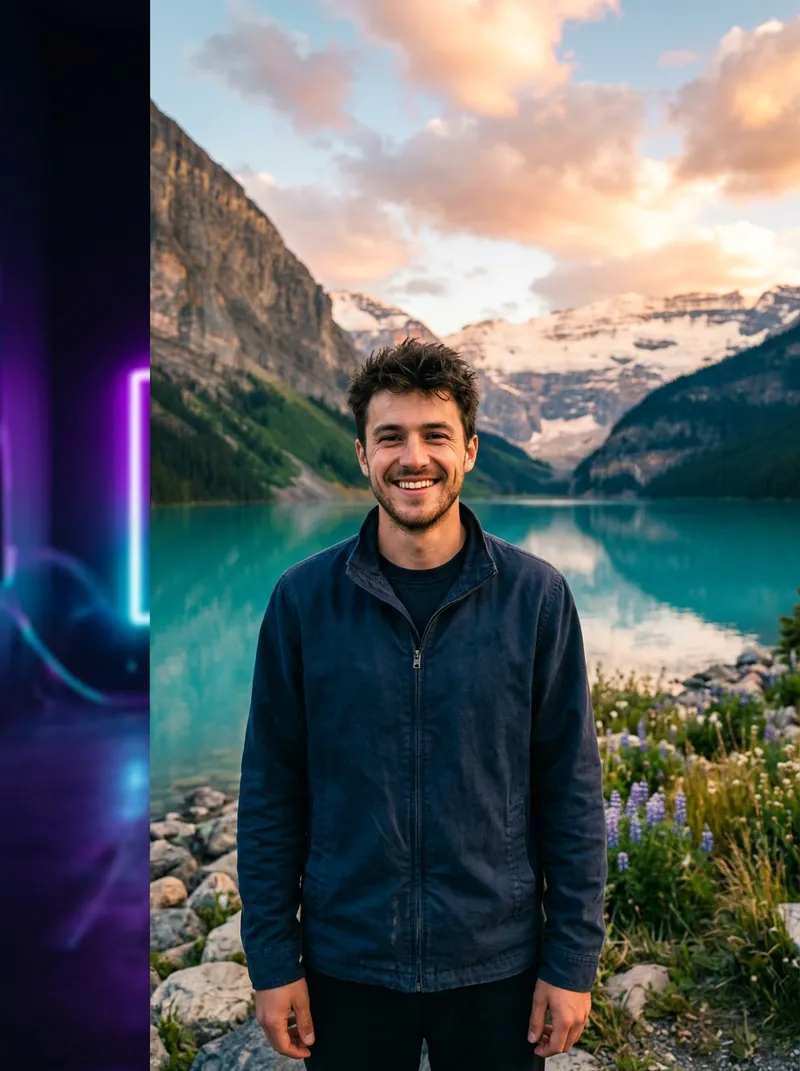
AI Background Changer
Upload a photo, cut out the person in your browser and swap in a studio colour, gradient or your own background. PNG download.
Open →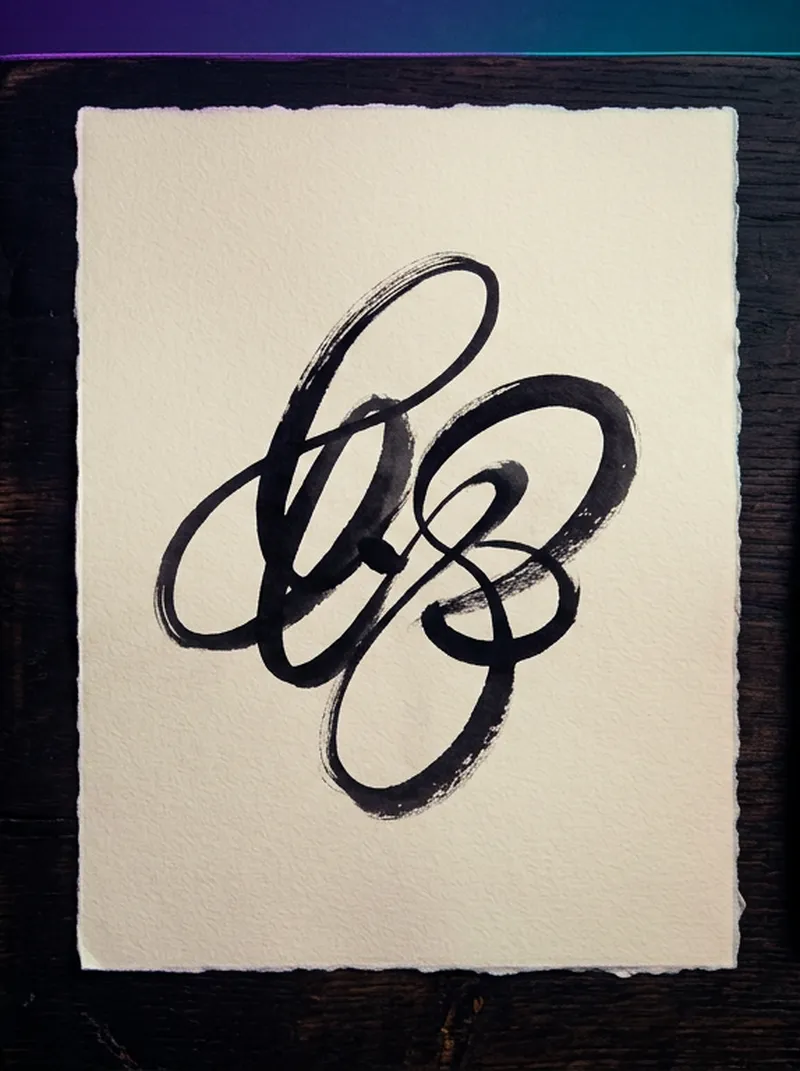
Signature Generator
Type a name, see it in 16 cursive signature styles and download a transparent PNG.
Open →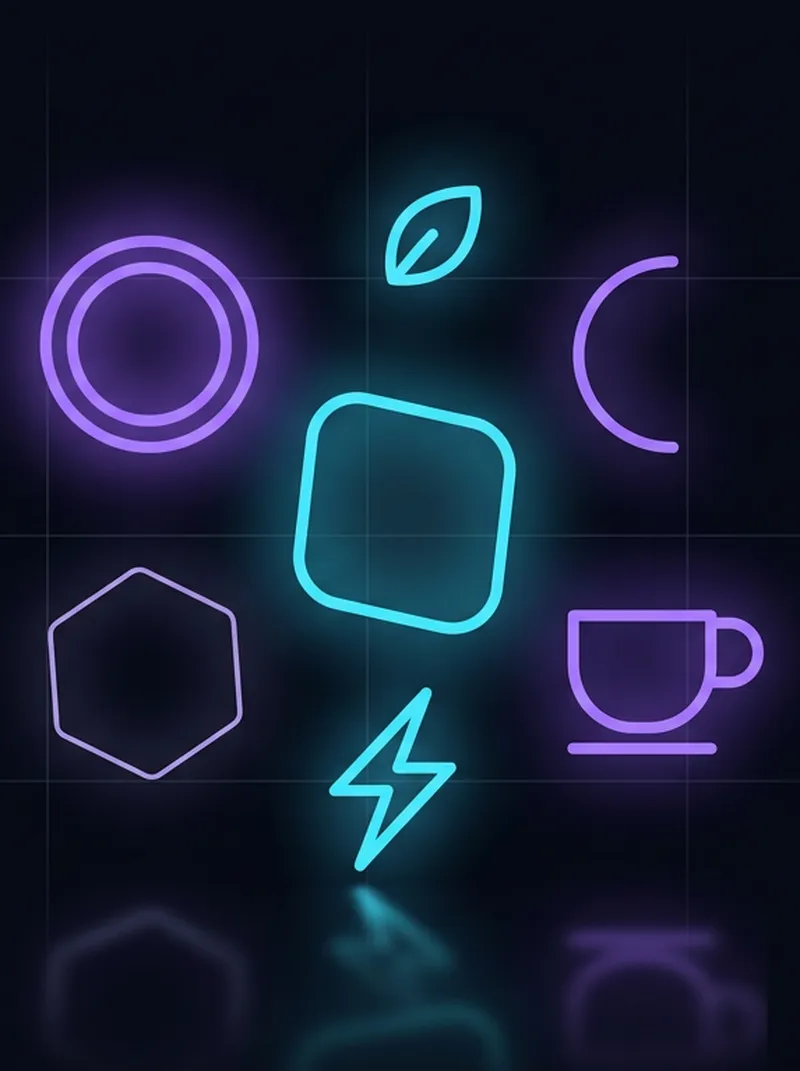
Free Logo Maker
Type a brand name, pick an icon and colours, get 24 logo designs as SVG or transparent PNG.
Open →
AI Headshot & Avatar Prompt Generator
8 avatar styles, English and Chinese prompts in one click.
Open →Viral AI videos
Trending AI video tricks
The formats people are searching for right now, each with step-by-step prompts.
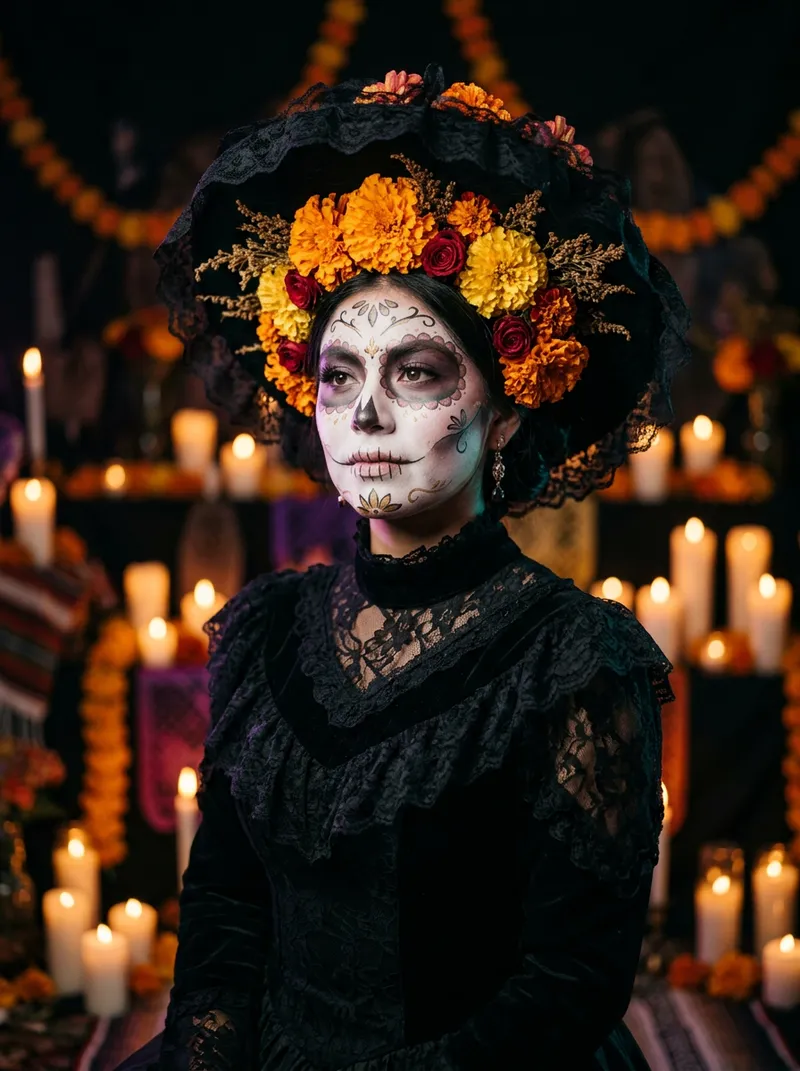
Catrina AI Video
The Halloween / Día de Muertos Catrina transformation: 16 image and video prompts.See prompts →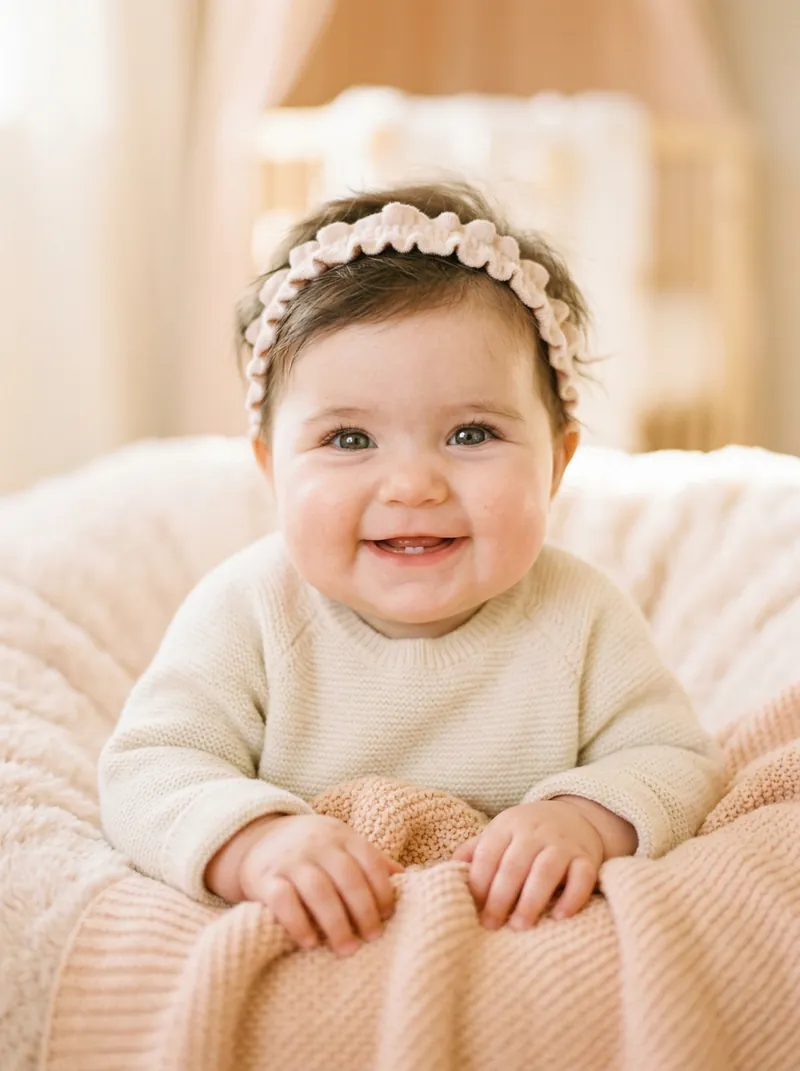
AI Baby Generator
See what your future baby could look like from two parents' photos.See prompts →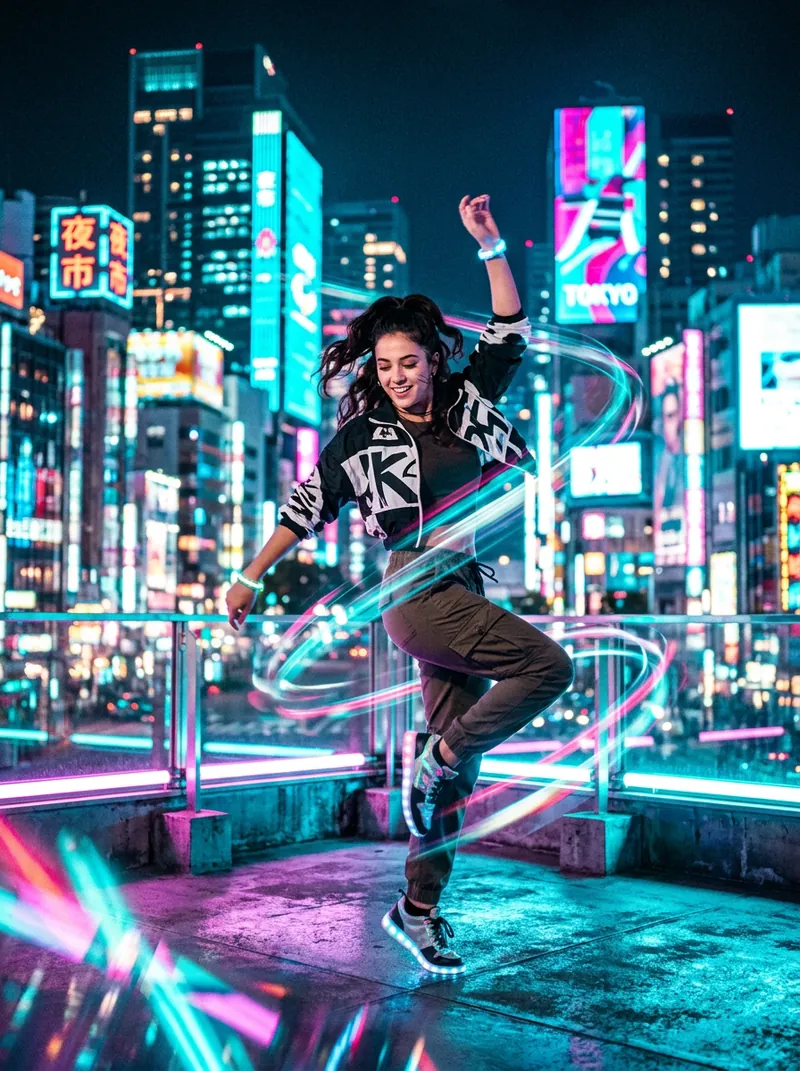
Free AI Dance Video
Make any photo dance: TikTok routines, K-pop, disco and more.See prompts →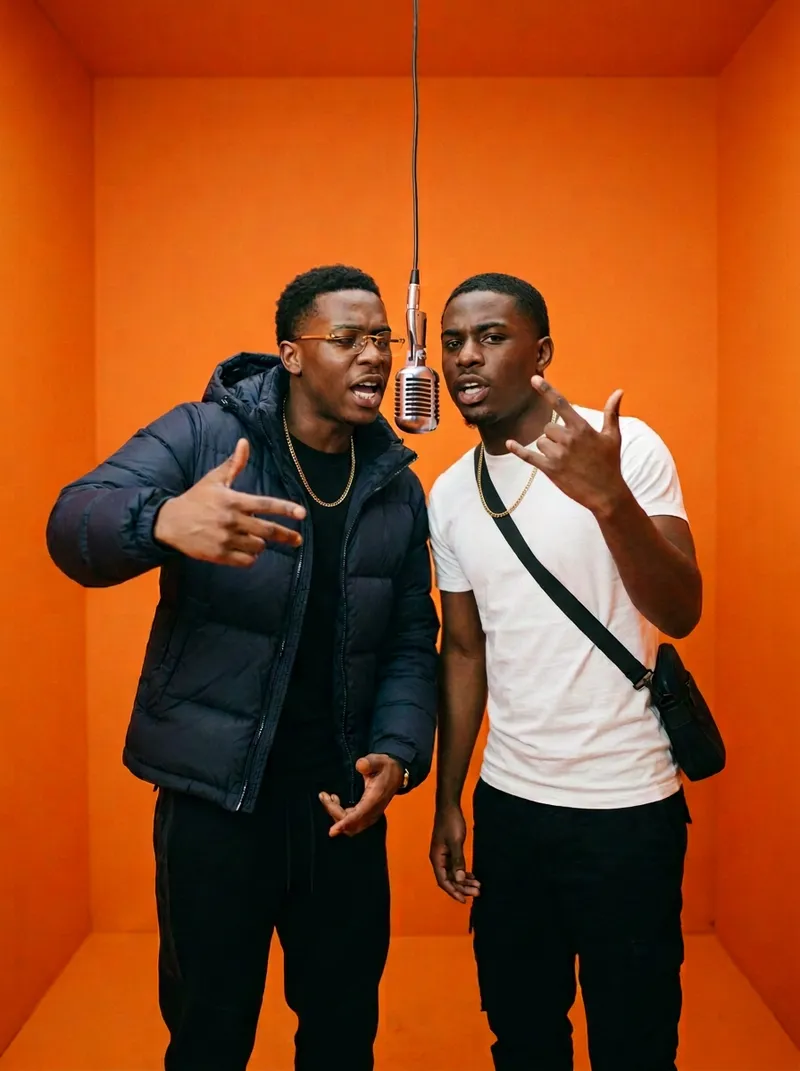
Hotel Lobby AI Rap Duo
The viral two-person rap at one hanging mic, with 10 prompts.See prompts →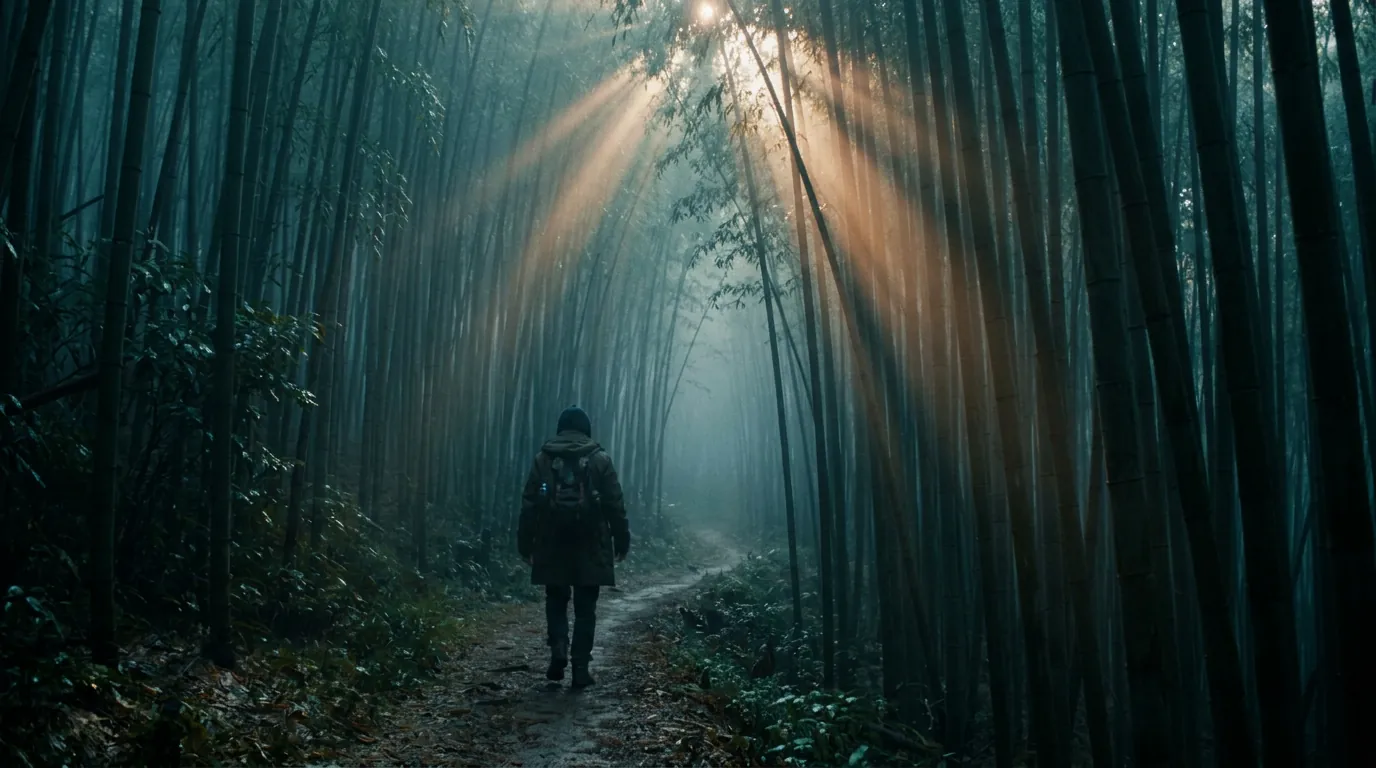
Kling 4.0 Prompts
30-second long-take templates, shot structure and a camera glossary.See prompts →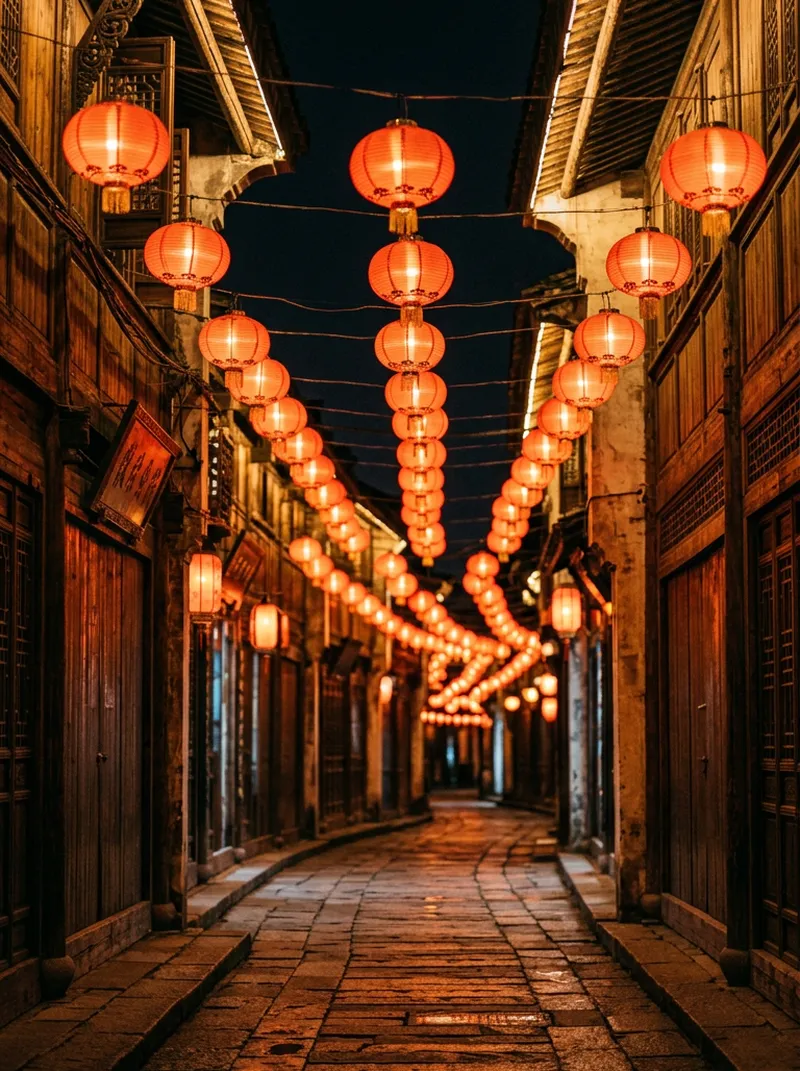
AI Live Wallpaper
Download free seamless loops for PC and phone, make your own, and copy 14 loop prompts.See prompts →Photo prompt packs
Photo prompt packs
Tested prompts with negative prompts, how-to steps and FAQ for every style.
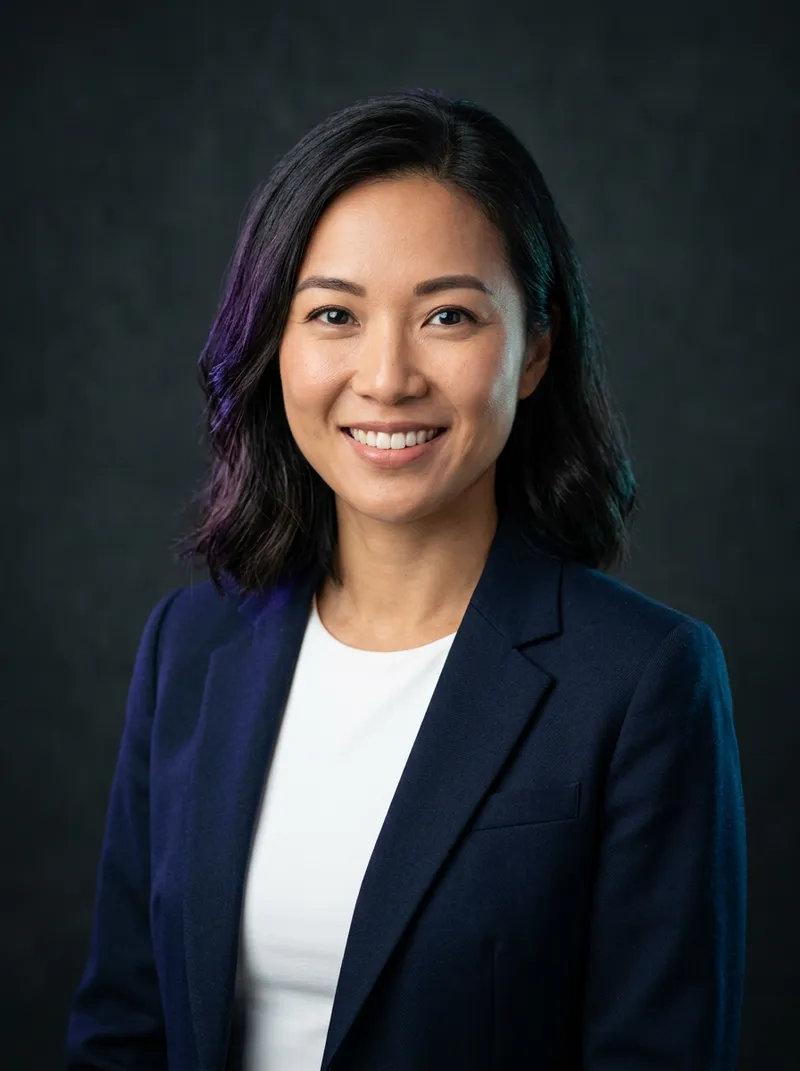
AI Headshot Prompts
See prompts →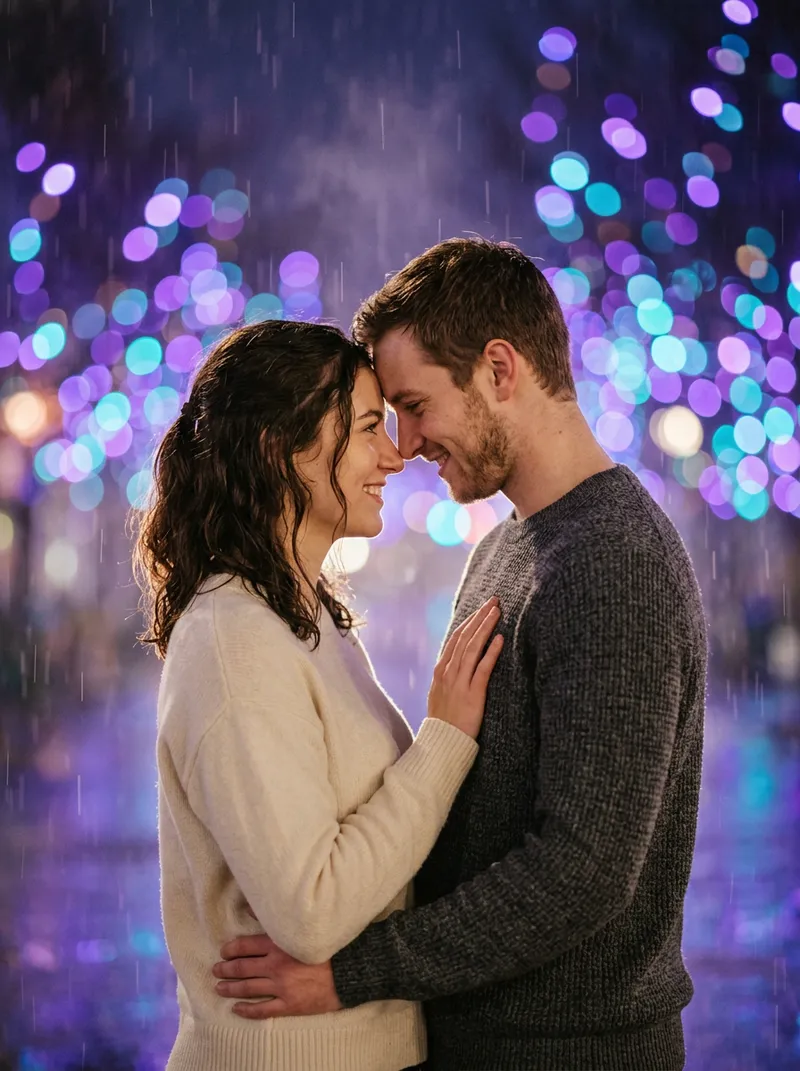
AI Couple Photo Prompts
See prompts →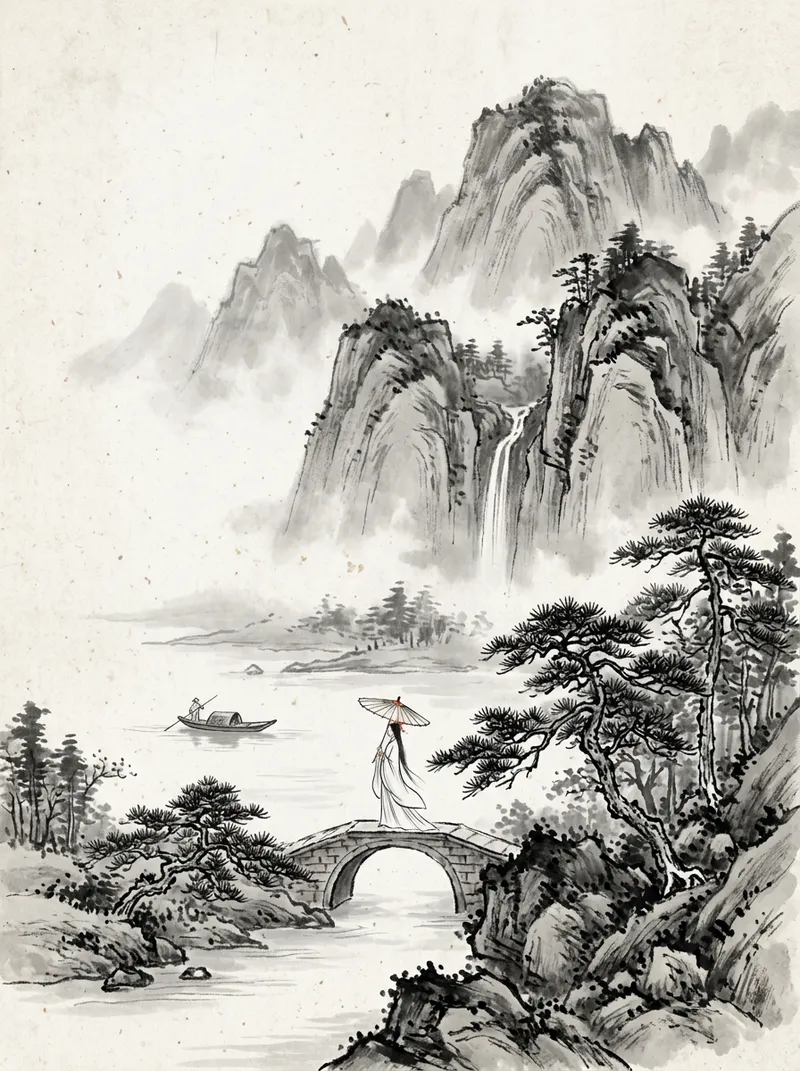
Chinese Ink Painting Prompts
See prompts →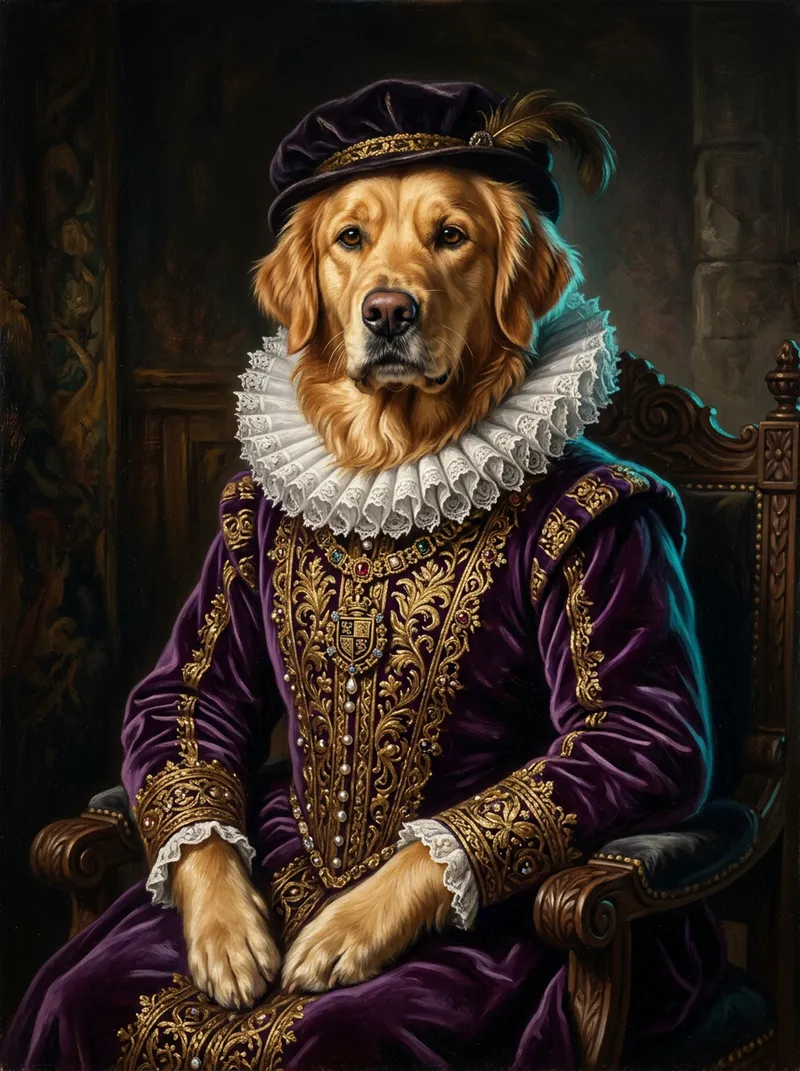
AI Pet Portrait Prompts
See prompts →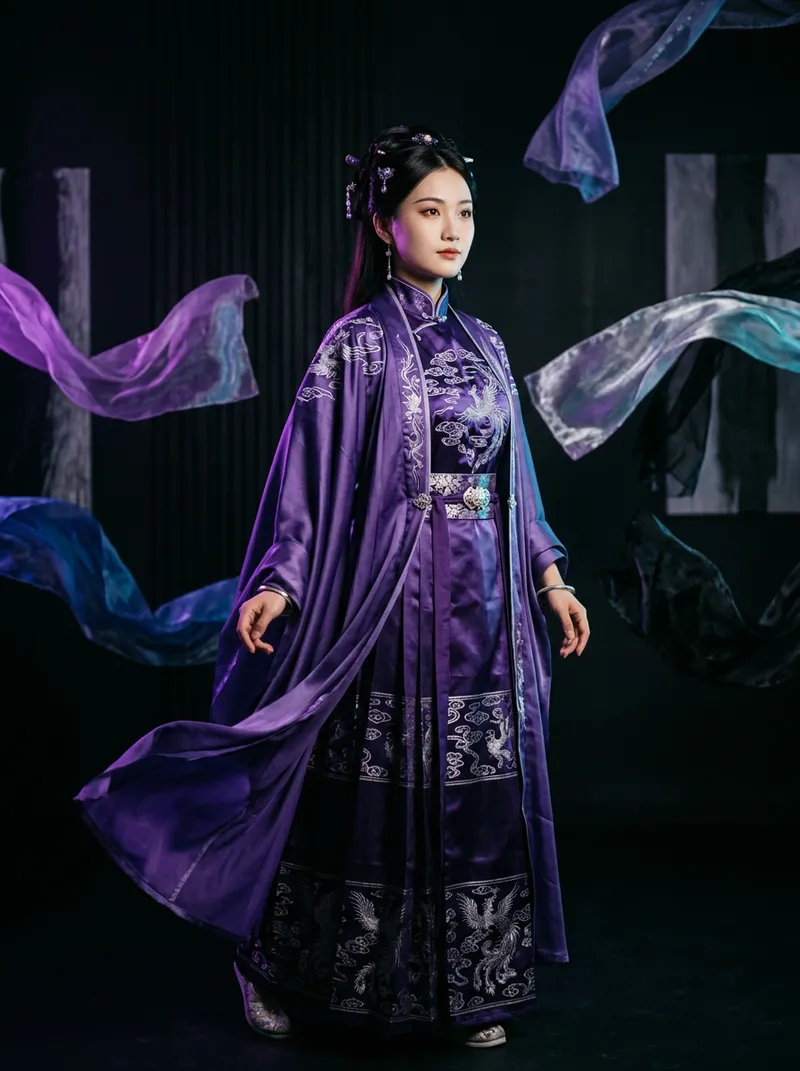
AI Outfit Changer
Try on suits, wedding dresses, streetwear or hanfu from one photo, with 14 prompts that keep your face.See prompts →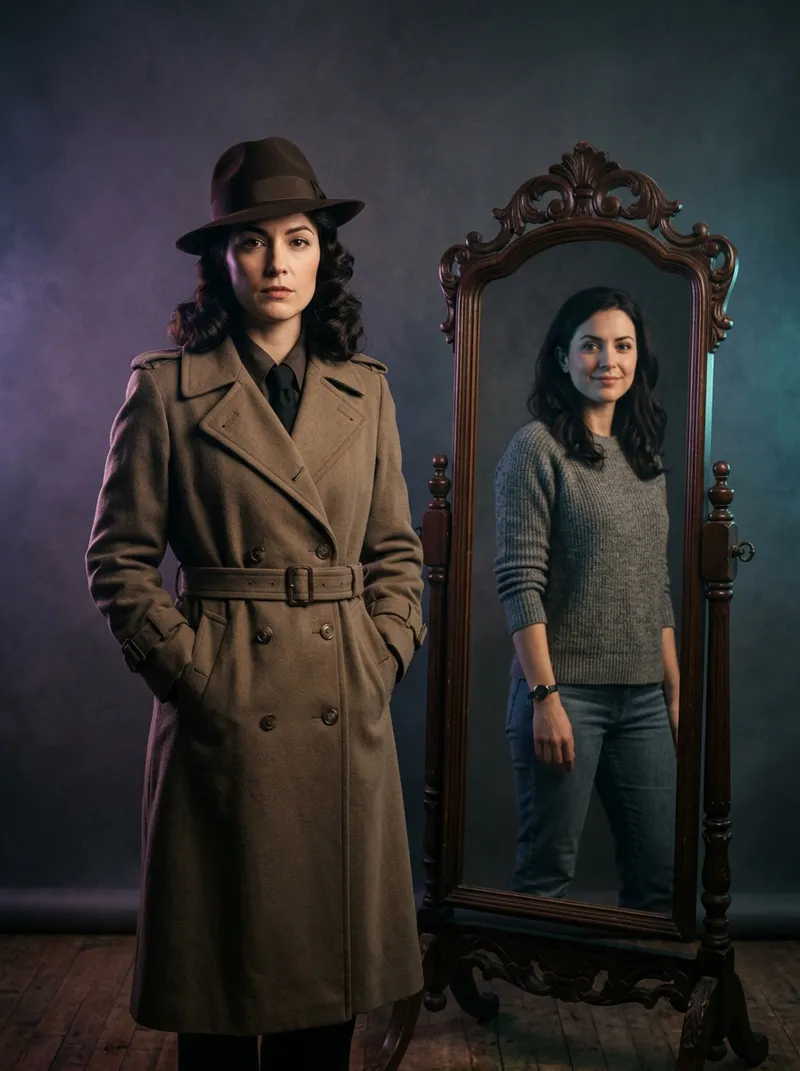
AI Face Swap
Put your own face into film-noir, Renaissance or astronaut scenes, with clear consent rules.See prompts →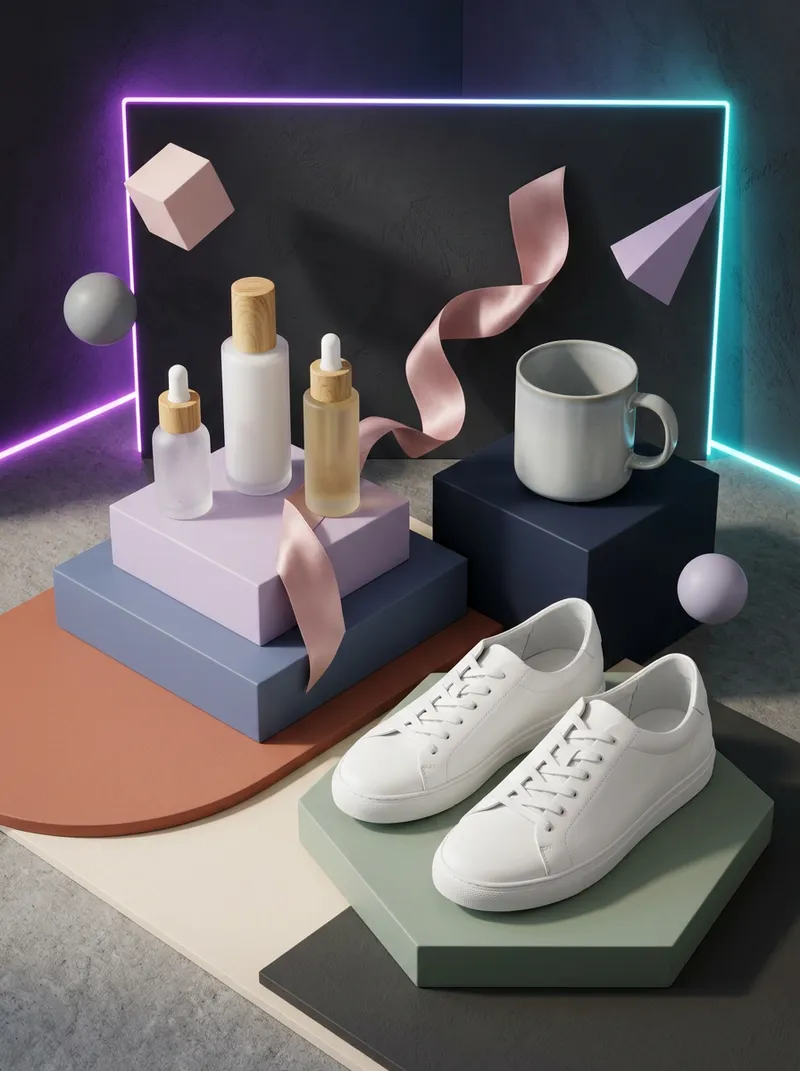
AI Store Design Kit
Amazon main images, A+ and Shopify banners, Etsy covers and Black Friday sets in one consistent style.See prompts →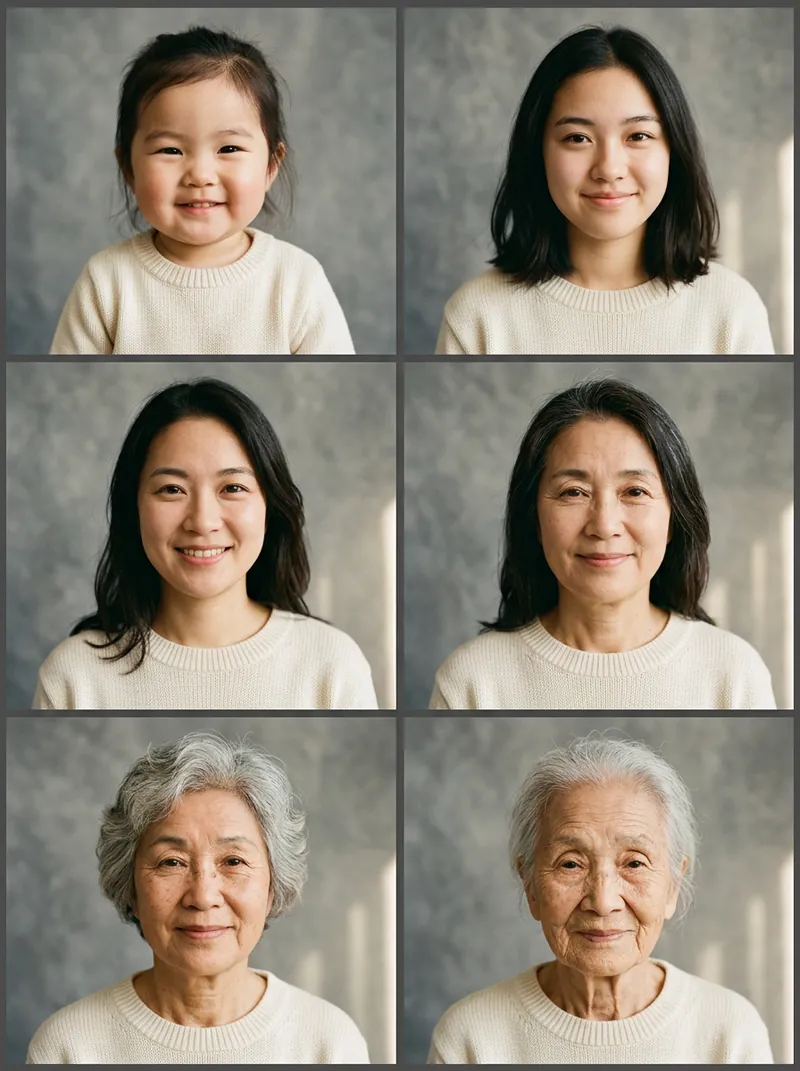
AI Age Progression
See yourself as a baby, at 18, 60, 80 and 100, plus a 6-panel life timeline and ageing morph videos.See prompts →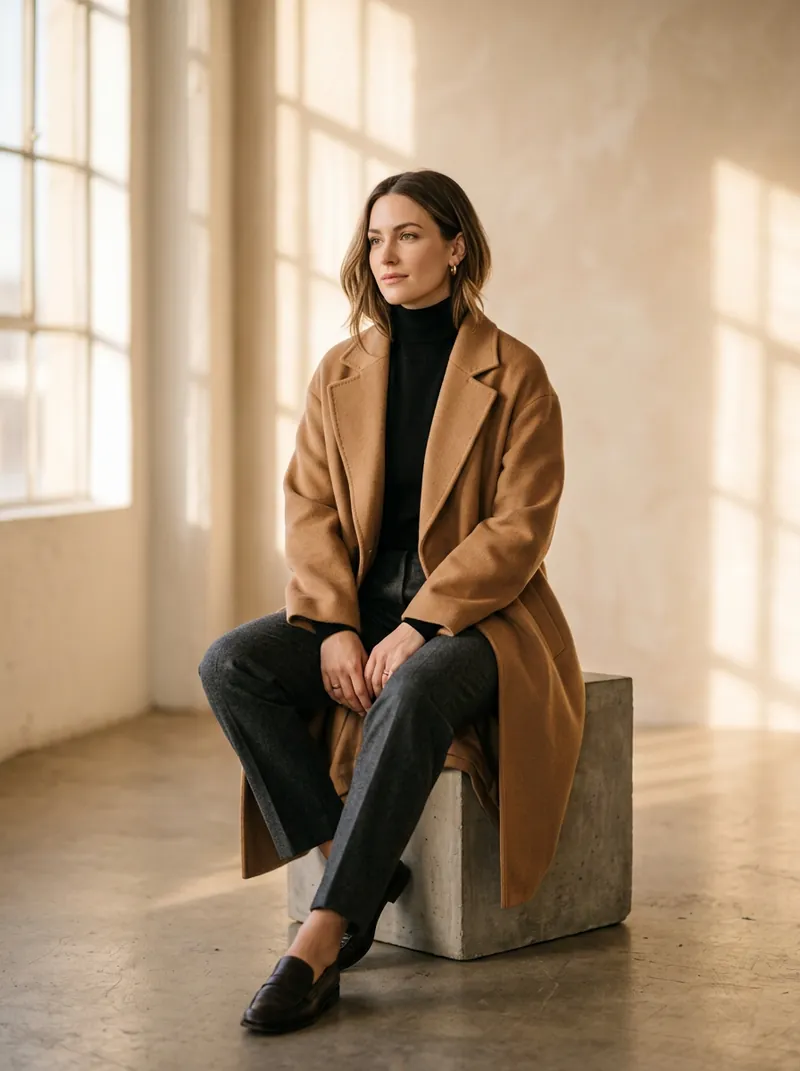
AI Portrait Photoshoot
One selfie, a full photoshoot: editorial, film, Korean, Japanese, hanfu, business, golden hour and low-key sets.See prompts →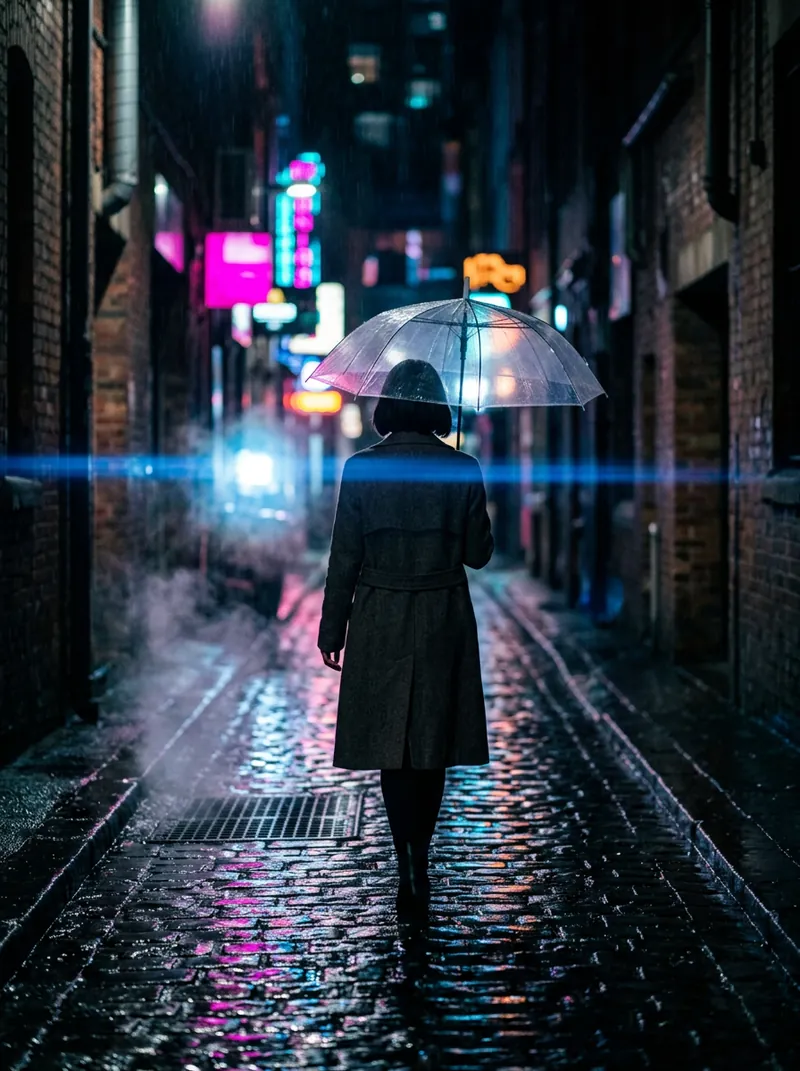
AI Movie Scene
Star in 8 film-style moments, from ship-bow sunset to neon noir and wuxia, with image and video prompts.See prompts →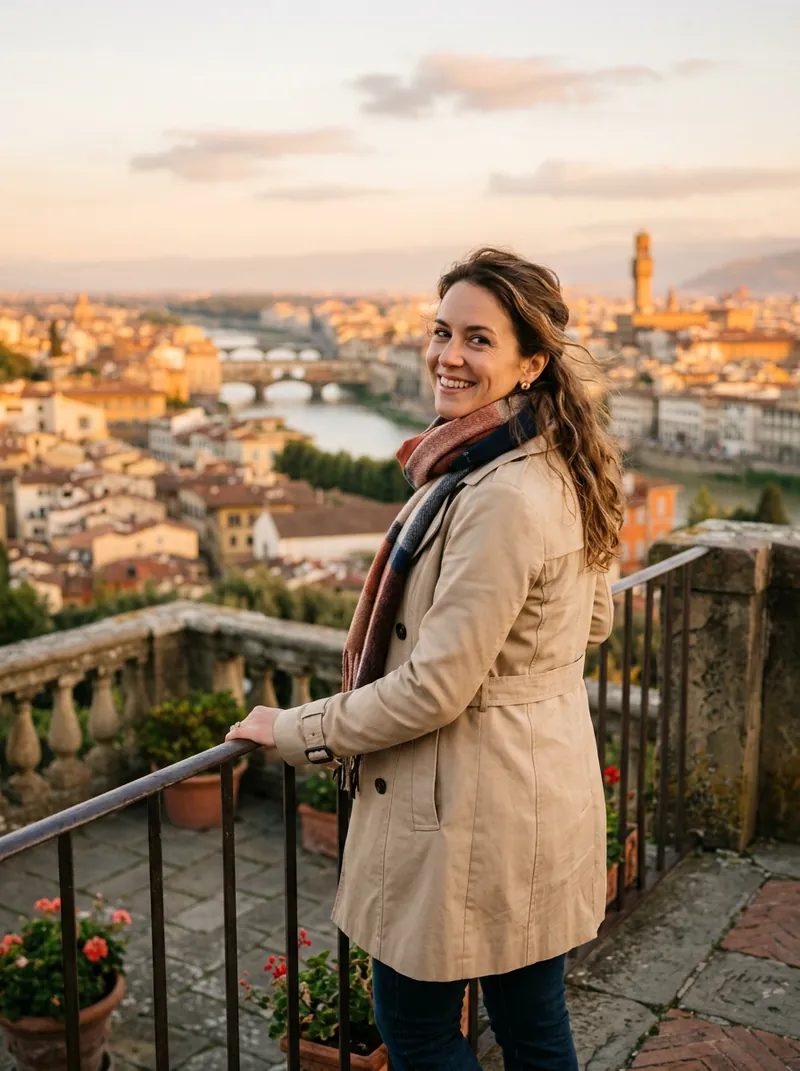
AI Landmark Photo
Put yourself at the Eiffel Tower, Great Wall, Santorini or Kyoto with 16 travel photo and video prompts.See prompts →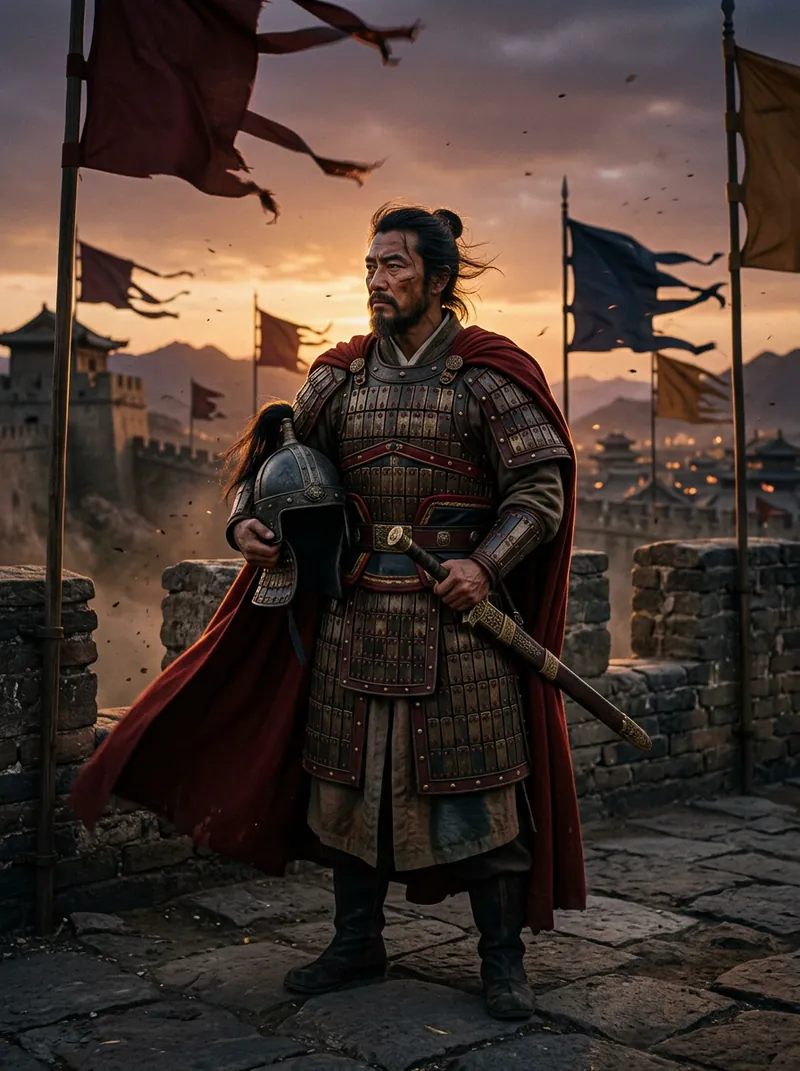
AI Ancient General Photo
Become a Tang general, samurai, Roman centurion, knight or Viking from one selfie: 12 portraits and 2 videos.See prompts →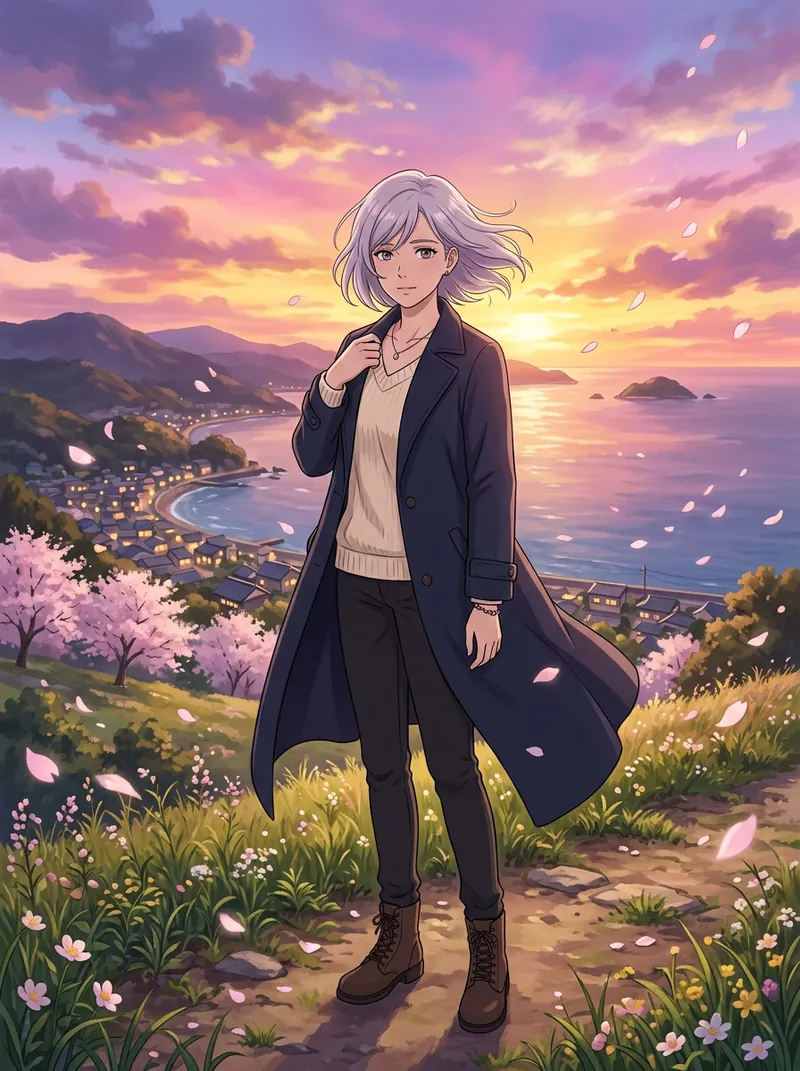
AI Anime Character
Turn your photo into an original anime character: 12 styles from 90s cel to cyberpunk, plus video prompts.See prompts →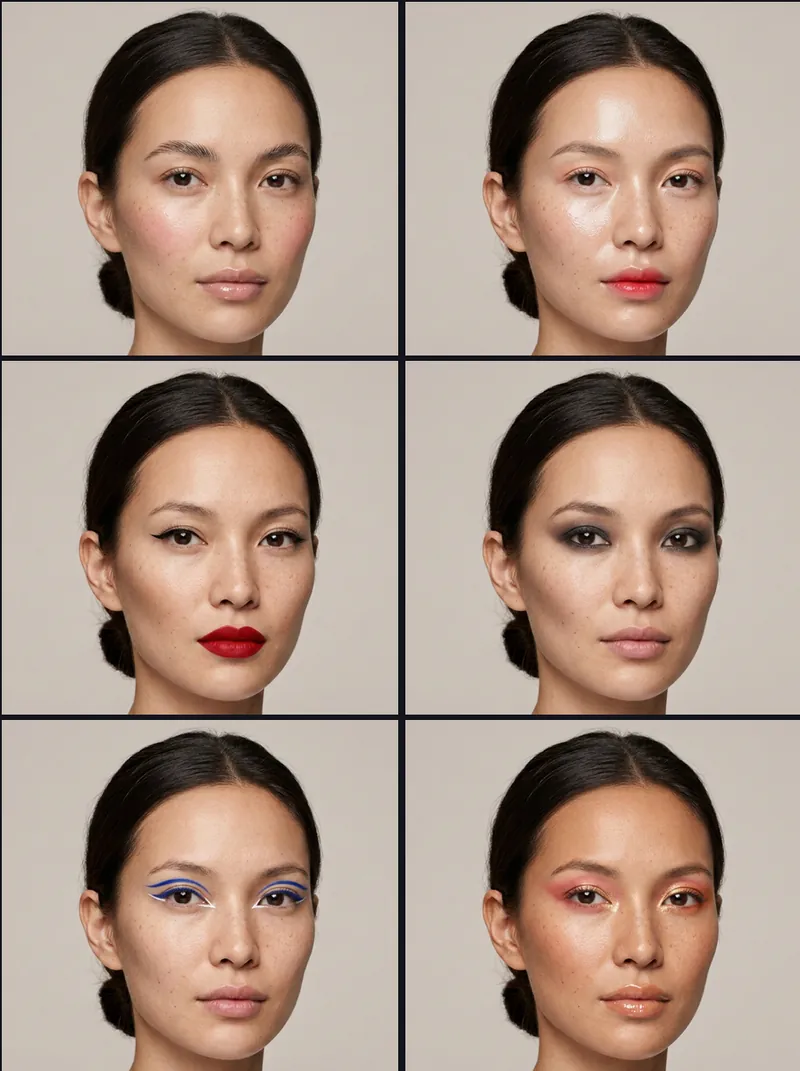
AI Makeup Looks
Preview 12 makeup looks on one model, then try them on your own photo with copy-ready prompts.See prompts →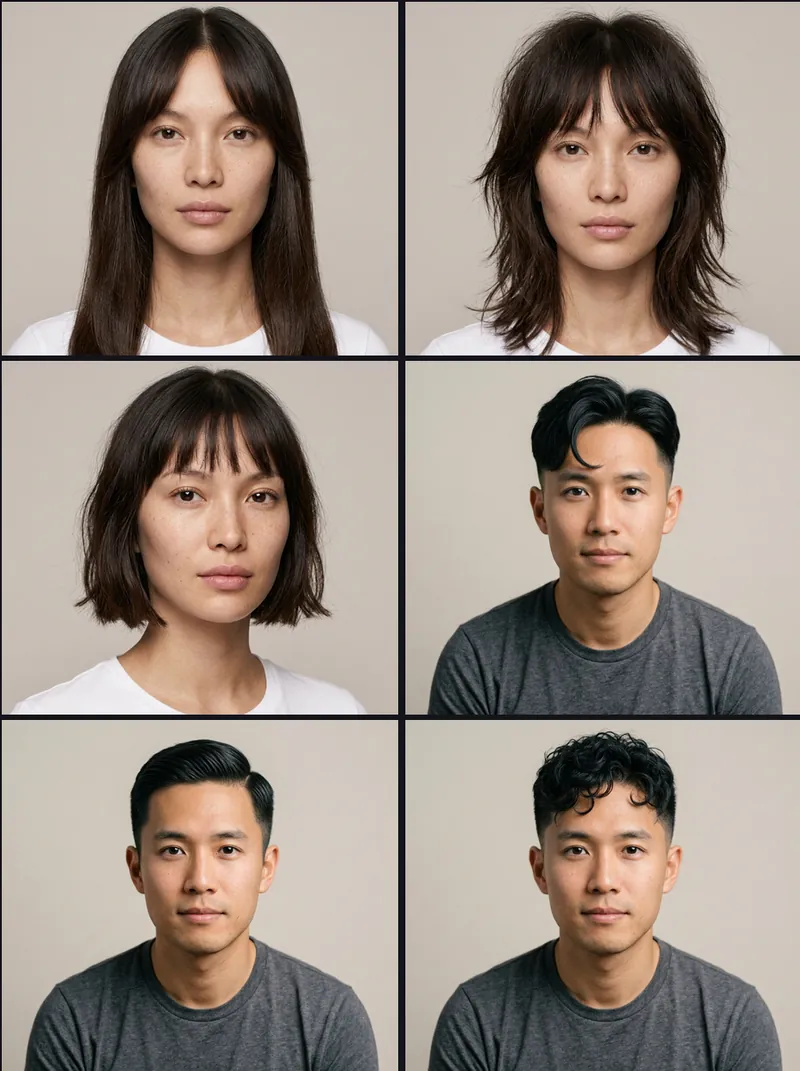
AI Hairstyles
Preview 12 haircuts for women and men, try them on your photo, plus 6 hair colours and face-shape tips.See prompts →
Best Free AI Image Tools
Which AI image tools are really free in 2026? Free limits checked on official pages, with 10 test prompts.See prompts →This week
This week's AI trends
New AI words and formats explained in one line each, updated weekly.
#01 · Video trend
Catrina AI video
Instagram's Halloween / Día de Muertos trend (since mid-October 2026): AI turns one selfie into an elegant La Catrina with sugar-skull face paint, a marigold crown and a black lace gown, then animates it in candlelight.
#02 · Video trend
hotel lobby ai
AI remakes of Quavo & Takeoff's 2022 “HOTEL LOBBY” performance on A COLORS SHOW: two people in a plain bright-orange booth sharing one microphone that hangs from the ceiling.
#03 · Image trend
ai baby generator
Upload two parents' photos and an image model imagines what their baby might look like. It's a fun artistic blend, not a genetic prediction.
#04 · Video trend
free ai dance video
Image-to-video tools turn one still photo into a short clip of that person (or pet) dancing, often to a viral TikTok routine.
#05 · Video trend
ai hug video
Two separate photos become a short clip of the two people walking up to each other and hugging. The “hug my younger self” version pairs a childhood photo with a recent one.
#06 · New model
Kling 4.0
Kuaishou's new AI video model, launched October 15, 2026: one generation can run up to 30 seconds and prompts can be up to 8,000 tokens long.
#07 · New model
Gemini 4
Google's new generation of Gemini models. The first one, Gemini 4 Argon, opened on October 13, 2026 to Google AI Pro and Ultra subscribers in the Gemini app and to developers through the API, aimed at complex multi-step work like coding.
#08 · Image model
Nano Banana
The nickname of Google's Gemini image generation and editing model. The latest version, Nano Banana 2.1 (October 6, 2026), can blend up to 14 reference images in one picture.
How drawcue works
Free tools and hand-written prompts
drawcue is a free collection of browser tools and copy-ready prompts for AI image and video apps. Every page explains one style or trend in plain English, shows how to do it step by step, and gives you prompts that work in ChatGPT, Gemini, Midjourney, Kling, Runway and other popular tools. Each prompt also comes in Simplified Chinese.
Our tools run entirely in your browser, so photos you open in the background changer, logo maker or loop maker are never uploaded. For prompt pages you copy the text, open the AI app you prefer, add your own reference photo there if you want your face in the picture, and paste. Most prompts include a negative prompt that removes common mistakes such as extra fingers, plastic skin and fake text.
New pages follow what people are actually searching for, from evergreen styles like professional headshots to short-lived viral video formats. If a prompt stops working or you'd like a style covered, write to us from the contact page.