Put your name or logo on one photo or thirty at once: corner mark or tiled pattern, any font and opacity, full resolution, right here in your browser.
Free · no sign-upBatch up to 30Runs on your device
Quick answer
The easiest free way to add a watermark to a photo is to open it in a browser-based watermark maker like the one below, type your name or load a transparent logo PNG, set opacity around 40–60%, and download. It runs on your device, handles batches, keeps full resolution and strips EXIF location data.
Batch-watermark up to 30 photos with text and/or your logo. Full resolution, nothing uploaded.
Position
Choose photos to start.
Tip: make a logo with our free logo maker, download the transparent PNG, and load it here. Exporting through the browser removes EXIF data such as camera model and GPS location.
Overview
What a good photo watermark does
A watermark is a visible mark (usually your name, handle or logo) that tells people where a photo came from. A small, semi-transparent corner mark credits you without spoiling the picture; a tiled pattern across the whole image makes it much harder to reuse a preview without permission, which is why stock sites use it.
The tool above draws the watermark straight onto your photo at its original resolution using your browser's canvas. You can batch-process up to 30 images, mix text with a logo, and choose JPG or PNG. Need a mark first? The prompts below help you design a clean monogram, signature or seal with an AI image tool.
Keep your originals. Always save the unwatermarked files somewhere safe; a watermark can't be removed cleanly once it's baked in, and you'll want clean versions for clients and prints.
How to
How to add a watermark to a photo
Choose your photos
Pick one or several images in the tool above. They load locally; nothing is uploaded.
Type text or load a logo
Enter your name or handle, and optionally load a transparent PNG logo (make one free with our logo maker).
Style it
Pick a font, colour, size, opacity and rotation. 40–60% opacity is a good balance.
Place it
Use the 9-point grid for a corner mark, or Tiled for a repeating pattern across the whole image.
Download
Save the current photo or all of them as JPG or PNG at full resolution.
Guide
A practical guide to protecting photos with watermarks
Credit or protection?
Decide what the watermark is for. A small corner mark at low opacity credits you when a photo is shared and keeps the image pleasant to look at. A tiled watermark across the whole frame is for previews you don't want reused, such as client proofs or stock samples.
Placement that can't be cropped
Corner marks are easy to crop off, so place them where cropping would hurt the composition, slightly inside the frame near the subject, or use the tiled pattern for anything valuable. Avoid covering faces and key details your viewer cares about.
Opacity, size and colour
White text at 40–60% opacity works on most photos; use dark grey for bright, snowy or white-background shots. Size it to roughly 4–6% of the image width for a corner mark, smaller for tiles. Test on a few photos before batch exporting.
A consistent mark builds recognition
Use the same font, wording and position across a whole set or your whole portfolio. A simple monogram or signature-style mark (see the prompts) reads better at small sizes than a long name, and a transparent PNG logo keeps edges clean.
Keep originals and stay realistic
Store full-resolution originals separately and back them up. Watermarks deter casual reuse and keep your name attached to your work, but they aren't a legal guarantee: for serious cases rely on copyright registration where available and the platforms' reporting tools.
Prompts
10 AI prompts to design your watermark mark
Generate a mark in ChatGPT, Gemini or Midjourney, remove the background, and load it as your logo watermark. Replace [NAME] and [INITIALS].
10 of 10 shown
#01
Minimal monogram
Minimal monogram logo of the initials [INITIALS], thin elegant serif letters interlocked inside a fine circle, solid white on a plain black background, flat vector, centered, lots of padding, suitable as a photo watermark.

Negative prompt: busy background, gradients behind the mark, photo realism, 3D effects, misspelled letters, extra letters, blurry edges, watermark of another brand
Handwritten signature-style wordmark reading "[NAME]", flowing fine-pen script with a short underline swash, pure white on plain black, flat, no other elements, high contrast for use as a transparent watermark.

Negative prompt: busy background, gradients behind the mark, photo realism, 3D effects, misspelled letters, extra letters, blurry edges, watermark of another brand
Simple emblem combining a camera aperture icon with the initials [INITIALS] below it, geometric line art, single colour white on black, flat vector, balanced and compact.

Negative prompt: busy background, gradients behind the mark, photo realism, 3D effects, misspelled letters, extra letters, blurry edges, watermark of another brand
Square Chinese-style seal stamp design with the initials [INITIALS] in carved block letters, slightly rough edges like a real stamp, solid red on plain white, flat, for use as a corner watermark.

Negative prompt: busy background, gradients behind the mark, photo realism, 3D effects, misspelled letters, extra letters, blurry edges, watermark of another brand
Circular badge watermark with "[NAME]" set around the top edge in small caps and a tiny star at the bottom, thin double ring, white on black, flat vector, legible at small sizes.

Negative prompt: busy background, gradients behind the mark, photo realism, 3D effects, misspelled letters, extra letters, blurry edges, watermark of another brand
Clean wordmark "[NAME]" in a modern geometric sans-serif with wide letter spacing, all caps, white on black, flat, no icon, perfectly even kerning.

Negative prompt: busy background, gradients behind the mark, photo realism, 3D effects, misspelled letters, extra letters, blurry edges, watermark of another brand
Minimal line-art leaf icon next to the initials [INITIALS], single continuous line, white on black, flat vector, suitable for a nature photographer's watermark.

Negative prompt: busy background, gradients behind the mark, photo realism, 3D effects, misspelled letters, extra letters, blurry edges, watermark of another brand
Simple mountain peak outline made of two triangles above the word "[NAME]" in small caps, white on black, flat vector, compact horizontal layout for a landscape photographer.

Negative prompt: busy background, gradients behind the mark, photo realism, 3D effects, misspelled letters, extra letters, blurry edges, watermark of another brand
Seamless square pattern tile with the small initials [INITIALS] repeated diagonally at equal spacing, thin white strokes on black, very light and airy, designed to be tiled across a photo at low opacity.

Negative prompt: busy background, gradients behind the mark, photo realism, 3D effects, misspelled letters, extra letters, blurry edges, watermark of another brand
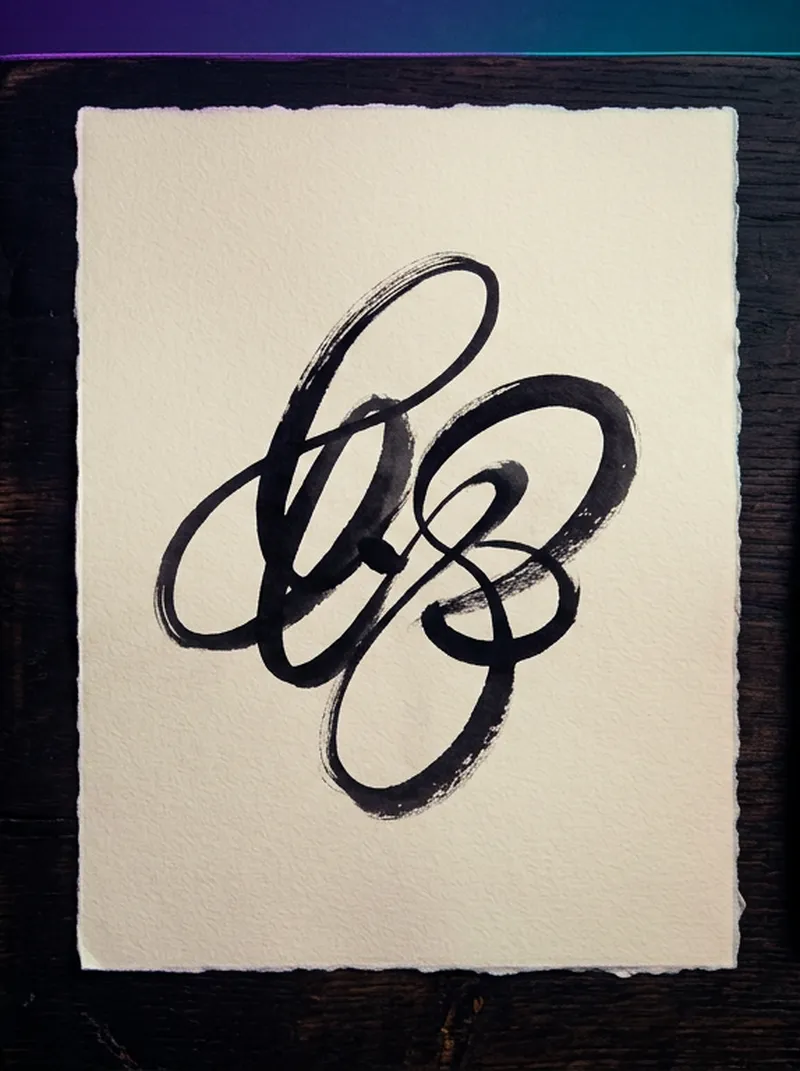
Artist's mark: a single dry brush stroke with the initials [INITIALS] written in brush calligraphy style beside it, black ink on plain white, flat, minimal, like a painter's signature.

Negative prompt: busy background, gradients behind the mark, photo realism, 3D effects, misspelled letters, extra letters, blurry edges, watermark of another brand
Yes, with no sign-up, no limits and no drawcue watermark added. It runs in your browser.
Are my photos uploaded?
No. Images are read and drawn locally on a canvas, and the downloads are created on your device.
Can I watermark many photos at once?
Yes. Select up to 30 photos, set the watermark once, and use Download all.
What opacity should a watermark have?
For credit, 30–50% in a corner is subtle. For protection, a tiled pattern at 20–35% across the whole image works better because it can't simply be cropped out.
Does it keep photo quality and EXIF?
Photos keep their full pixel size. Exporting through the browser removes EXIF metadata such as camera model and GPS location, which is usually what you want for public sharing.