Free AI background changer: new backdrop in seconds
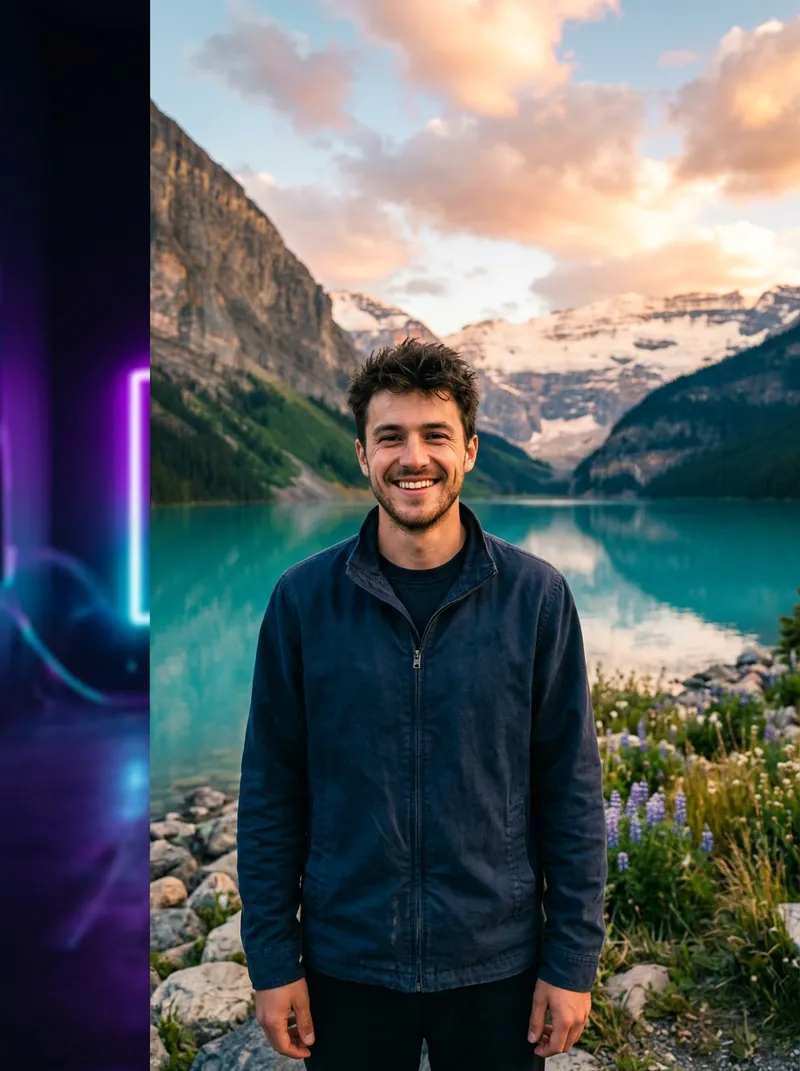
Cut yourself out of any photo right here in the browser and drop in a clean studio colour, a gradient or your own picture. Want a whole new scene instead? Use one of 14 prompts below.
Free · no sign-upRuns on your device14 prompts
Quick answer
The tool above is a classic background remover: an on-device AI model finds the person, cuts them out and places them on a flat colour, a gradient or an image you choose. It's fast, private and ideal for profile pictures, ID-style photos and product-style portraits on a clean backdrop.
Background Remover and Magic Edit are quick for social posts.
Free plan; some tools Pro
Free tool
Change a photo background in your browser
Upload a portrait. The person is cut out on your device and placed on a new background. Nothing is uploaded.
Background
Choose a photo to start. The AI model (about 10 MB) loads once and is cached.
Runs on MediaPipe Selfie Segmentation (Apache-2.0), served from drawcue. Best for one or two people facing the camera; hair edges may need the softness slider. For passports and visas, check the official photo rules: most require a real, unedited photo.
Overview
Two ways to change a photo background
The tool above is a classic background remover: an on-device AI model finds the person, cuts them out and places them on a flat colour, a gradient or an image you choose. It's fast, private and ideal for profile pictures, ID-style photos and product-style portraits on a clean backdrop.
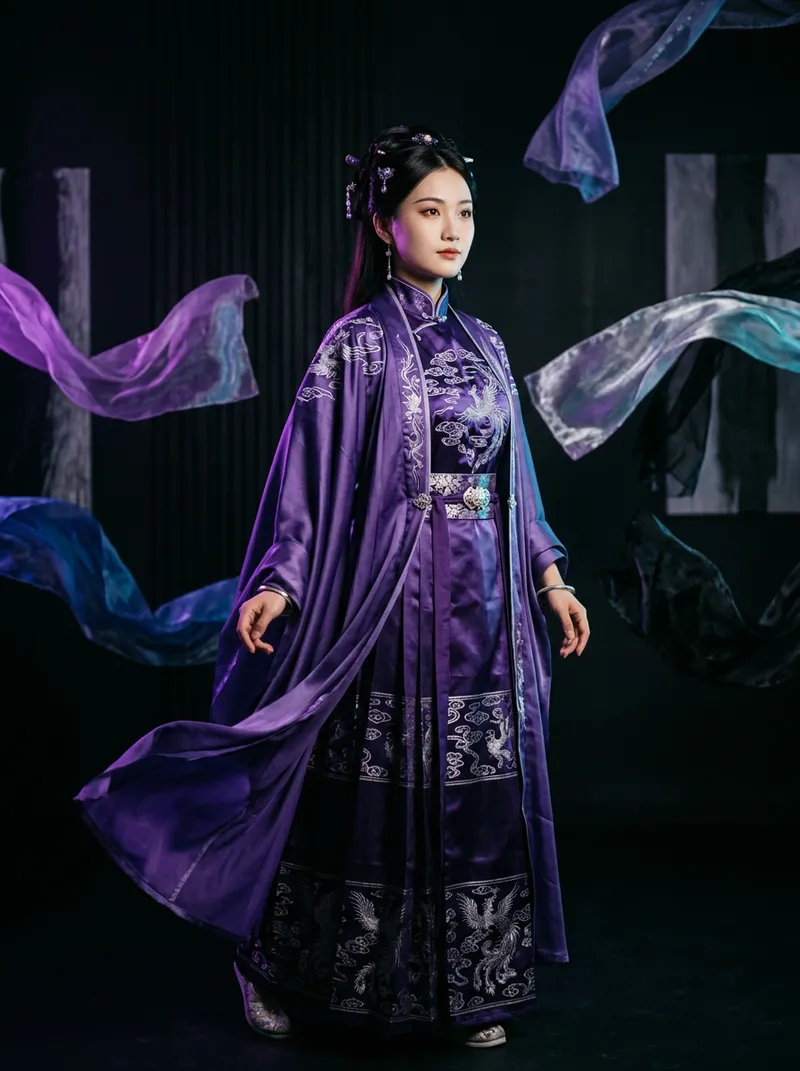
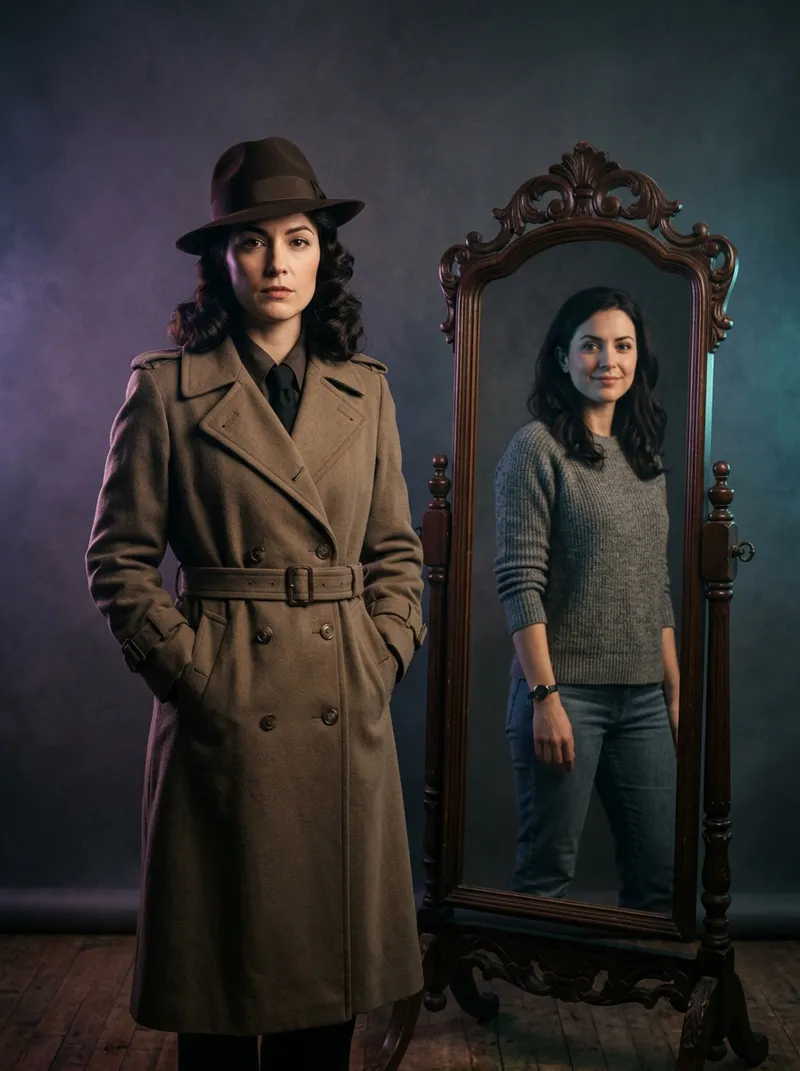
When you want a believable new scene (a beach at sunset, a studio with soft light, a city street at night), a generative image model does better because it can re-light you and add matching shadows. Paste one of the prompts below into ChatGPT, Gemini, Photoshop's Generative Fill or Kling together with your photo.
Private by design. The background tool runs entirely in your browser; your photo never leaves your device. For passports, visas and government IDs, most authorities want a real, unedited photo: use the ID colours here for informal forms only and check the official rules.
How to
How to change a photo background
Upload a portrait
Use the tool above. A photo with one or two people facing the camera and some contrast against the background works best.
Pick a background
Choose ID blue, white or red, a gradient, a custom colour, transparent, or upload your own image.
Soften the edges
Move the edge-softness slider until hair and shoulders blend naturally.
Download the PNG
Save the result at full resolution (up to 2048 px). Transparent PNGs work in Canva, Keynote and slides.
Want a full scene? Use a prompt
For travel, studio or festive scenes with realistic light, paste a prompt below into ChatGPT, Gemini or Kling with your photo.
Guide
A practical guide to changing photo backgrounds
Choose a photo that separates well
Cutouts work best when the person stands out: contrasting clothes and background, even light, and no one standing directly behind. Shoulders and head should be fully in frame. A phone portrait taken a step away from a wall is ideal.
Solid colours for profiles and ID-style photos
Blue, white and red are the classic ID backdrops in many countries; light grey suits LinkedIn and company directories. Keep the head centred with some space above it, and crop to the size the form asks for after downloading.
Gradients and brand colours
A soft two-colour gradient looks modern on speaker pages and social avatars. Use the custom colour to match a brand, and keep it a little darker than the face so skin tones pop.
New scenes need re-lighting
Pasting a person onto a sunset photo rarely looks real because the light comes from the wrong direction. That's when a generative tool helps: describe the scene, the time of day and the light direction, and it will re-light you and add shadows that touch the ground.
Stay honest
Changing a background is fine for profiles, creative posts and fun. Don't place yourself or others at events or places in a way meant to deceive, and never use edited photos where an authentic photo is legally required.
Prompts
14 AI background generator prompts
Upload your photo first. Each prompt keeps you unchanged and swaps only the scene.
14 of 14 shown
#01
Clean studio, soft grey
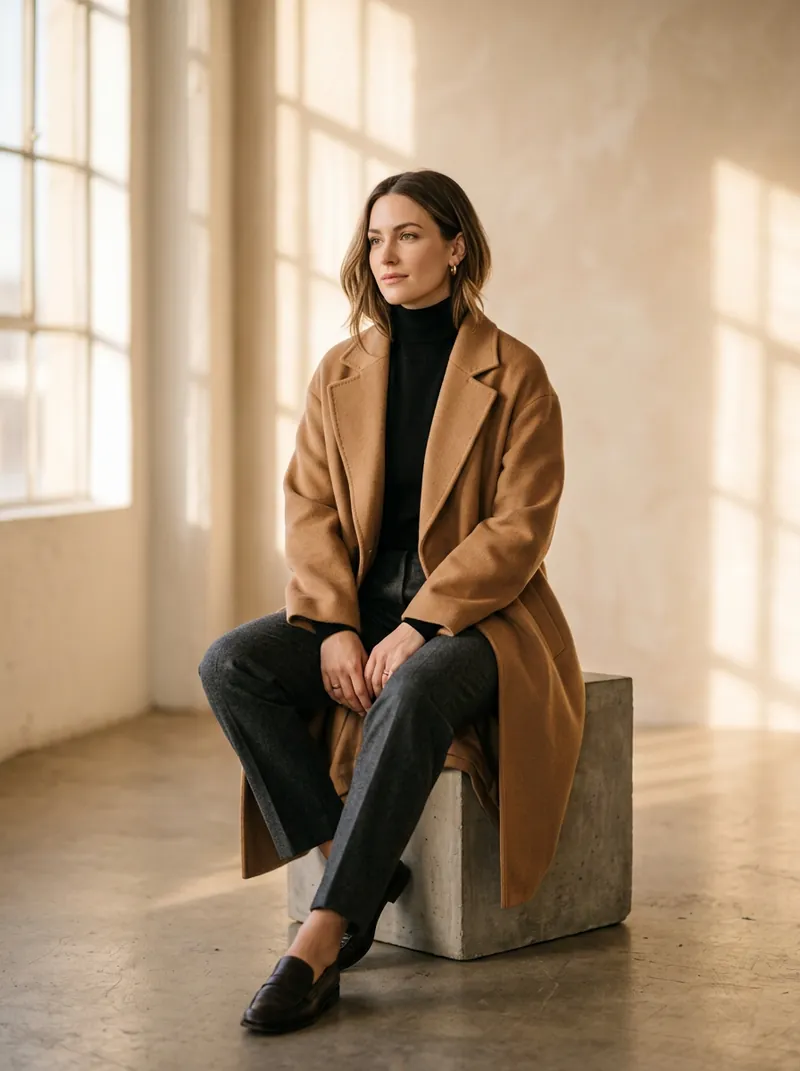
Use the uploaded photo as the identity reference and keep the person's face, hairline, skin tone, body shape and pose exactly the same. Keep the person exactly as they are and replace only the background. New background: a seamless mid-grey photo studio backdrop with a soft vignette. Soft key light from the front-left, gentle shadow behind the shoulders, professional portrait look.

Negative prompt: changed face, different person, cut-out halo, jagged edges around hair, mismatched lighting, floating subject, wrong shadows, blurry, text, watermark, logo
Use the uploaded photo as the identity reference and keep the person's face, hairline, skin tone, body shape and pose exactly the same. Keep the person exactly as they are and replace only the background. New background: flat pure white (#FFFFFF), even lighting, no shadows, head and shoulders centred with space above the head, neutral and clean.

Negative prompt: changed face, different person, cut-out halo, jagged edges around hair, mismatched lighting, floating subject, wrong shadows, blurry, text, watermark, logo
Use the uploaded photo as the identity reference and keep the person's face, hairline, skin tone, body shape and pose exactly the same. Keep the person exactly as they are and replace only the background. New background: flat solid blue (#438EDB), even lighting with no gradient or shadow, head and shoulders centred, neat and formal.

Negative prompt: changed face, different person, cut-out halo, jagged edges around hair, mismatched lighting, floating subject, wrong shadows, blurry, text, watermark, logo
Use the uploaded photo as the identity reference and keep the person's face, hairline, skin tone, body shape and pose exactly the same. Keep the person exactly as they are and replace only the background. New background: flat solid red (#D9001B), even lighting with no shadow, head and shoulders centred, crisp edges around the hair.

Negative prompt: changed face, different person, cut-out halo, jagged edges around hair, mismatched lighting, floating subject, wrong shadows, blurry, text, watermark, logo
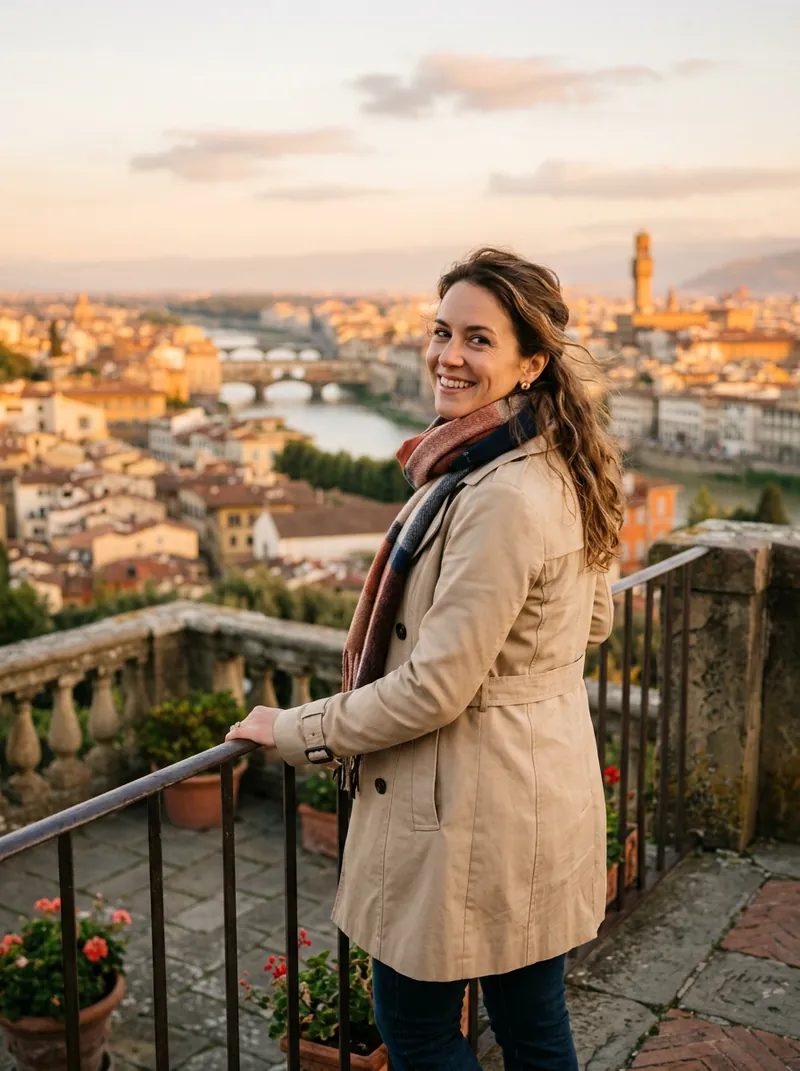
Use the uploaded photo as the identity reference and keep the person's face, hairline, skin tone, body shape and pose exactly the same. Keep the person exactly as they are and replace only the background. New background: a charming Parisian street with cream stone buildings and wrought-iron balconies, the Eiffel Tower softly visible in the distance, warm golden-hour light from behind, natural shadow on the pavement.

Negative prompt: changed face, different person, cut-out halo, jagged edges around hair, mismatched lighting, floating subject, wrong shadows, blurry, text, watermark, logo
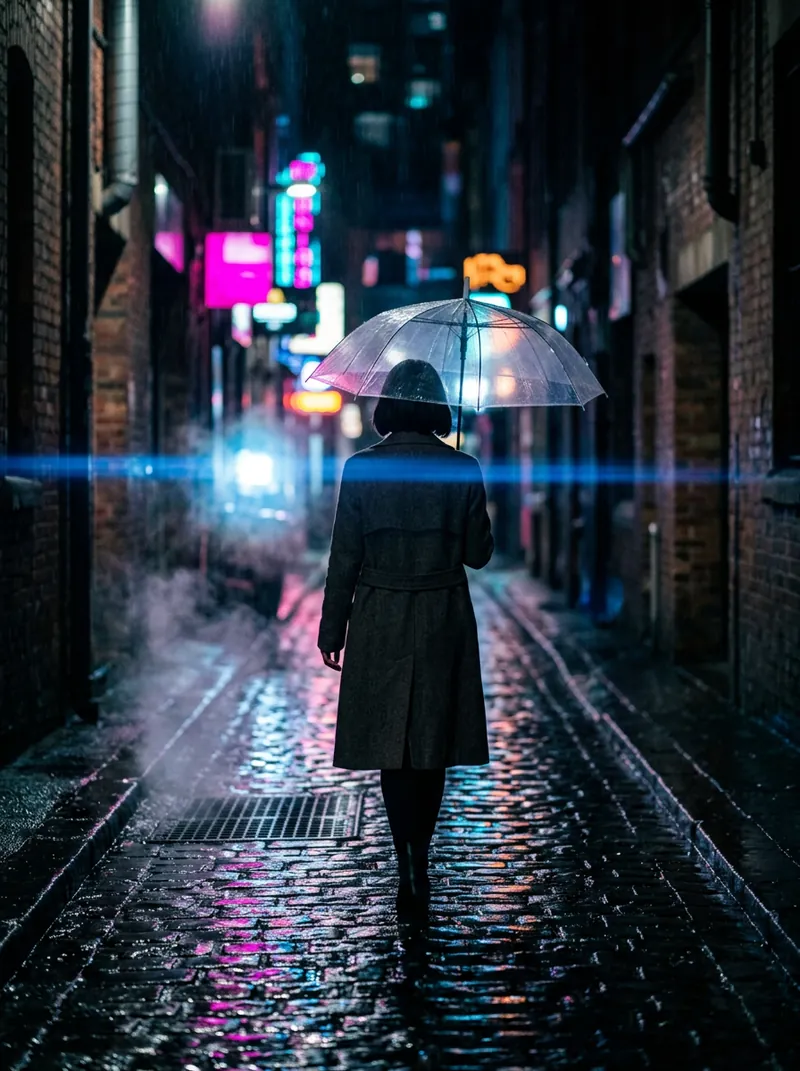
Use the uploaded photo as the identity reference and keep the person's face, hairline, skin tone, body shape and pose exactly the same. Keep the person exactly as they are and replace only the background. New background: a bustling New York square at night with glowing billboards (no readable text), yellow cabs blurred in motion, city lights reflecting on wet pavement, cinematic colour.

Negative prompt: changed face, different person, cut-out halo, jagged edges around hair, mismatched lighting, floating subject, wrong shadows, blurry, text, watermark, logo
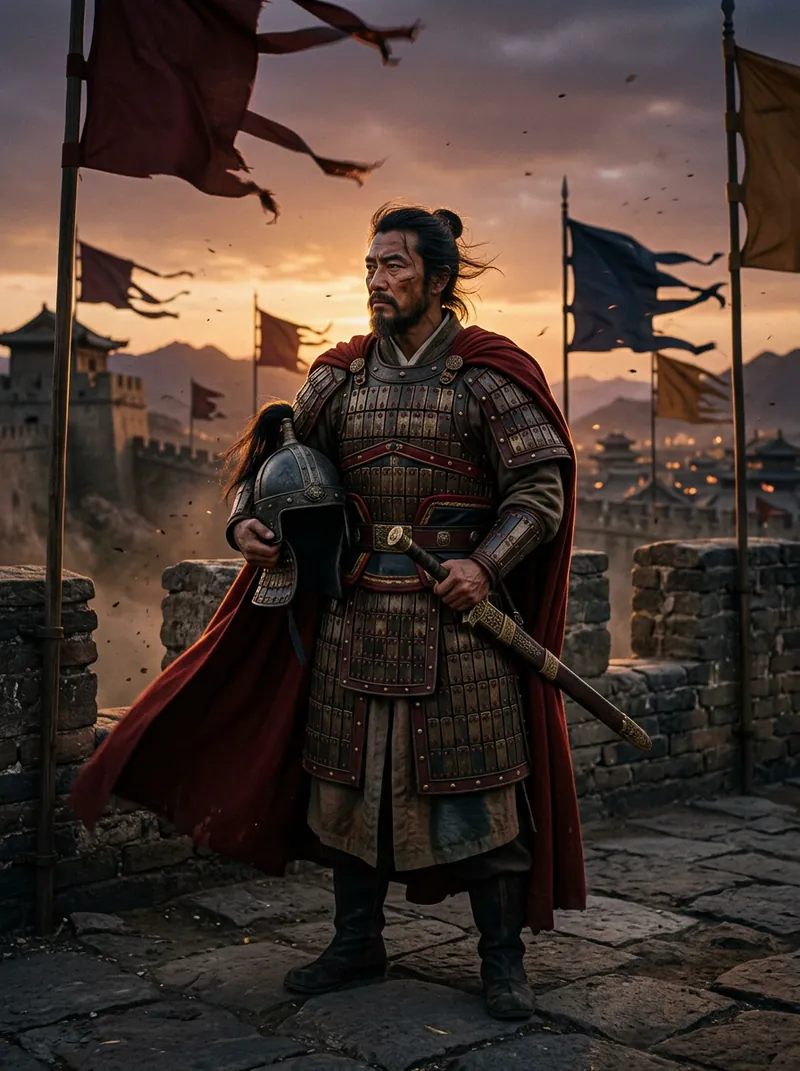
Use the uploaded photo as the identity reference and keep the person's face, hairline, skin tone, body shape and pose exactly the same. Keep the person exactly as they are and replace only the background. New background: the Great Wall winding over green mountains at sunrise, soft mist in the valleys, warm side light that matches the subject, standing on the stone walkway.

Negative prompt: changed face, different person, cut-out halo, jagged edges around hair, mismatched lighting, floating subject, wrong shadows, blurry, text, watermark, logo
Use the uploaded photo as the identity reference and keep the person's face, hairline, skin tone, body shape and pose exactly the same. Keep the person exactly as they are and replace only the background. New background: a white-sand tropical beach with turquoise water and palm trees, bright late-afternoon sun from the side, soft shadow on the sand, relaxed holiday mood.

Negative prompt: changed face, different person, cut-out halo, jagged edges around hair, mismatched lighting, floating subject, wrong shadows, blurry, text, watermark, logo
Use the uploaded photo as the identity reference and keep the person's face, hairline, skin tone, body shape and pose exactly the same. Keep the person exactly as they are and replace only the background. New background: a bright modern office with glass walls, plants and wooden desks, softly blurred (f/2), cool daylight, professional LinkedIn look.

Negative prompt: changed face, different person, cut-out halo, jagged edges around hair, mismatched lighting, floating subject, wrong shadows, blurry, text, watermark, logo
Use the uploaded photo as the identity reference and keep the person's face, hairline, skin tone, body shape and pose exactly the same. Keep the person exactly as they are and replace only the background. New background: a cosy café interior with warm pendant lights, brick wall and shelves of cups, softly out of focus, warm tones matching the subject's skin.

Negative prompt: changed face, different person, cut-out halo, jagged edges around hair, mismatched lighting, floating subject, wrong shadows, blurry, text, watermark, logo
Use the uploaded photo as the identity reference and keep the person's face, hairline, skin tone, body shape and pose exactly the same. Keep the person exactly as they are and replace only the background. New background: a festive living room with a decorated Christmas tree, warm fairy lights bokeh and a fireplace, cosy evening light on the subject.

Negative prompt: changed face, different person, cut-out halo, jagged edges around hair, mismatched lighting, floating subject, wrong shadows, blurry, text, watermark, logo
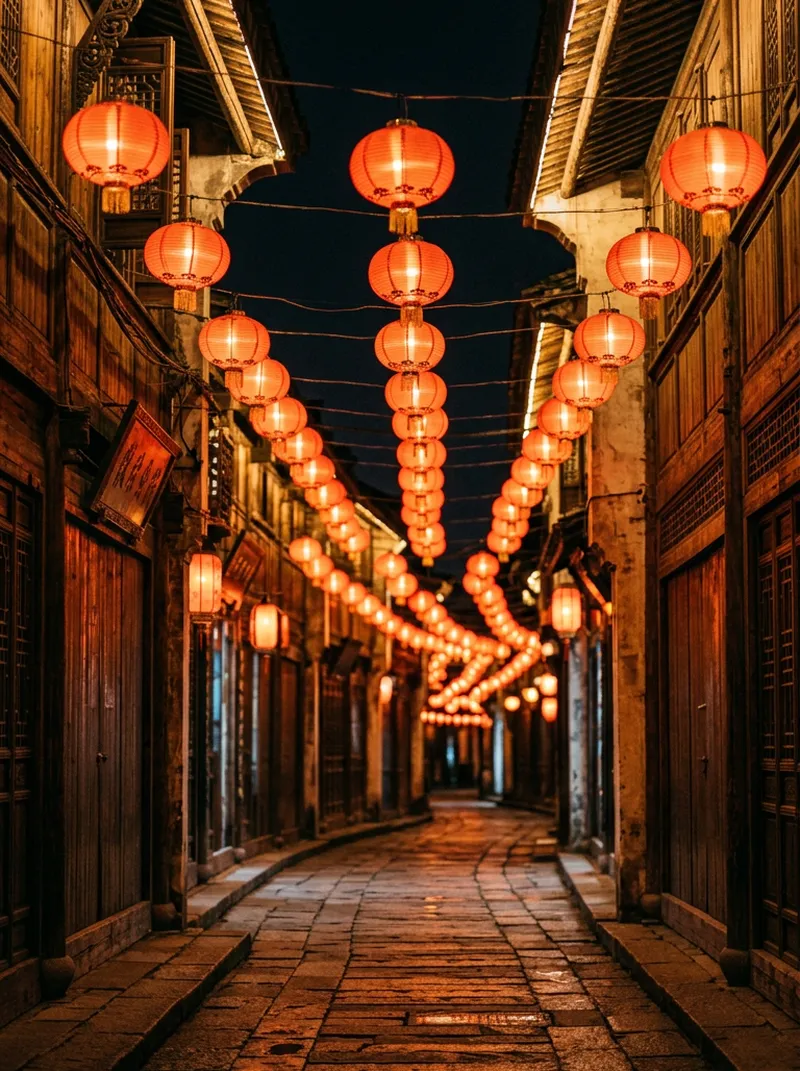
Use the uploaded photo as the identity reference and keep the person's face, hairline, skin tone, body shape and pose exactly the same. Keep the person exactly as they are and replace only the background. New background: a festive street lined with glowing red lanterns and plum blossoms for Lunar New Year, warm light, soft bokeh, cheerful atmosphere, no readable characters or text.

Negative prompt: changed face, different person, cut-out halo, jagged edges around hair, mismatched lighting, floating subject, wrong shadows, blurry, text, watermark, logo
Use the uploaded photo as the identity reference and keep the person's face, hairline, skin tone, body shape and pose exactly the same. Keep the person exactly as they are and replace only the background. New background: a park full of pink cherry blossoms in full bloom, petals drifting, soft spring daylight, gentle background blur.

Negative prompt: changed face, different person, cut-out halo, jagged edges around hair, mismatched lighting, floating subject, wrong shadows, blurry, text, watermark, logo
Use the uploaded photo as the identity reference and keep the person's face, hairline, skin tone, body shape and pose exactly the same. Keep the person exactly as they are and replace only the background. New background: a smooth gradient from soft lilac to pale blue with a subtle floor shadow, clean e-commerce look, even studio lighting.

Negative prompt: changed face, different person, cut-out halo, jagged edges around hair, mismatched lighting, floating subject, wrong shadows, blurry, text, watermark, logo
Yes. No sign-up, no watermark, no limits. It runs on your own device, so we have nothing to charge for.
Is my photo uploaded anywhere?
No. The cutout model (MediaPipe Selfie Segmentation, Apache-2.0) is downloaded from drawcue once and runs in your browser. The photo stays on your device.
Can I make an ID photo with a blue, white or red background?
You can make a clean ID-style picture for informal uses such as a résumé, school card or work badge. Passports and visas usually require an unedited photo taken to official rules, so check those first.
Why do the hair edges look rough?
Fine hair against a busy background is the hardest case. Raise the edge softness, use a photo with a plainer background, or use a generative prompt below for a re-lit scene.
Does it work for products or pets?
The model is trained on people, so products and animals are hit and miss. For product shots, try the AI store design prompts or a generative editor.