Avatar prompt generator
Free AI avatar prompt generator
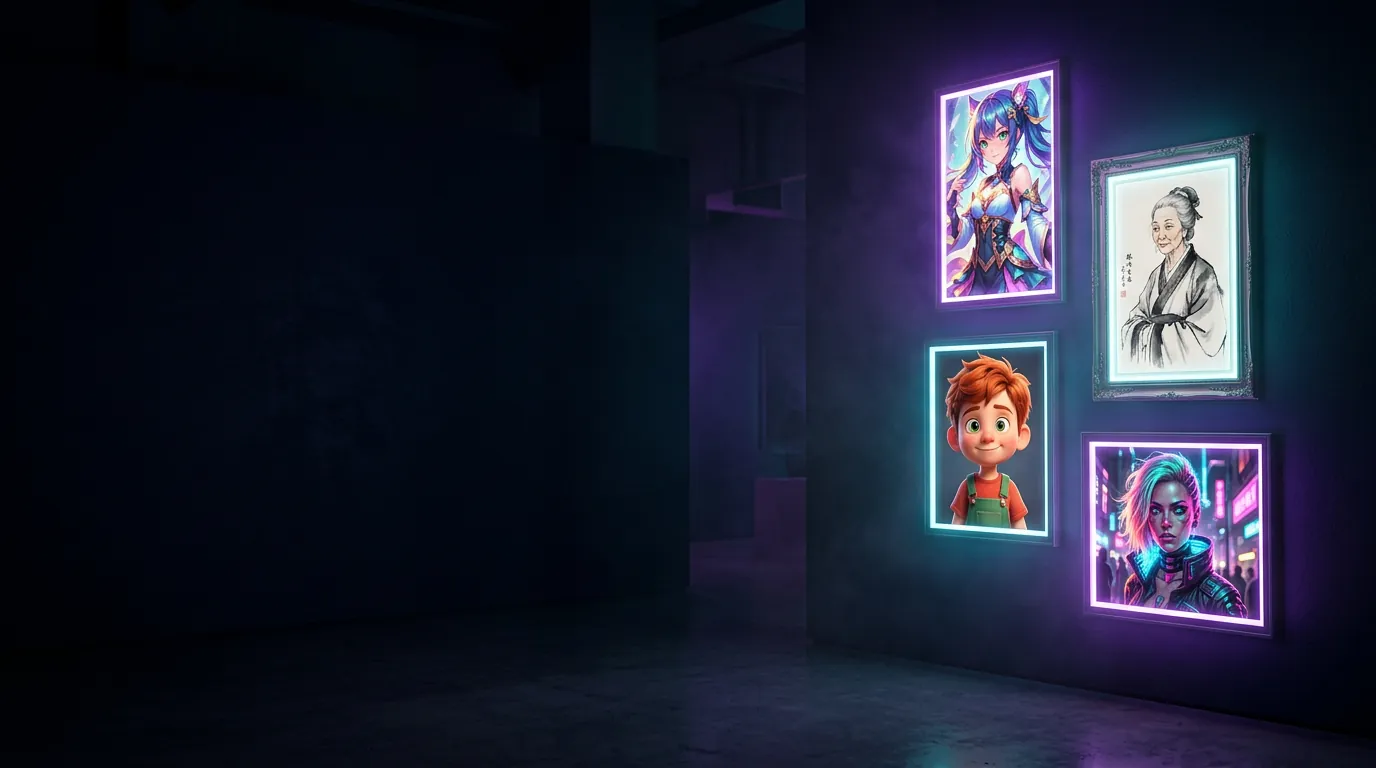
8 styles, 1 or 2 people, 4 backgrounds, 3 colour tones. Get a ready-to-paste English and Chinese prompt with a negative prompt in one click.
Avatar prompt generator
Build your avatar prompt
Tap a style and options; the prompt updates instantly.
Style 风格
English prompt + negative
Chinese prompt 中文提示词
How to
How to use it
Pick a style
Tap one of the eight looks. Couple and pet persona work best with a reference photo.
Set the options
Choose 1 or 2 people, a background and a colour tone. The prompt rebuilds as you tap.
Copy the prompt
Copy the English prompt for Gemini, Midjourney-style tools or Kling, or the Chinese prompt for Jimeng and Doubao.
Generate for free
Open Jimeng, Doubao or Kling, upload your photo as a reference if you want your own face, and paste.
Tips for better AI avatars
- Upload a reference photo when you want the avatar to look like you. Use a sharp, front-facing photo with even light.
- Paste the negative prompt into the tool's negative or “avoid” field if it has one; otherwise leave it at the end of the prompt.
- Generate 3–4 versions and pick the best. Small wording changes (lens, light) give very different results.
- Keep it yours. Only use photos of yourself or people who agreed.
Guide
How to write AI avatar prompts that work
What the generator puts in a prompt
Every prompt this generator builds follows the same order: who is in the picture (one or two people), the style (for example ink-wash guofeng or Pixar 3D), the setting, the light and colour tone, the camera or art details, and finally a negative prompt. Image models read the start of a prompt most carefully, so the subject and style come first and the small details come last. If you edit a prompt by hand, keep that order.
Which language to use in which tool
Chinese tools such as Jimeng and Doubao understand Chinese style words like 国风, 水墨 and 汉服 very precisely, so the Chinese prompt usually gives a more authentic result there. Gemini, Kling's international site and most Western tools follow English more closely. Both prompts describe the same picture, so you can also try both and keep the better one.
Get a likeness with a reference photo
A text prompt alone always creates a new, imaginary face. To make an avatar that looks like you, upload a photo in the tool's reference or image field before pasting the prompt. The best reference is sharp, front-facing and evenly lit, with nothing covering the face. For the couple style, upload one photo of each person in the same order every time.
Fixing the most common problems
If the face does not look like you, shorten the prompt or add a second reference photo. If skin looks plastic, add 'natural skin texture'. If hands or fingers are wrong, choose a head-and-shoulders crop. If a tool ignores the style, move the style words to the very beginning. Generating three or four versions and picking one is normal; even good prompts vary from run to run.
Where to go next
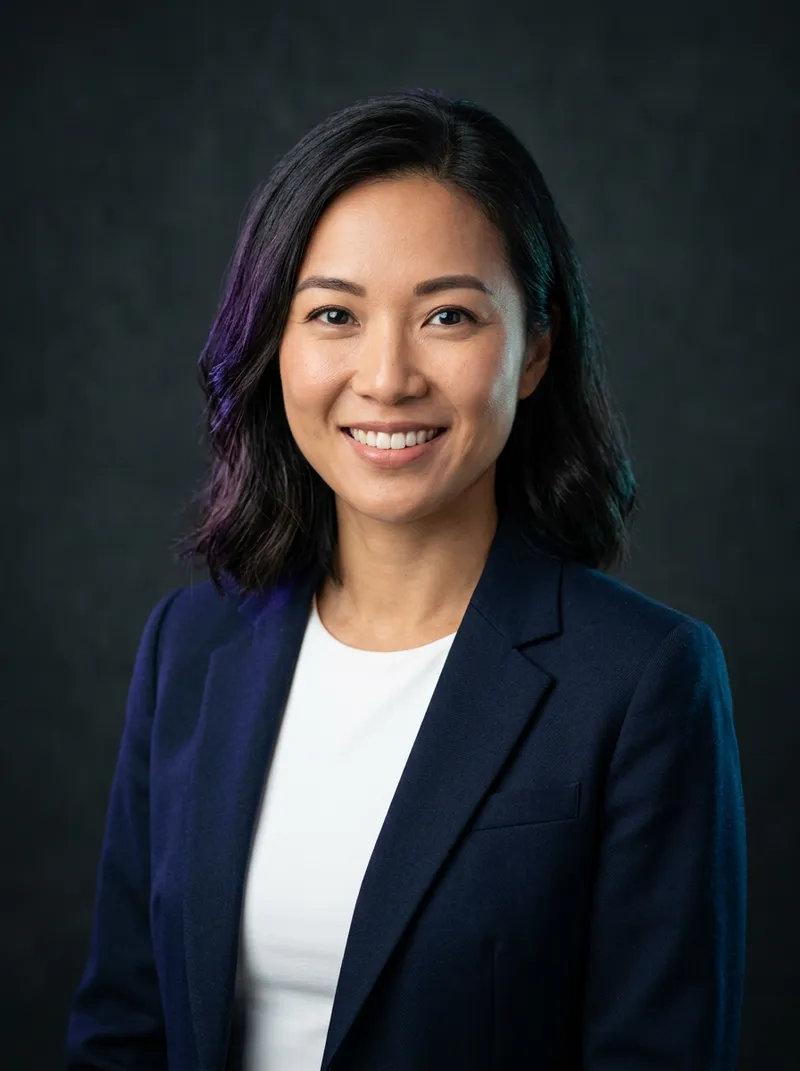
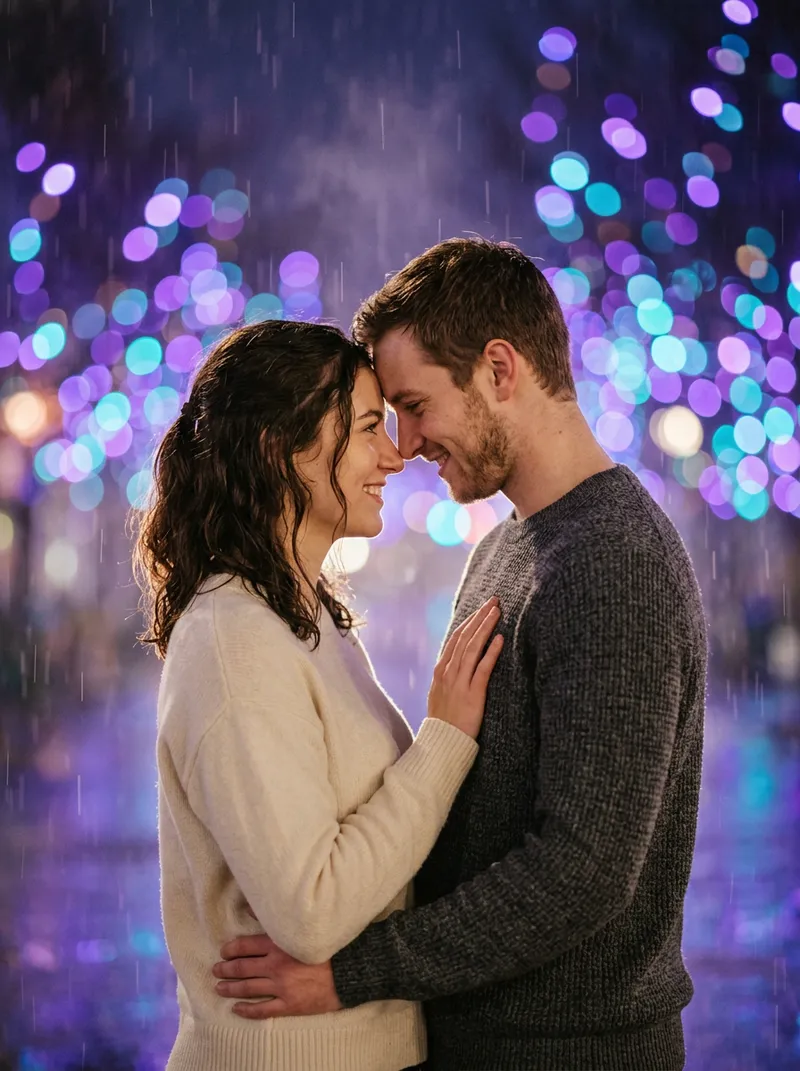
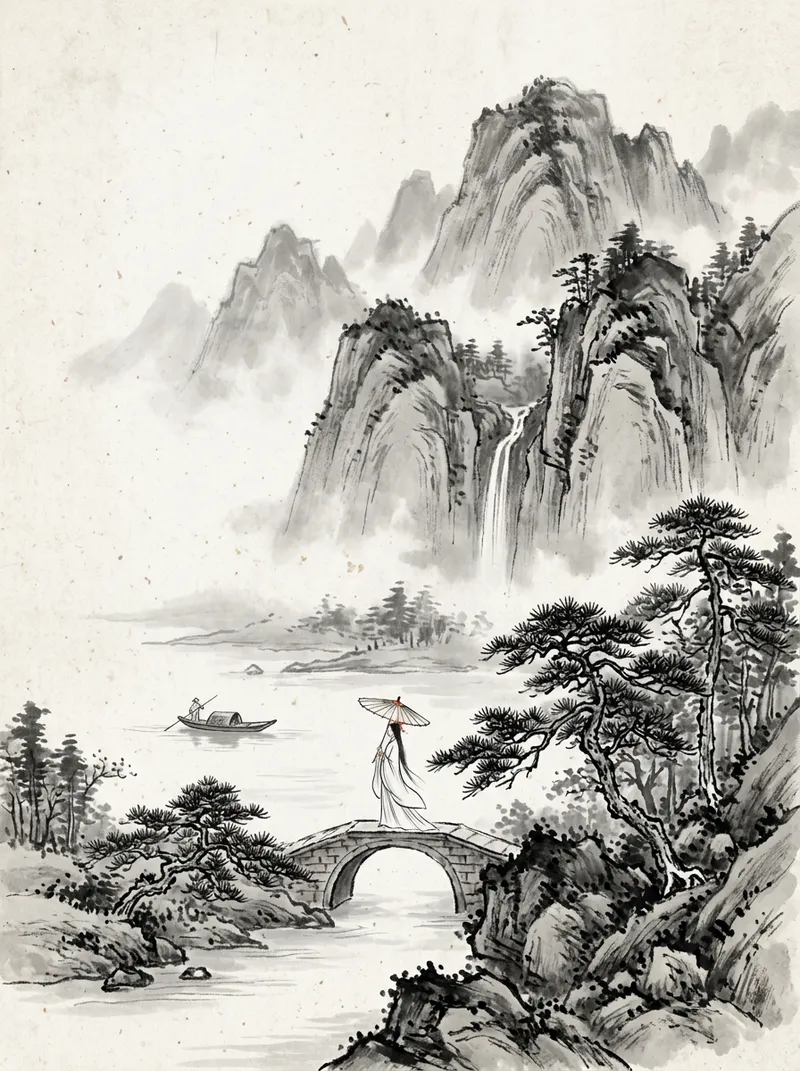
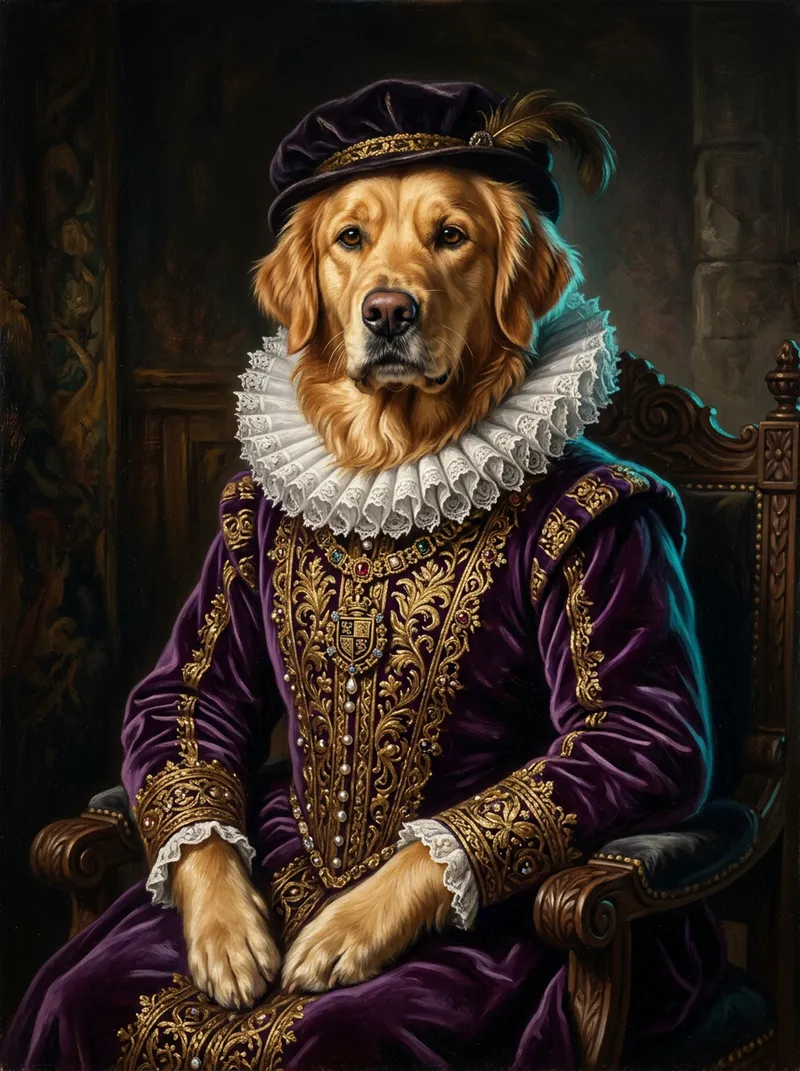
Each style has a longer page with twelve hand-written prompts: professional headshots, couple photos, Chinese ink painting and pet portraits. Use the generator for a quick start, then open the matching page when you want more control over poses, backgrounds and lighting.
Questions
FAQ
Is this avatar prompt generator free?
Yes. drawcue is completely free and needs no sign-up. The prompts work with free tiers of Jimeng, Doubao, Kling and Gemini.
Which AI tool should I paste the prompt into?
Jimeng and Doubao handle the Chinese prompt very well; Kling, Gemini and most international tools prefer the English prompt. All of them accept both.
How do I make the avatar look like me?
Upload your own photo as a reference image in the AI tool, then paste the prompt. The prompt sets the style; your photo sets the face.
What is a negative prompt?
A list of things you don't want, like blurry faces, extra fingers or watermarks. Paste it into the tool's negative-prompt field if there is one.
Do you store my photos or prompts?
No. The generator runs entirely in your browser and never uploads anything. You only upload photos to the AI tool you choose.