AI live wallpaper: free animated loops for PC and phone
Download five free seamless loops, turn any picture into a slow-motion wallpaper right in your browser, or generate your own with 14 prompts for Kling, Runway, Hailuo and Veo.
Free MP4 loopsDesktop + phone14 prompts
Quick answer
A live wallpaper is a short video that loops forever behind your icons. The trick is the loop: if the last frame doesn't match the first, you see a jump every few seconds. Good loops use slow, repeating motion (rain, ripples, drifting mist, glowing lights) with a locked or very slow camera and no cuts.
Chrome, Edge and Firefox save WebM; Safari may save MP4. Recording takes as long as the loop. Convert WebM to MP4 in any free converter if your phone needs it.
Overview
What makes a good AI live wallpaper?
A live wallpaper is a short video that loops forever behind your icons. The trick is the loop: if the last frame doesn't match the first, you see a jump every few seconds. Good loops use slow, repeating motion (rain, ripples, drifting mist, glowing lights) with a locked or very slow camera and no cuts.
AI video models such as Kling, Runway, Hailuo and Veo can animate a still image into exactly this kind of motion. Generate or pick a beautiful still, animate it with a loop-friendly prompt, then trim the clip so it starts and ends on the same frame.
Battery tip. Live wallpapers use a little GPU. On laptops, set your wallpaper app to pause on battery or when an app is fullscreen.
How to
How to make an AI live wallpaper
Create a still
Generate a 16:9 (desktop) or 9:16 (phone) image with ChatGPT, Gemini or Midjourney, or use your own photo.
Animate it
Upload the still to Kling, Runway, Hailuo or Veo as the first frame and paste a loop prompt below.
Ask for a matching last frame
Where the tool supports start and end frames, use the same image for both. That's the easiest seamless loop.
Trim and export
Cut the clip on a frame that matches the start, export MP4 at 1080p, and keep it under ~10 MB.
Set it as wallpaper
Use Lively Wallpaper on Windows, a live-wallpaper app on Mac, a Live Photo on iPhone, or the video-wallpaper setting on Android.
Guide
A practical guide to AI live wallpapers
Pick motion that loops naturally
Rain, falling snow, rippling water, drifting clouds, flickering lanterns, twinkling stars and swaying grass all repeat naturally. People walking, cars driving off or a sun that sets do not, because the end can never match the start.
Keep the camera calm
Wallpapers sit behind your icons for hours, so slow is better. Ask for a locked camera or a very slow push-in, and avoid orbit shots or zooms that would need to snap back. If you want depth, ask for gentle parallax between foreground and background.
Use start and end frames
Kling and several other tools let you set both the first and last frame. Using the same still for both is the most reliable way to get a seamless loop. Otherwise, generate a little longer than you need and trim on a frame that matches.
Size, length and file weight
Export 1920×1080 for desktop and 1080×1920 for phones. Six to ten seconds is plenty; longer loops just make bigger files. Aim for 2–10 MB so the wallpaper app stays light.
Dark, calm and icon-friendly
Busy, bright scenes make icons hard to read. Keep important detail away from where your dock, taskbar or clock sits, and favour darker palettes for OLED phones and night use.
Prompts
14 seamless-loop wallpaper prompts
Image-to-video prompts. Use a 16:9 still for desktop or 9:16 for phone; each includes loop rules and a negative prompt.
14 of 14 shown
#01
Neon city rain (desktop)
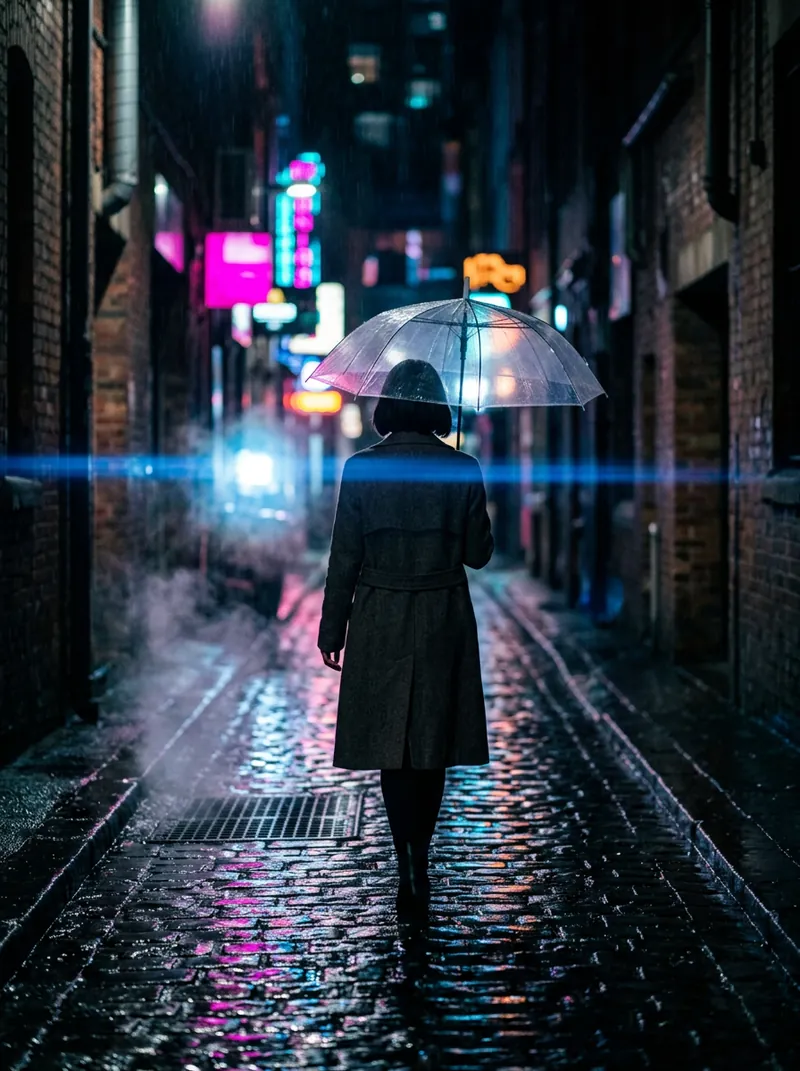
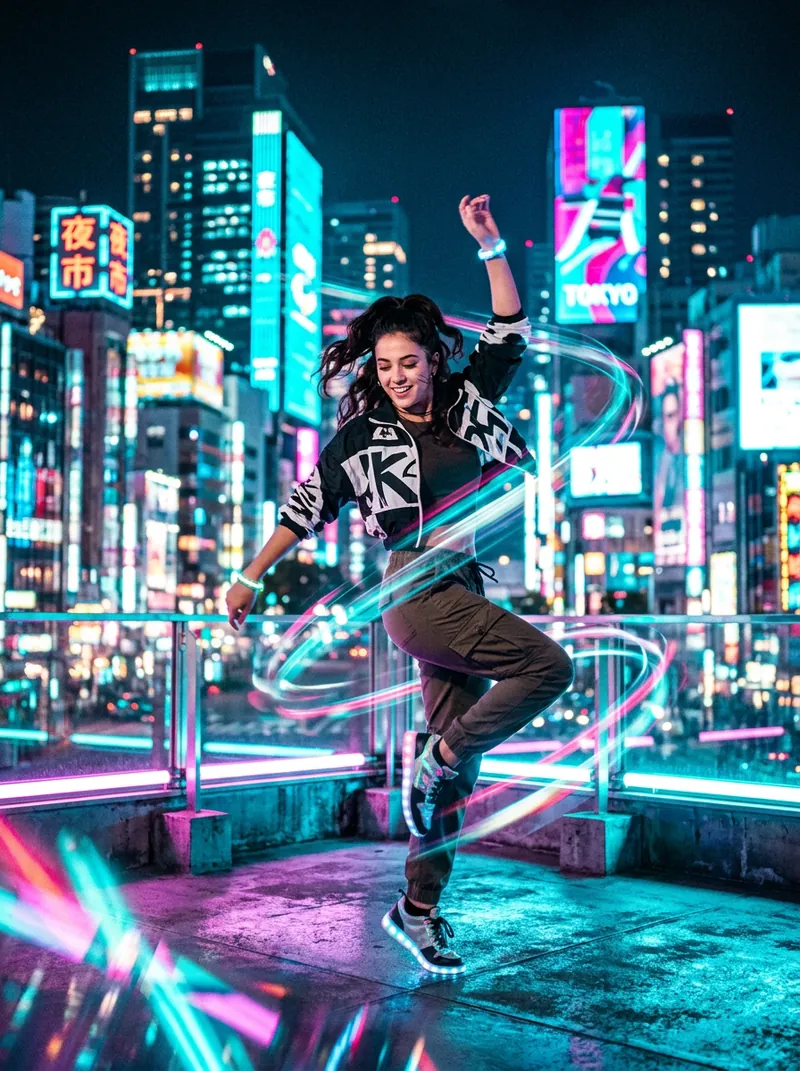
16:9 image-to-video. A rainy futuristic city street at night: steady rain falls, neon reflections shimmer on wet asphalt, distant lights flicker softly, very slow push-in. Seamless loop: the last frame matches the first frame, slow gentle motion, locked or very slow camera, no cuts.

Negative prompt: camera cut, scene change, flicker, morphing objects, fast motion, shaky camera, text, watermark, logo, people walking into frame
9:16 image-to-video. A narrow neon alley in the rain seen from street level, raindrops streaking through pink and cyan light, puddle ripples, locked camera. Seamless loop: the last frame matches the first frame, slow gentle motion, locked or very slow camera, no cuts.

Negative prompt: camera cut, scene change, flicker, morphing objects, fast motion, shaky camera, text, watermark, logo, people walking into frame
9:16 top-down image-to-video. Three koi glide slowly in a circle under floating lotus leaves, soft ripples spread and fade, petals drift gently, locked overhead camera. Seamless loop: the last frame matches the first frame, slow gentle motion, locked or very slow camera, no cuts.

Negative prompt: camera cut, scene change, flicker, morphing objects, fast motion, shaky camera, text, watermark, logo, people walking into frame
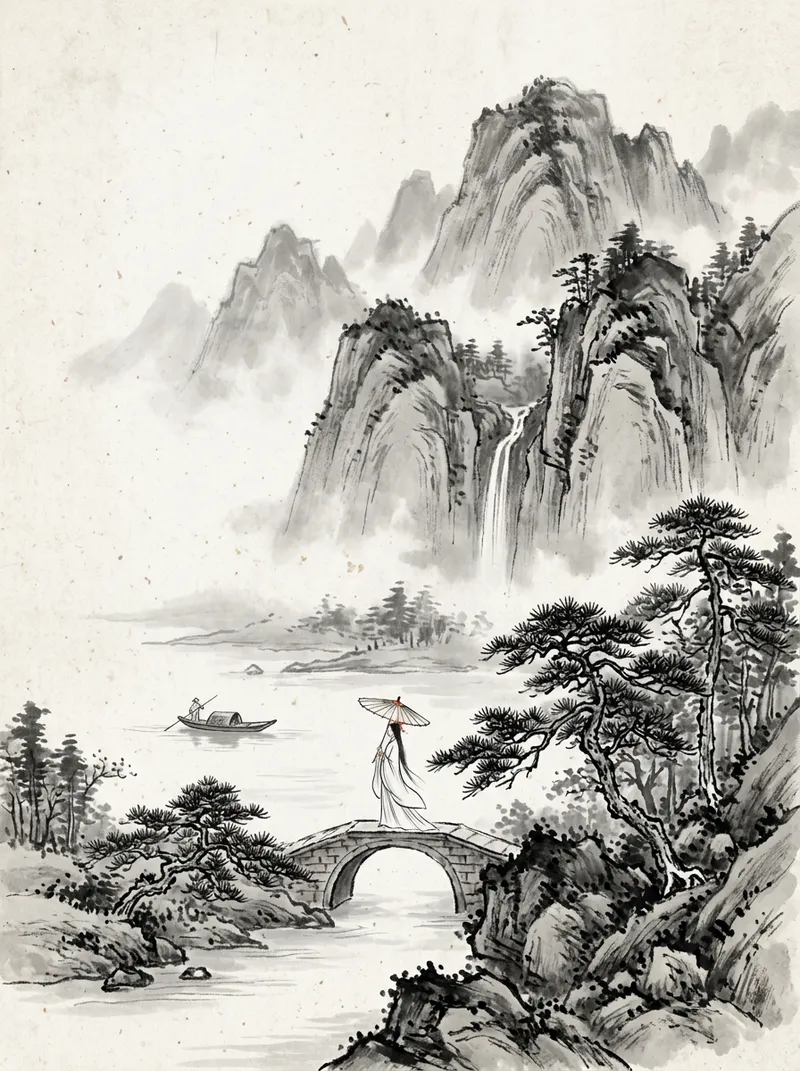
16:9 image-to-video in Chinese ink-wash style. Mist drifts slowly between layered mountains, a tiny boat bobs on the calm river, pine branches sway slightly, very slow horizontal drift. Seamless loop: the last frame matches the first frame, slow gentle motion, locked or very slow camera, no cuts.

Negative prompt: camera cut, scene change, flicker, morphing objects, fast motion, shaky camera, text, watermark, logo, people walking into frame
9:16 image-to-video. Green and violet aurora ribbons ripple slowly across a starry sky above a snowy pine forest, stars twinkle, reflections shimmer on a frozen lake, locked camera. Seamless loop: the last frame matches the first frame, slow gentle motion, locked or very slow camera, no cuts.

Negative prompt: camera cut, scene change, flicker, morphing objects, fast motion, shaky camera, text, watermark, logo, people walking into frame
16:9 image-to-video. A wide arctic valley at night with aurora curtains waving gently, faint snow drifting, a lone cabin window glowing warm, very slow pan. Seamless loop: the last frame matches the first frame, slow gentle motion, locked or very slow camera, no cuts.

Negative prompt: camera cut, scene change, flicker, morphing objects, fast motion, shaky camera, text, watermark, logo, people walking into frame
16:9 image-to-video. View from a cozy desk by a window on a rainy evening: raindrops roll down the glass, blurred city lights glow outside, steam rises from a mug, a candle flickers, locked camera. Seamless loop: the last frame matches the first frame, slow gentle motion, locked or very slow camera, no cuts.

Negative prompt: camera cut, scene change, flicker, morphing objects, fast motion, shaky camera, text, watermark, logo, people walking into frame
9:16 image-to-video in soft anime style. A quiet study room at night, desk lamp glowing, curtains moving slightly in the breeze, a cat's tail swishing slowly on the windowsill, stars outside. Seamless loop: the last frame matches the first frame, slow gentle motion, locked or very slow camera, no cuts.

Negative prompt: camera cut, scene change, flicker, morphing objects, fast motion, shaky camera, text, watermark, logo, people walking into frame
16:9 image-to-video. A colourful nebula in deep space with slowly swirling gas clouds, twinkling stars and a distant planet rotating very slowly, gentle parallax between star layers. Seamless loop: the last frame matches the first frame, slow gentle motion, locked or very slow camera, no cuts.

Negative prompt: camera cut, scene change, flicker, morphing objects, fast motion, shaky camera, text, watermark, logo, people walking into frame
9:16 image-to-video. Looking out of a round space-station window at Earth, clouds drifting slowly over the blue planet, the station's lights blinking softly, locked camera. Seamless loop: the last frame matches the first frame, slow gentle motion, locked or very slow camera, no cuts.

Negative prompt: camera cut, scene change, flicker, morphing objects, fast motion, shaky camera, text, watermark, logo, people walking into frame
16:9 image-to-video. A cyberpunk skyline at dusk, flying vehicles crossing slowly in the far distance on repeating paths, holographic light panels pulsing (blank, no text), light haze, locked camera. Seamless loop: the last frame matches the first frame, slow gentle motion, locked or very slow camera, no cuts.

Negative prompt: camera cut, scene change, flicker, morphing objects, fast motion, shaky camera, text, watermark, logo, people walking into frame
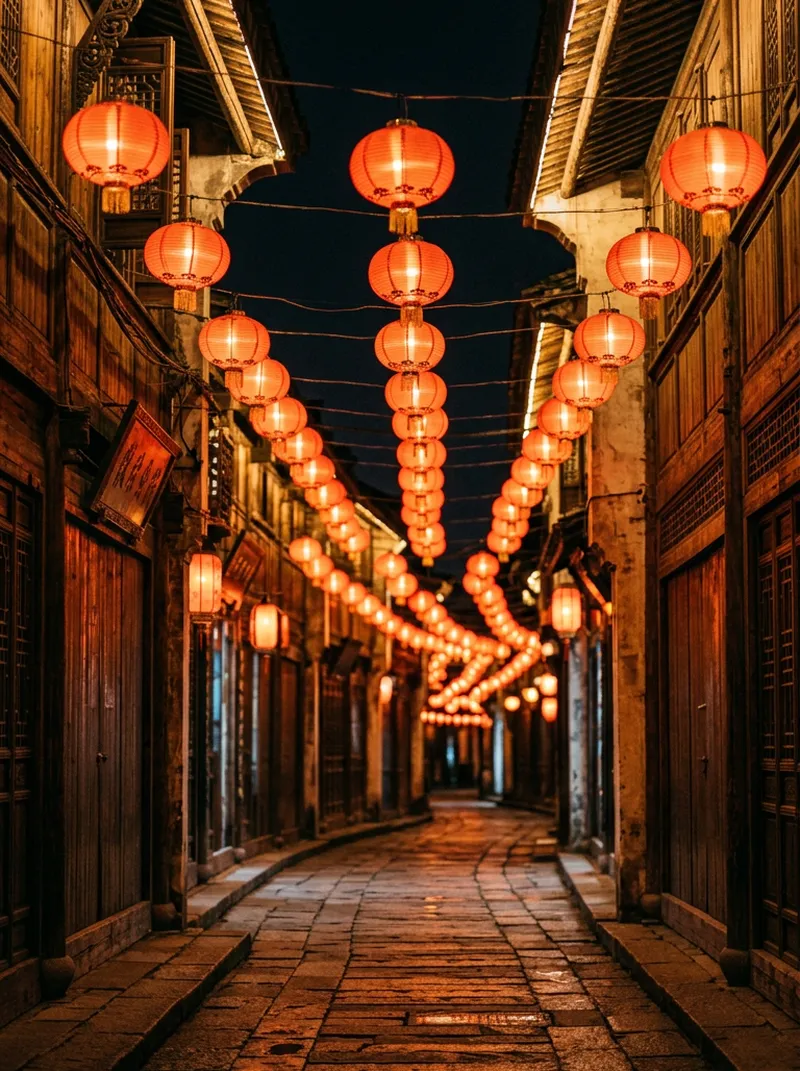
9:16 image-to-video. A traditional alley at night lined with glowing red lanterns that sway gently, warm light pulsing softly, a few sparks of bokeh floating upward, very slow push-in. No text or characters. Seamless loop: the last frame matches the first frame, slow gentle motion, locked or very slow camera, no cuts.

Negative prompt: camera cut, scene change, flicker, morphing objects, fast motion, shaky camera, text, watermark, logo, people walking into frame
9:16 image-to-video. A cherry-blossom branch in front of a soft blue sky, petals drifting down slowly and continuously, branch swaying slightly, dreamy spring light. Seamless loop: the last frame matches the first frame, slow gentle motion, locked or very slow camera, no cuts.

Negative prompt: camera cut, scene change, flicker, morphing objects, fast motion, shaky camera, text, watermark, logo, people walking into frame
16:9 image-to-video. Calm ocean at golden hour, gentle waves rolling in a steady rhythm, sun glitter sparkling on the water, a few clouds drifting, locked camera; the sun does not move. Seamless loop: the last frame matches the first frame, slow gentle motion, locked or very slow camera, no cuts.

Negative prompt: camera cut, scene change, flicker, morphing objects, fast motion, shaky camera, text, watermark, logo, people walking into frame
Yes. The five sample loops are free for personal wallpapers and were made by drawcue from AI-generated stills with no text or logos. Please don't resell them.
How do I set a live wallpaper on Windows?
Install Lively Wallpaper (free) or Wallpaper Engine (paid), drag in the MP4 and set it as wallpaper. Turn on pause-when-fullscreen to save power.
Can I use a live wallpaper on iPhone?
iPhone uses Live Photos rather than videos. Convert the 9:16 MP4 to a Live Photo with a converter app and choose it in Settings → Wallpaper.
How do I make the loop seamless?
Use slow, repeating motion, keep the camera locked, avoid cuts, and use the same image as start and end frame if your tool allows it. Then trim on a matching frame.
Does the loop maker upload my image?
No. It animates the image on a canvas in your browser and records it locally with MediaRecorder.