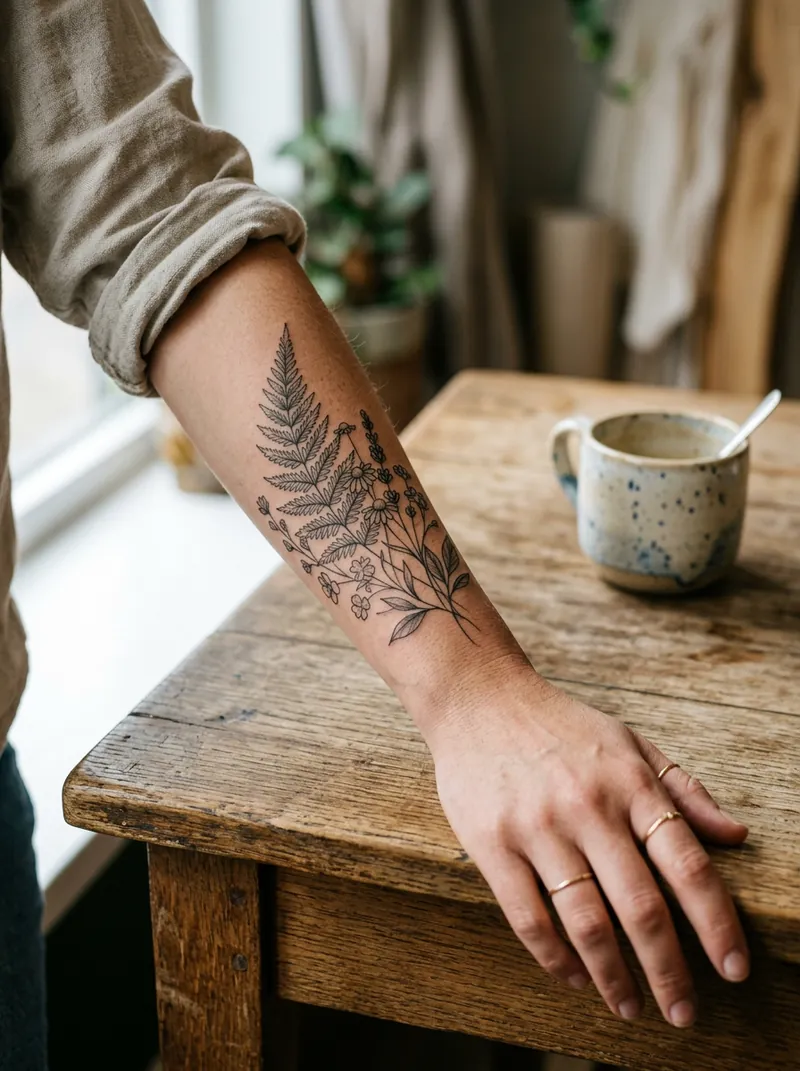
Generate a tattoo design with a copy-ready prompt, then place it on a photo of your arm, wrist or shoulder with our free try-on tool. It blends into the skin, and nothing leaves your device.
Free try-on tool14 promptsRuns in your browser
Quick answer
To design a tattoo with AI, paste a style prompt (for example 'fine-line single-needle rose, black linework, pure white background, no text') into ChatGPT, Gemini or Midjourney and download the design. Then open drawcue's free try-on tool, upload a photo of your arm, pick or upload the design, and drag, resize and rotate it; it removes the white background and blends the ink into your skin locally.
Browser models tuned for line art and tattoo styles.
Free credits on sign-up
Free tool
Try a tattoo on your photo
Upload a photo of your arm, wrist or shoulder, pick a design, then drag, resize and rotate it. Runs in your browser; nothing is uploaded.
Pick a flash design
Add a photo and a design to start.
Drag the tattoo on the photo to move it. Mouse wheel or the size slider resizes it.
Overview
What is an AI tattoo generator?
An AI tattoo generator turns a description such as 'minimal moon and stars, fine line' into a tattoo design you can show your artist. Image models like ChatGPT, Gemini and Midjourney are good at clean flash-style artwork when you ask for black linework on a plain white background.
The second half is seeing it on you. Our free try-on tool places any design on your own photo, removes the white background, blends the ink with a multiply effect and lets you test size, angle and placement before you book. Treat AI designs as a starting point: a professional artist will redraw it for your skin and body.
Bring it to a real artist. AI designs are drafts; a tattoo artist will adapt the linework so it heals well. Don't copy another artist's original work or trademarked logos, avoid AI-generated lettering (it often misspells), and only try designs on photos of yourself or people who agreed.
Paste into ChatGPT, Gemini, Midjourney or OpenArt. Keep 'pure white background' so it's easy to cut out.
Open the try-on tool
Upload a photo of the body part (or use our sample arm) and upload your design, or pick one of the 8 flash designs.
Place it
Drag to move, use the sliders or mouse wheel to resize and rotate, adjust ink opacity.
Download and show your artist
Save the PNG preview and bring it with the original design to your consultation.
Guide
A practical guide to AI tattoo design
Name a real tattoo style
Artists group work into styles: fine-line, American traditional, Japanese-inspired, neo-traditional, blackwork, dotwork, watercolour, geometric. Naming one in your prompt gives the AI the right line weight, shading and palette, and gives your artist a shared vocabulary.
Ask for flash, not a photo
'Single tattoo flash design on a pure white background, crisp lines, no text' produces artwork that's easy to cut out and try on. Photos of tattoos on skin are harder to reuse and often come with distorted anatomy.
Think about size and placement early
Fine-line pieces need space: a tiny rose with lots of detail will blur over time. Use the try-on tool to test realistic sizes on your wrist, forearm or shoulder, and follow the body's curves rather than placing a design flat.
Respect artists and symbols
Don't feed another artist's work into an AI to copy it, and avoid brand logos or characters. Cultural and religious symbols (for example Japanese, Polynesian or Māori designs) carry meaning: research them and work with an artist who knows the tradition.
Let a professional finish it
A good artist will simplify lines, adjust contrast for your skin tone and make sure the piece ages well. Bring your AI design and the try-on preview as references, and pay for their drawing time.
Prompts
14 AI tattoo design prompts
#1–12 generate flash designs on white (perfect for the try-on tool). #13–14 preview a design on your own photo with AI.
14 of 14 shown
#01
Fine-line rose
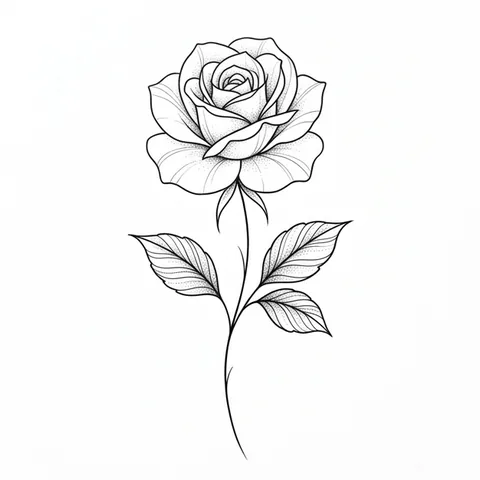
Single tattoo flash design centred on a pure white background, crisp clean lines, lots of white space, flat scan look, no skin. Fine-line single-needle rose with two leaves and a thin stem, delicate black linework, light stipple shading.

Negative prompt: text, letters, signature, watermark, logo, blurry lines, messy background, skin, extra elements, copyrighted characters
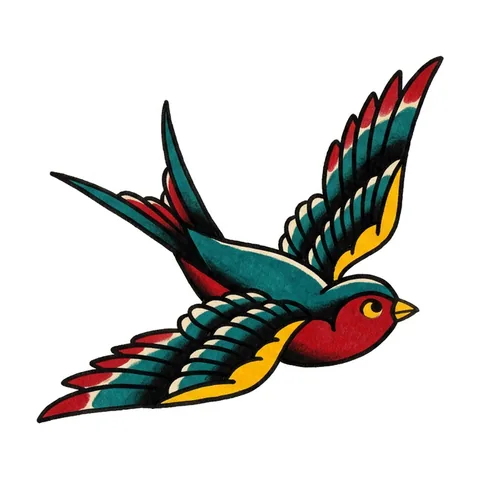
Single tattoo flash design centred on a pure white background, crisp clean lines, lots of white space, flat scan look, no skin. American traditional swallow in flight, bold black outlines, solid red, yellow and teal fills, classic old-school flash.

Negative prompt: text, letters, signature, watermark, logo, blurry lines, messy background, skin, extra elements, copyrighted characters
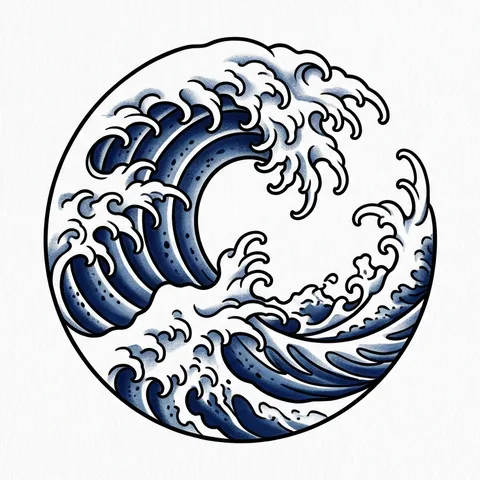
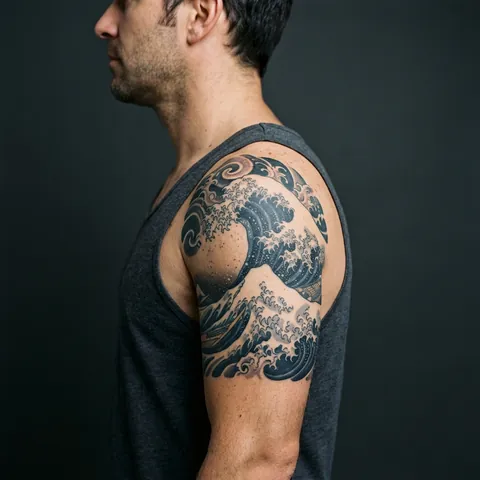
Single tattoo flash design centred on a pure white background, crisp clean lines, lots of white space, flat scan look, no skin. Japanese-inspired great wave with curling foam, bold black linework and indigo shading, compact circular composition.

Negative prompt: text, letters, signature, watermark, logo, blurry lines, messy background, skin, extra elements, copyrighted characters
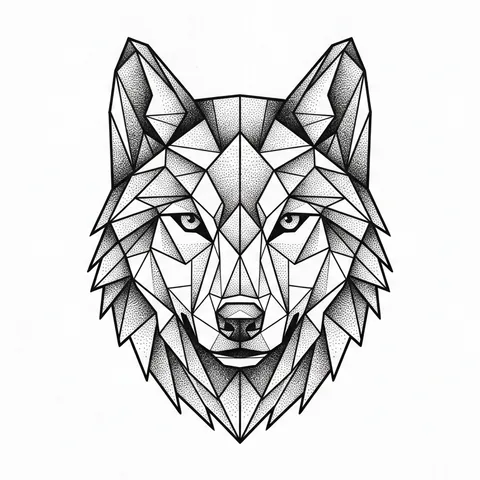
Single tattoo flash design centred on a pure white background, crisp clean lines, lots of white space, flat scan look, no skin. Geometric wolf head built from triangular facets and thin straight lines, blackwork with dotwork shading, symmetrical.

Negative prompt: text, letters, signature, watermark, logo, blurry lines, messy background, skin, extra elements, copyrighted characters
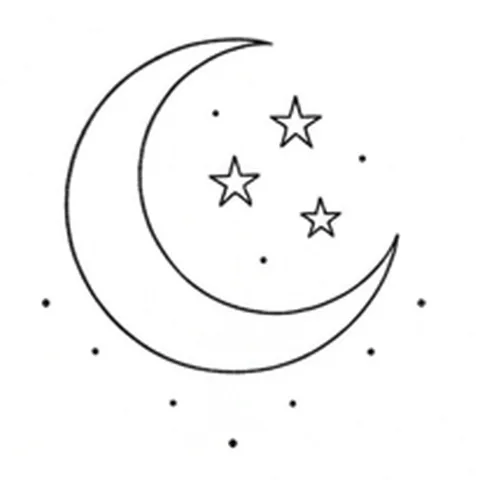
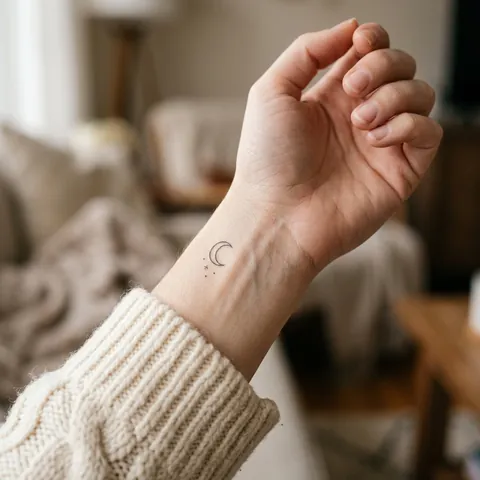
Single tattoo flash design centred on a pure white background, crisp clean lines, lots of white space, flat scan look, no skin. Minimalist crescent moon with three tiny stars and a few dots, thin black fine-line, very small and simple.

Negative prompt: text, letters, signature, watermark, logo, blurry lines, messy background, skin, extra elements, copyrighted characters
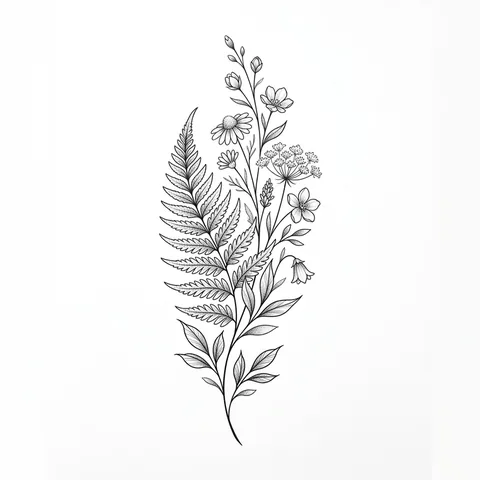
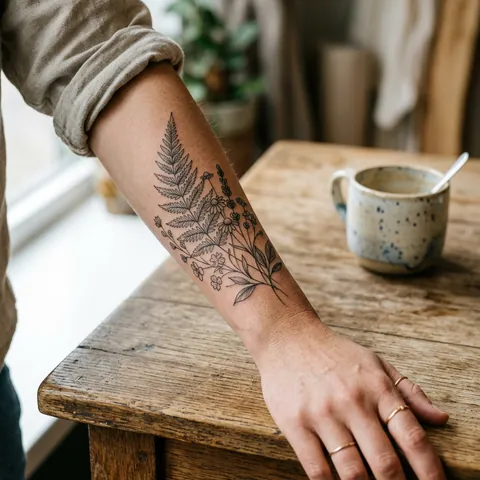
Single tattoo flash design centred on a pure white background, crisp clean lines, lots of white space, flat scan look, no skin. Botanical fern and wildflower sprig, vertical composition, fine black linework with soft grey shading.

Negative prompt: text, letters, signature, watermark, logo, blurry lines, messy background, skin, extra elements, copyrighted characters
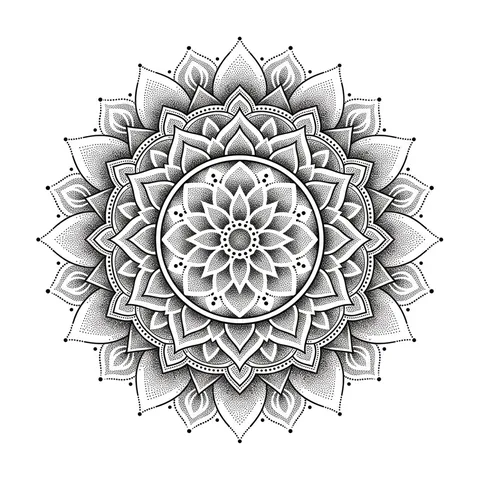
Single tattoo flash design centred on a pure white background, crisp clean lines, lots of white space, flat scan look, no skin. Dotwork mandala, perfectly symmetrical, black ink with fine stippled gradients and thin rings.

Negative prompt: text, letters, signature, watermark, logo, blurry lines, messy background, skin, extra elements, copyrighted characters
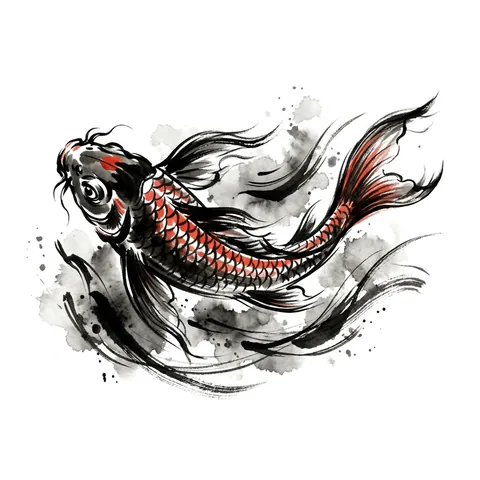
Single tattoo flash design centred on a pure white background, crisp clean lines, lots of white space, flat scan look, no skin. Chinese ink-wash style koi with flowing fins, expressive black brush strokes and a touch of vermilion, compact splashes.

Negative prompt: text, letters, signature, watermark, logo, blurry lines, messy background, skin, extra elements, copyrighted characters
Single tattoo flash design centred on a pure white background, crisp clean lines, lots of white space, flat scan look, no skin. Neo-traditional tiger head with ornamental frame, rich jewel-tone colours, bold varied line weights, decorative flowers.

Negative prompt: text, letters, signature, watermark, logo, blurry lines, messy background, skin, extra elements, copyrighted characters
Single tattoo flash design centred on a pure white background, crisp clean lines, lots of white space, flat scan look, no skin. Watercolour hummingbird with soft colour splashes in teal, magenta and gold, thin black accent lines, airy and light.

Negative prompt: text, letters, signature, watermark, logo, blurry lines, messy background, skin, extra elements, copyrighted characters
Single tattoo flash design centred on a pure white background, crisp clean lines, lots of white space, flat scan look, no skin. Blackwork serpent coiled around a dagger, heavy solid black fills with negative-space highlights, bold and graphic.

Negative prompt: text, letters, signature, watermark, logo, blurry lines, messy background, skin, extra elements, copyrighted characters
Single tattoo flash design centred on a pure white background, crisp clean lines, lots of white space, flat scan look, no skin. A set of four tiny matching tattoos: sun, moon, wave and mountain, consistent fine-line style, evenly spaced on one sheet.

Negative prompt: text, letters, signature, watermark, logo, blurry lines, messy background, skin, extra elements, copyrighted characters
Edit my uploaded photo: keep my body, skin tone, pose and background exactly the same and add a realistic healed tattoo of the design from my second image on my inner forearm, following the curve of the arm, ink settled into the skin, natural light.

Negative prompt: different person, tattoo floating above the skin, wrong perspective, fresh redness, blood, text, watermark, logo
Edit my uploaded photo: show the same tattoo design in three placements side by side (wrist, forearm, shoulder) at realistic sizes on the same person, healed black ink, consistent skin tone, soft studio light.

Negative prompt: different person, tattoo floating above the skin, wrong perspective, fresh redness, blood, text, watermark, logo
Yes. The prompts and the try-on tool are free with no sign-up. The tool runs in your browser and never uploads your photo.
How do I try a tattoo on my photo?
Upload a photo of your arm, wrist or shoulder in the tool above, pick a flash design or upload your own, then drag, resize and rotate it and download the PNG.
Why does the design have a white box around it?
Keep 'Remove white background' switched on. It turns white and near-white pixels transparent. For best results, generate designs on a pure white background.
Can I get this design tattooed?
Use it as a reference. A tattoo artist will redraw it so lines are the right thickness and spacing for your skin and size.
Can AI generate tattoo lettering?
It often misspells. Generate the artwork with AI and have your artist hand-letter any words.
Do you store my photos?
No. Everything happens on your device; drawcue never sees your photo or design.